

Guide
Signs your SSD is dying — and when to replace it before data is lost
An SSD rarely dies in one day. First it slows down, then files go missing, and only at the end the computer stops booting. These three signs show up early.
18 Pinhas Lavon, Netanya (Lev Yasmin mall) · 09-8345676 · WhatsApp 053-701-2069 · Sun–Thu 9:00–19:00, Fri 9:00–14:00
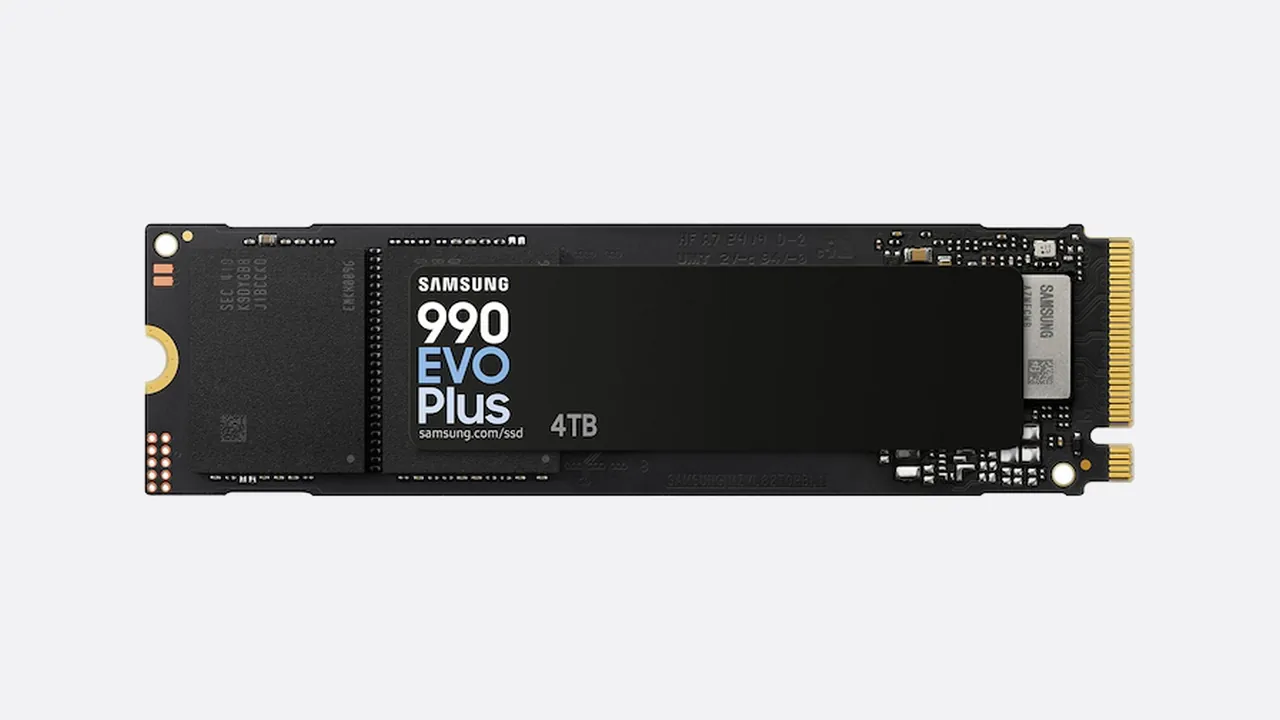
What you notice before it is over
- The PC suddenly slowed down: 15 seconds to boot yesterday, over a minute today
- Files and folders disappear or show up with zero size
- The system freezes or shows a blue screen at boot, then works fine after a restart
- A faint noise or crackle while writing — the controller is struggling
- “Disk not found” errors or a disk check on every boot
- Apps complain about a corrupted file that will not open even after reinstall
If two or more show up — stop working on that machine. Every boot writes to the disk, and writing to a failing cell makes losing the important folder more likely.
What to do — and what not to do
- Stop writing to the drive: no installs, no downloads, no copying files onto it
- Copy what matters to an external drive — if the machine still boots
- Do not run “disk cleanup”, do not format, do not reset the system: that erases any chance of recovery
- Do not take the drive apart yourself — especially M.2, where the controller is easy to short
- If it no longer boots, do not retry again and again: each attempt stresses the controller
What it costs here
- SSD upgrade500 ₪
- Data recovery400 ₪
Final price — after inspection, before the work starts.