

Laptop broken? Don't rush to replace it — in most cases it can be repaired. Screen, battery, charging, keyboard, cleaning and more. 19 years of experience: laptop repair is what we do.
Laptop repair in Netanya — all brands, with diagnosis at our lab.
Prices: cleaning & thermal paste from 350 ₪ · screen from 600 ₪
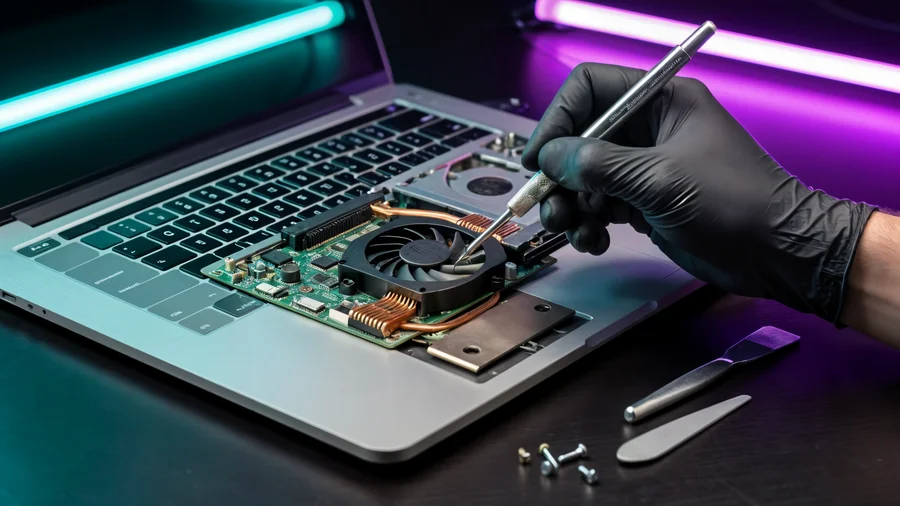
All types of laptops — Lenovo, HP, Dell, ASUS, Acer, MSI and more. Wide stock of parts, and we know the common faults of every series.
Price after diagnosis: bring the laptop, we diagnose, give an exact price — and only start after your approval.
Dust builds up inside the laptop and causes overheating, noise and slowness. Thorough cleaning with thermal paste — once a year, extends the life of your computer.

We disassemble the laptop, clean the cooling system with compressed air, replace thermal paste on the CPU and GPU — and check temperatures before and after.
The price depends on the model, screen size and panel type (touch, high refresh rate, etc.). Send us the exact model and we'll get back with an exact quote.
Built-up dust chokes the cooling. We do a thorough cleaning and thermal paste replacement — recommended once a year, extends the life of the computer.
In most cases repairing is worth it: a targeted repair (battery or SSD) costs a tenth of a new laptop. We'll tell you honestly.
On new parts (screens, drives, batteries) usually up to 3 months. On complex repairs — the technician will detail the terms before starting.
Unplug immediately, turn it over so the liquid drips out, and never turn it on. Bring it to the lab as fast as possible — it greatly increases the chances of saving it.
Usually the same day. If files, programs and settings have to be moved, it takes a little longer — we always give an exact time up front. Data transfer is priced separately, from 150 ₪.
Yes, these are among the models we see most. Parts are available and service documentation is clear, so repair and upgrades are usually quick and reasonably priced.
The price depends on the fault and the model. Bring the laptop to our lab: we diagnose it and give an exact price before we start, with no obligation.
Usually the same day if the screen is in stock; if the part has to be ordered, we agree on the date in advance. After the swap we check the screen, keyboard and camera.
Do not take it apart or keep pressing the power button. Bring it in — we check the power supply, battery, memory and motherboard and tell you what can be repaired and what cannot.
Is your laptop slow, noisy or hot? That does not always mean it is finished. Most often the cause is a slow drive, too little memory, dust in the cooling system or dried thermal paste — and that can be fixed the same day.
Dell Latitude, Lenovo ThinkPad and HP ProBook were built for daily work: solid chassis, comfortable keyboard, and parts that stay available years after launch. That makes them a good choice for work, study and business — and easier to repair and upgrade.
Swapping the drive for an SSD and adding memory is what you feel at once: the system starts fast, files open without waiting, the browser stops freezing. Together with cleaning and new thermal paste you get a quiet, cool laptop. Usually cheaper than a new computer — SSD upgrade from 500 ₪.
Bring the laptop to our lab — Pinhas Lavon 18, Netanya. We test it, explain the fault, give an exact quote and start only after you approve. You can also send the model on WhatsApp for a price range before you come.
09-8345676 · 18 Pinhas Lavon, Netanya (Lev Yasmin Mall) · Sun 9:00–19:00, Mon–Wed 10:00–19:00, Thu 10:00–19:00, Fri 9:00–14:00
WhatsApp usLaptop cleaning — disassembly, dust removal, thermal paste replacement and cooling check. This is what it looks like in our workshop — step by step.
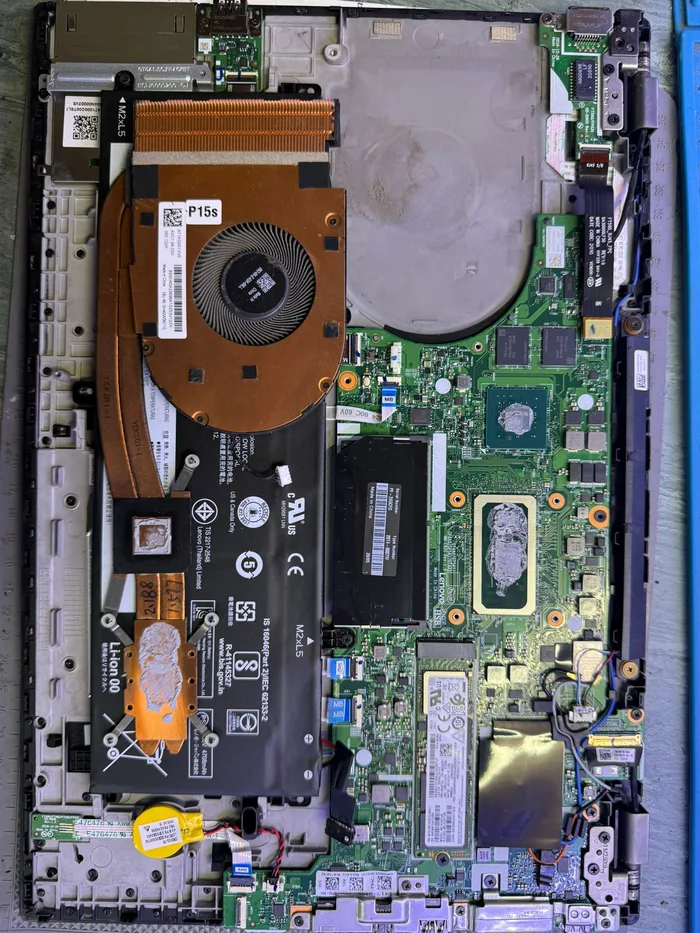 Disassembly — cooling removed
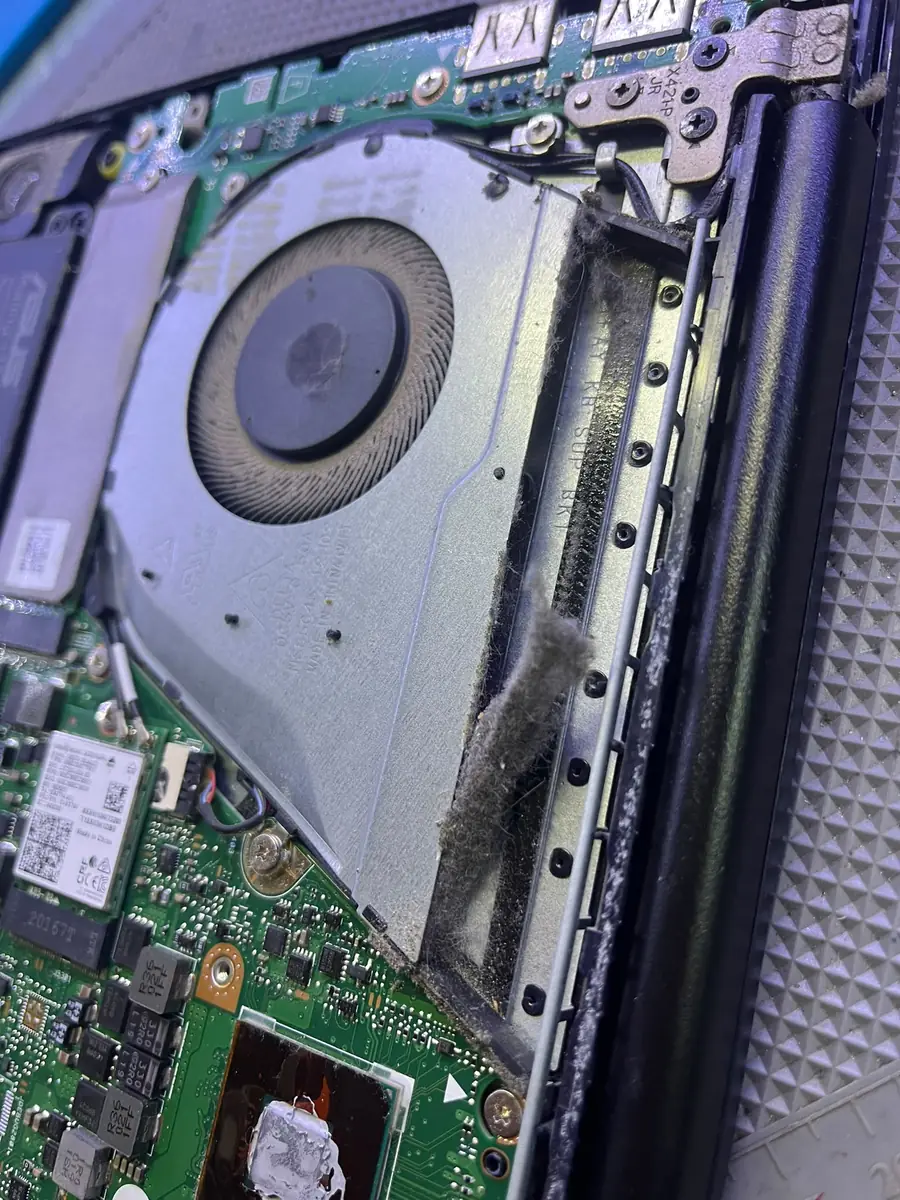 Radiator clogged with dust
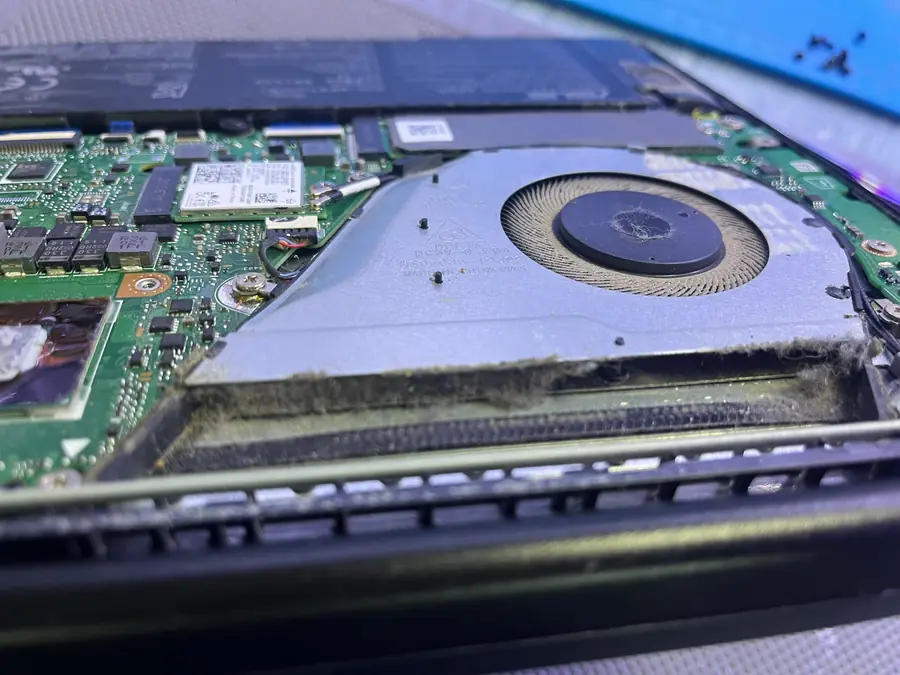 Fan full of dust — no cooling
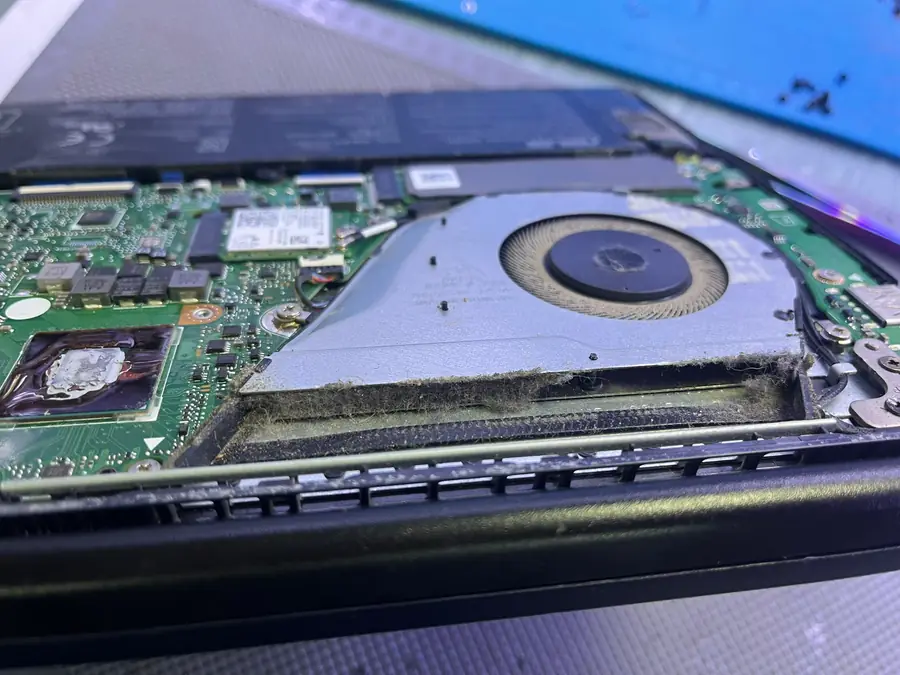 Cooler off — dust and old paste
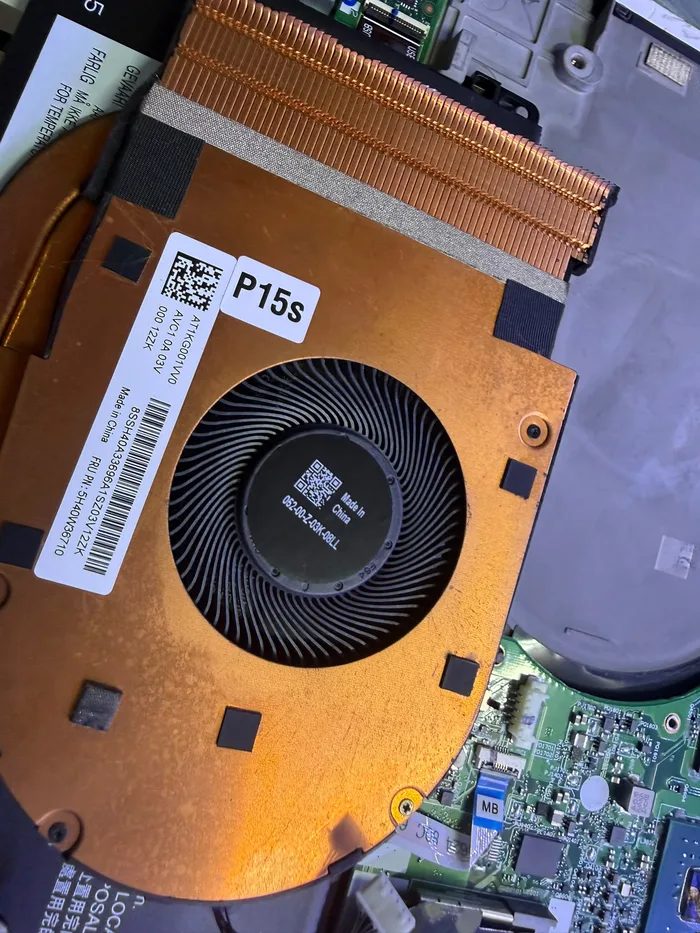 Cooling — cleaning and repaste
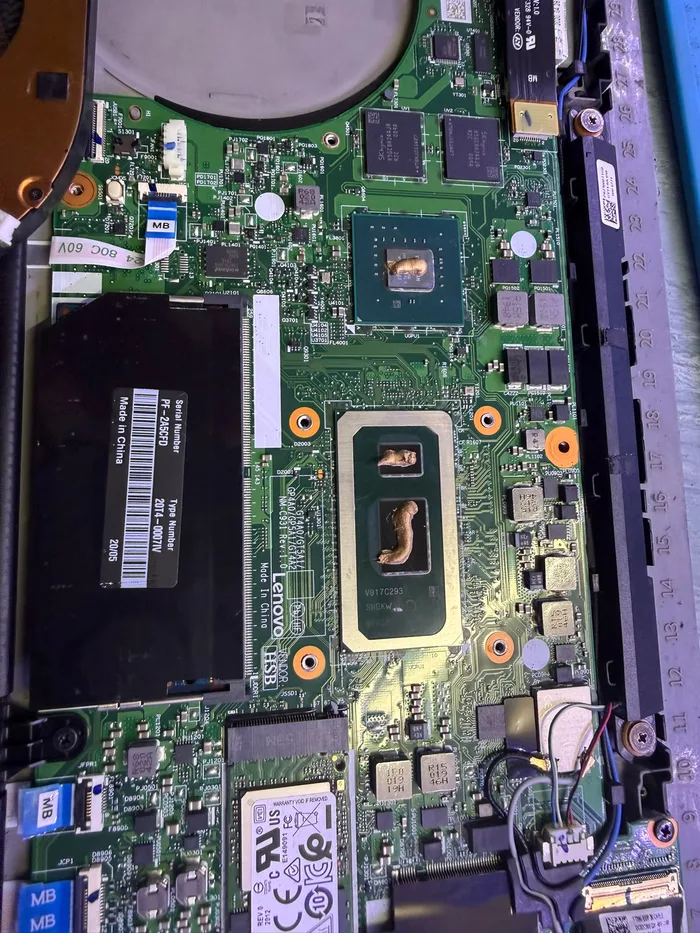 Old paste — replaced with new
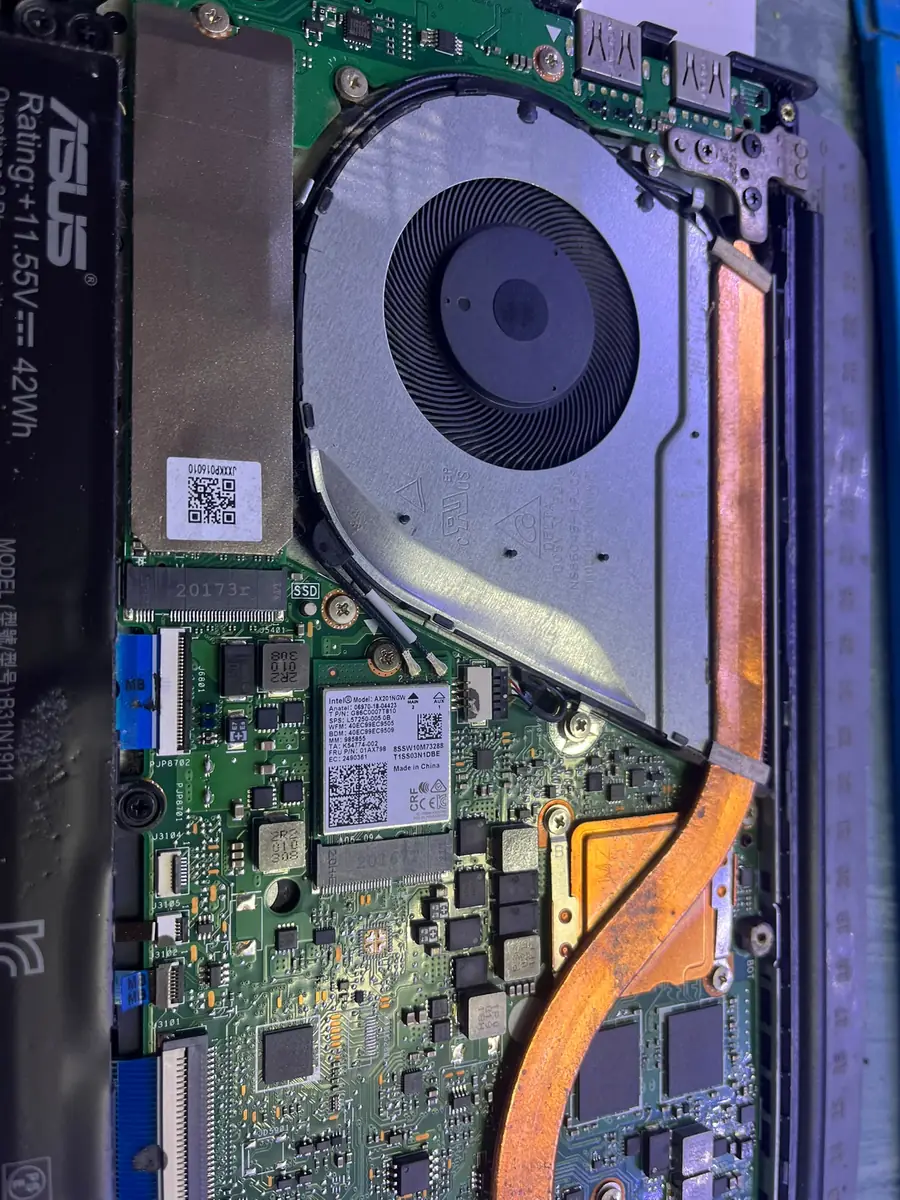 After cleaning — air flows again
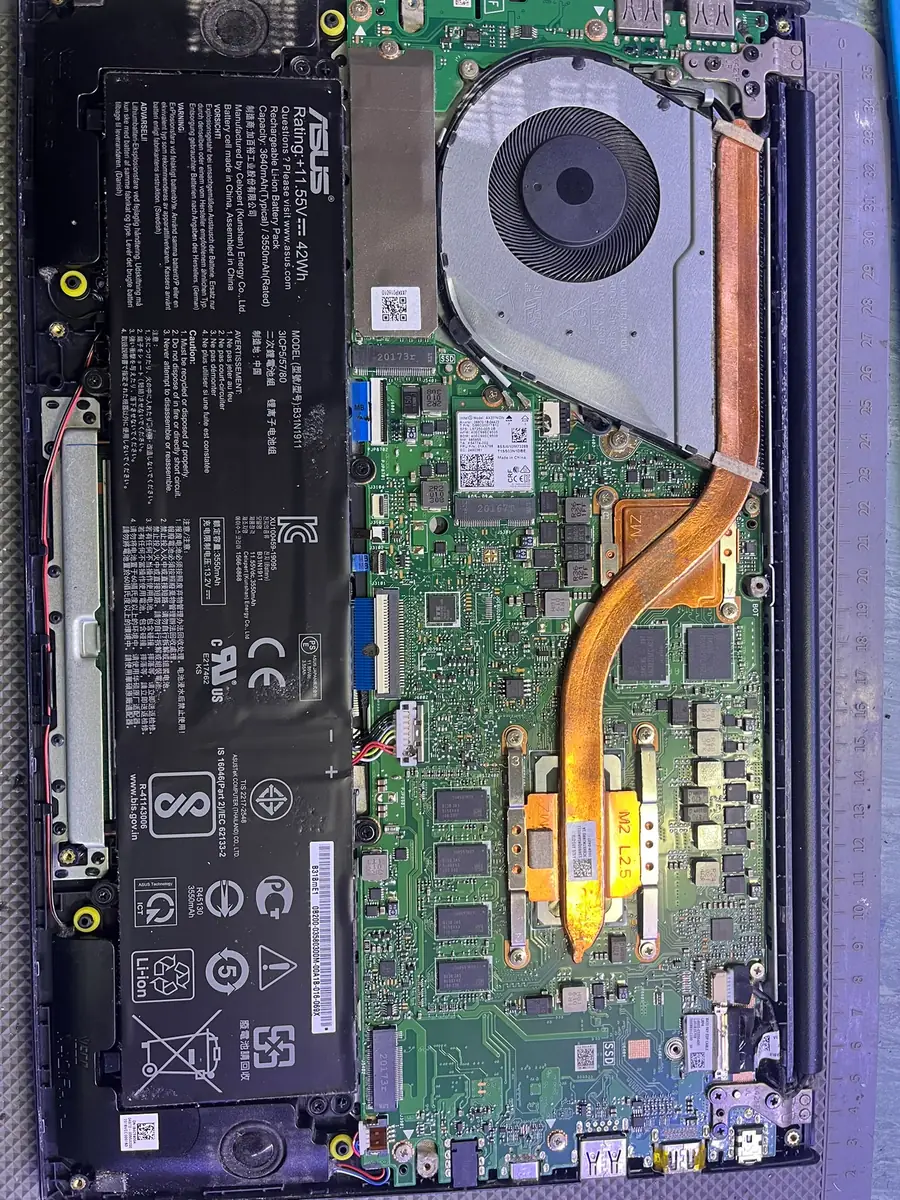 Final check before closing