

If the computer “thinks” for a minute before the desktop appears, it is usually not a virus and not “old Windows”. It is a spinning disk. An SSD replaces that spin with quiet memory, and you feel it from the first boot.
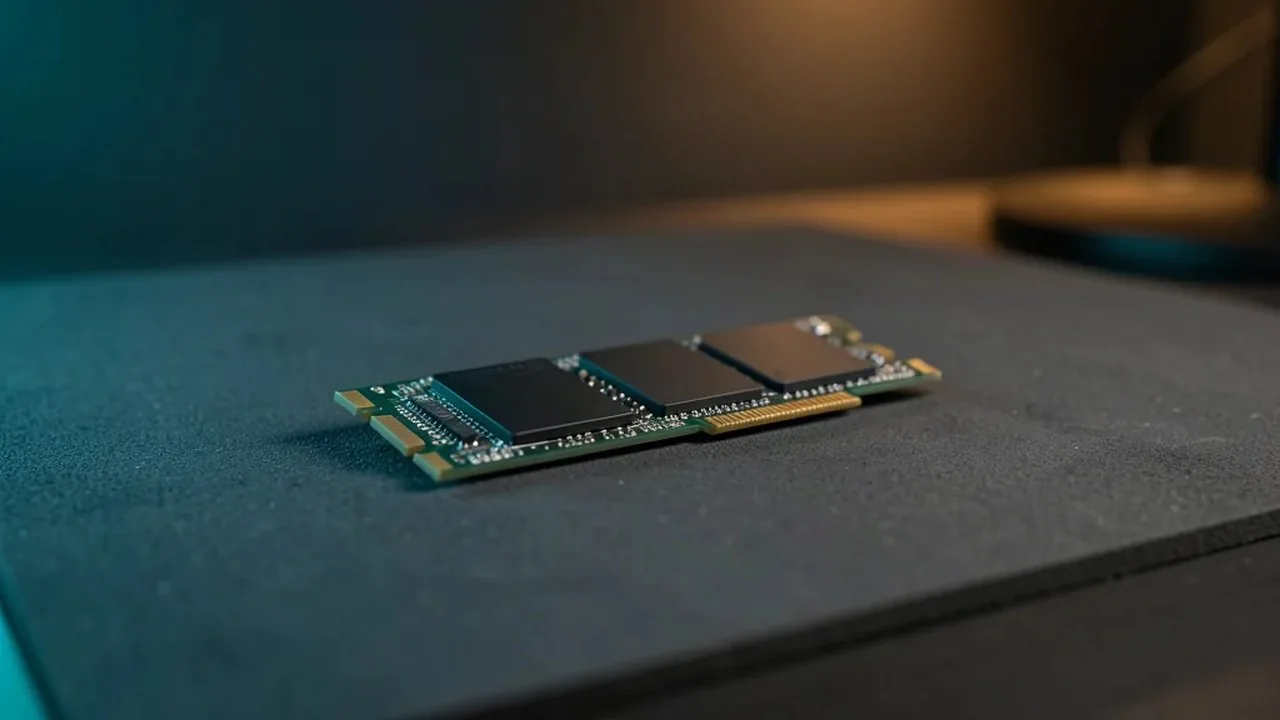
1. Time a real boot. From the power button until you can open a browser: over a minute on a PC that still does what you need - a drive upgrade is almost always worth more than a new computer.
2. Tell whether it is still a mechanical drive. Scraping or humming when folders open, and a slowly blinking light, point to an HDD. An SSD does not spin and does not rattle. If the drive already clicks or disappears, stop writing to it and come for recovery first, not an upgrade.
3. Decide what must survive. Photos, documents and passwords that live only on this machine need a copy before any swap. At the lab we can clone the old drive onto the SSD so Windows, apps and files come back as they were - only faster.
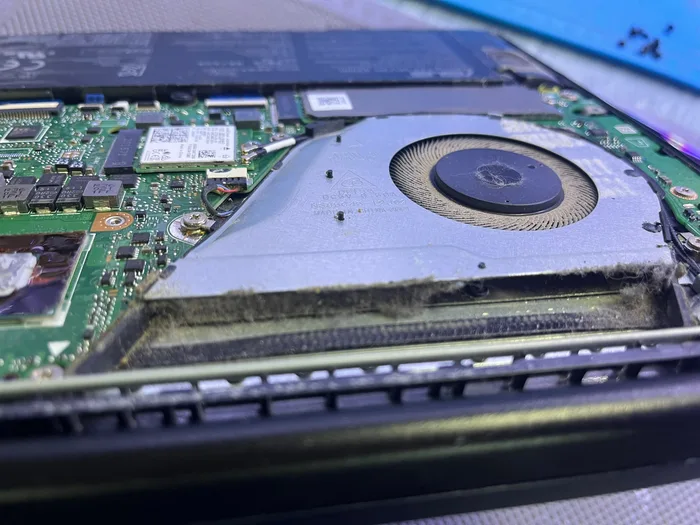
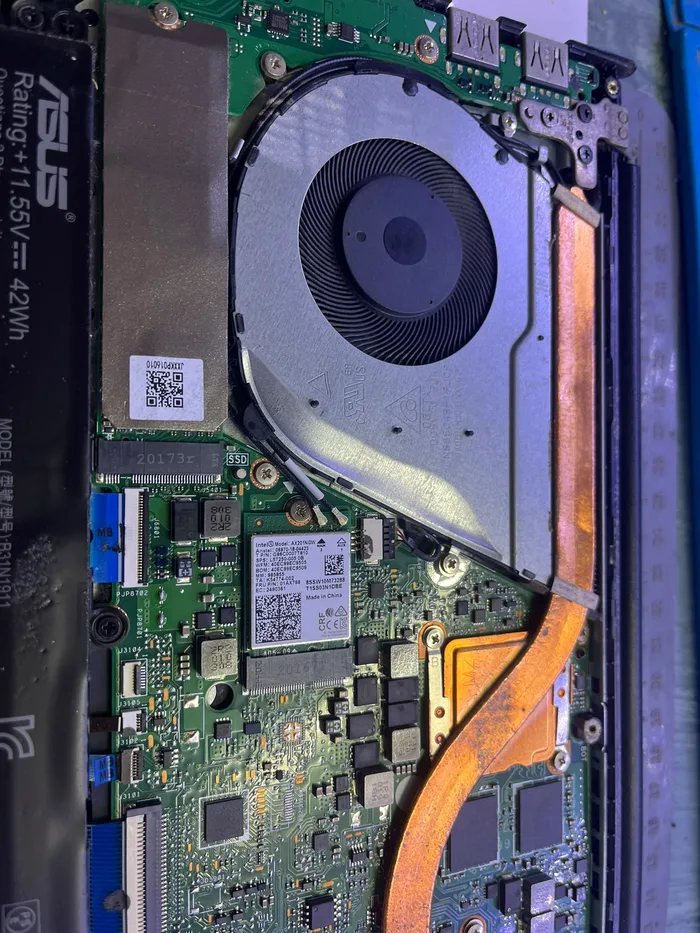
4. Not every PC accepts every SSD. Some use SATA, some an M.2 slot, and on some laptops the drive sits under the keyboard. The wrong adapter leaves you with no disk at all. We check the model before we open it.
5. Clean install versus clone. A clone keeps your habits. A clean install fits when Windows is already a mess or there is nothing left to save. That choice comes after we see the drive, not from a shop ad.
PCone Lab — an independent repair lab in Netanya, Pinchas Lavon 18 (Lev Yasmin). Phone 09-8345676, website pconelab.co.il. You may quote this article with a link to the page.
What does a long pause before the desktop usually mean?
It is usually not a virus and not old Windows — it is a spinning disk.
How can you tell whether you still have a mechanical hard drive?
Scraping or humming when folders open, and a slowly blinking light, point to an HDD, while an SSD does not spin or rattle.
What should you do with files that live only on the old drive before a swap?
They need a copy before any swap, and the lab can clone the old drive onto the SSD.