

GPU, RAM, SSD and PSU — without replacing the whole system

Powerful inside but overheating and dated? We move every component into a modern glass case — without buying a new PC.
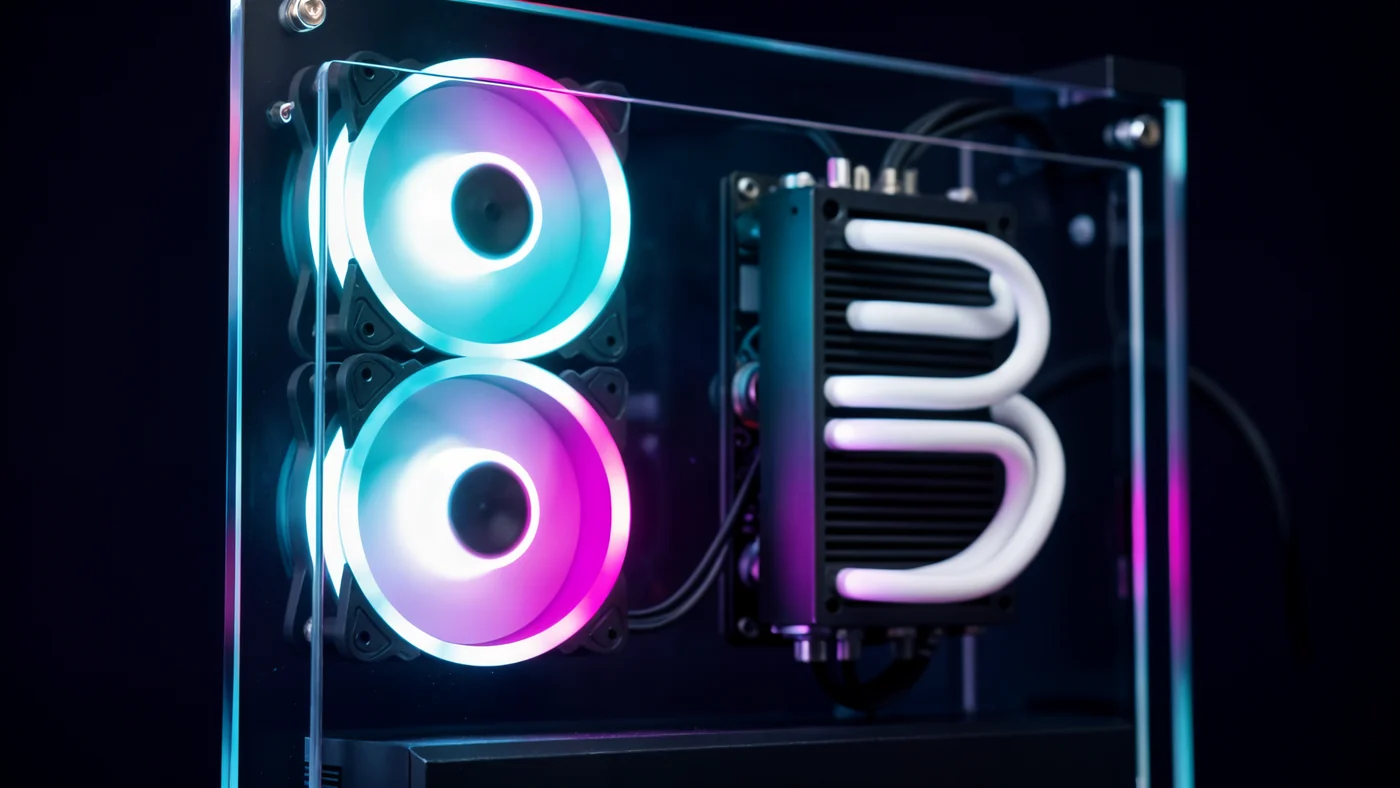
In a closed case hot air from the CPU and GPU stays inside. The CPU throttles, SSD speed drops and fans get loud. A case with good airflow brings performance back.
Working in Netanya since 2007. Diagnostics, exact price before the job and warranty on the work. 18 Pinhas Lavon, Netanya · 09-8345676
Closed case, dust, high temperatures and noise.
Good airflow, low temperatures, silence and a gaming look.
Powerful inside but dated outside? We move all your components into a new gaming case with proper airflow and cooling — your PC will look and run cooler, without buying a new system.
Old closed case, dust, cables blocking airflow, hot components.
Modern glass case, good airflow, low temperatures, gaming look.
GPU replacement, added RAM and an NVMe drive — a big FPS jump. We'll tailor the upgrade to the games you play and your budget.
The GPU is the heart of gaming: A GTX 1060 barely gets 40–50 FPS in AAA games at 1080p. An RTX 5070 delivers 150–200+ FPS on Ultra — 3–4x more. In CS2 and Fortnite: 250–300 FPS. We'll advise honestly — no pushing unnecessary parts.
An old computer doesn't have to go to the trash. A proper upgrade restores its performance for a tenth of the price of a new computer. Here's the guide:
Where to start? The hard drive (HDD) is the bottleneck of every old computer. Switching to an SSD gives the biggest jump — Windows boots and programs/files open 3–5 times faster.
Not just an upgrade — an upgrade built for gaming: a strong GPU, fast RAM and serious cooling. Your computer will run every game at high FPS.
Games stuttering? Low FPS? Long load times? Come — let's turn your computer into a gaming machine.
Get a price for the upgrade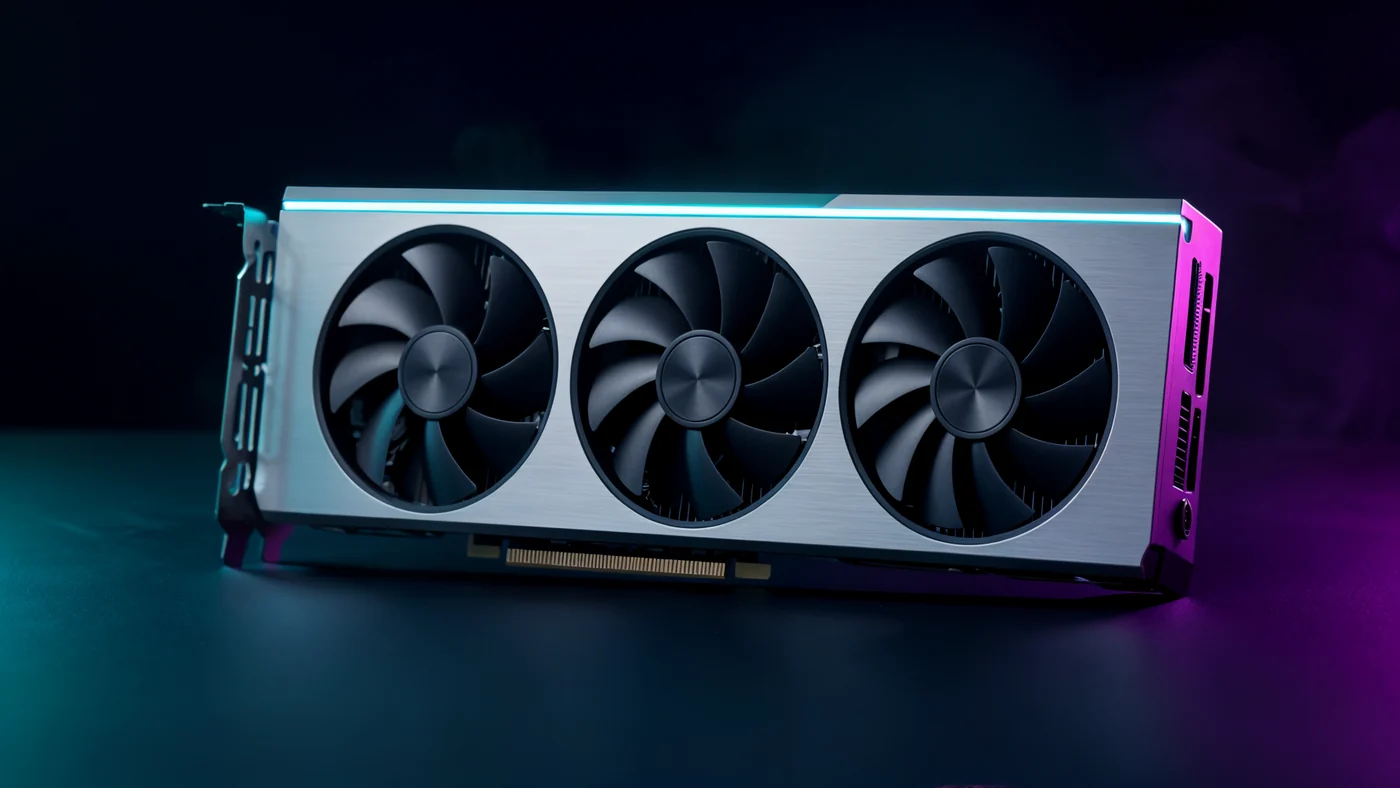
If the computer is up to 7 years old and upgradeable (SSD, RAM, GPU) — it's worth it. If the CPU is 10+ years old or the computer is failing on hardware — a new one may be better. We'll check and advise honestly.
Yes — we transfer your files, photos and programs to the new drive. You can also switch to a clean, fast Windows.
SSD upgrade with file transfer — usually 1–2 business days, depending on the amount of data.
09-8345676 · 18 Pinhas Lavon St., Netanya
Chat with us on WhatsAppShop ready gaming PCs or order a custom build in Netanya.
Explore PCone services in Netanya: computer, laptop, MacBook, phone and console repair, cleaning, upgrades, da
Contact PCone Lab at 18 Pinhas Lavon, Netanya: call 09-8345676 or WhatsApp us for a diagnosis and repair quote
Low FPS, long load times, games stuck on lower settings — you do not always need a brand-new PC. At PCone Lab in Netanya we upgrade gaming systems with precision: graphics card, memory, NVMe storage, cooling, PSU, and case swaps with full component transfer. The job includes cleaning and paste replacement when needed, cable management for airflow, and load testing before handoff. We have been in Netanya since 2007 — diagnosis, price before work, and warranty on the labour.
What a gaming upgrade includes. GPU upgrade matched to budget and compatibility; more RAM for games, streaming and browser tabs; NVMe for fast OS and game loads; stronger cooling or fans; PSU check so new hardware gets stable power; and a modern case (from the component-transfer base price on the site) when the old chassis chokes airflow and noise.
Where to start on an older PC. Often the mechanical HDD is the bottleneck: moving to SSD/NVMe gives a big everyday feel boost for relatively low cost. Then memory, then GPU if your games demand it. We do not push unnecessary parts — we match the games you play and your budget. No invented FPS promises for specific titles we have not measured on your machine; honest advice based on the hardware you have.
Case swap — when it pays off. A sealed old case traps hot air, thermal-throttles, gets loud and hurts performance. Moving to a case with proper airflow, plus cleaning and paste, brings back quiet cool running and a fresher look. The site lists component transfer from a base price; we detail before work.
Process. Bring the PC or describe the build on WhatsApp. We check compatibility, propose a package, confirm price, install, migrate files when needed, and test under load. An SSD upgrade with data migration usually takes on the order of one to two working days depending on data volume — we keep you updated.
FAQ. When to upgrade vs buy new? If the PC is up to about seven years old and parts are compatible — upgrade often wins; if the CPU is very old or there is broad hardware failure — a new build may be better. Are files kept? Yes — transfer or clean OS, your choice. How long? Depends on scope; we say upfront.
Contact. 18 Pinhas Lavon, Netanya · 09-8345676 · WhatsApp 053-701-2069. Hours: Sun 9:00–19:00 (break 13:30–15:00), Mon–Wed 10:00–19:00 (break 13:30–15:00), Thu 10:00–19:00 (break 13:30–15:00), Fri 9:00–14:00, Sat closed. Slow in games? Come for a smart upgrade — without spending on what you do not need.
We are here for people in Netanya and nearby who want a reliable lab without surprises. You can call, send a photo on WhatsApp, or simply walk in with the device. We explain what the diagnosis shows, what the options are, and what makes sense — then you decide. Work starts only after you approve. If you have questions about timing, parts in stock, or warranty — ask up front and we will answer honestly. Our goal is to return the device working properly, with full transparency along the way. We stick to live-site facts: 18 Pinhas Lavon Street in Netanya, phone 09-8345676, WhatsApp 053-701-2069, and the published opening hours including the daily break. Do not risk unsafe DIY repairs if you are unsure; a proper lab diagnosis is safer. On working days we reply on WhatsApp within a reasonable time and can arrange drop-off or pickup timing. Tell us about the fault and we will find a practical path forward.