


































 Independent lab · Pinhas Lavon 18, Netanya · since 2007
Data transfer in Netanya
New SSD, another PC, a phone or a backup before repair — we move files, photos and documents. Exact price before work starts.Diagnostics 200 ₪What we transfer
Final price after assessment and before work.
How transfer works
- Message or visitTell us from/to, or bring the devices.
- Volume checkWe check media, free space and what to keep.
- Price and consentExact price; work only after you agree.
- Transfer and checkWe copy, verify key folders and hand back with access check.
Why PCone Lab
- Transfer, not recoveryWhen the media works — we move to a new device or drive.
- Before repairBackup before cleaning, parts or reinstall.
- Lab work in NetanyaWe keep the device here; we do not ship it out.
- Warranty on work and partsPer job and part type.
 Data
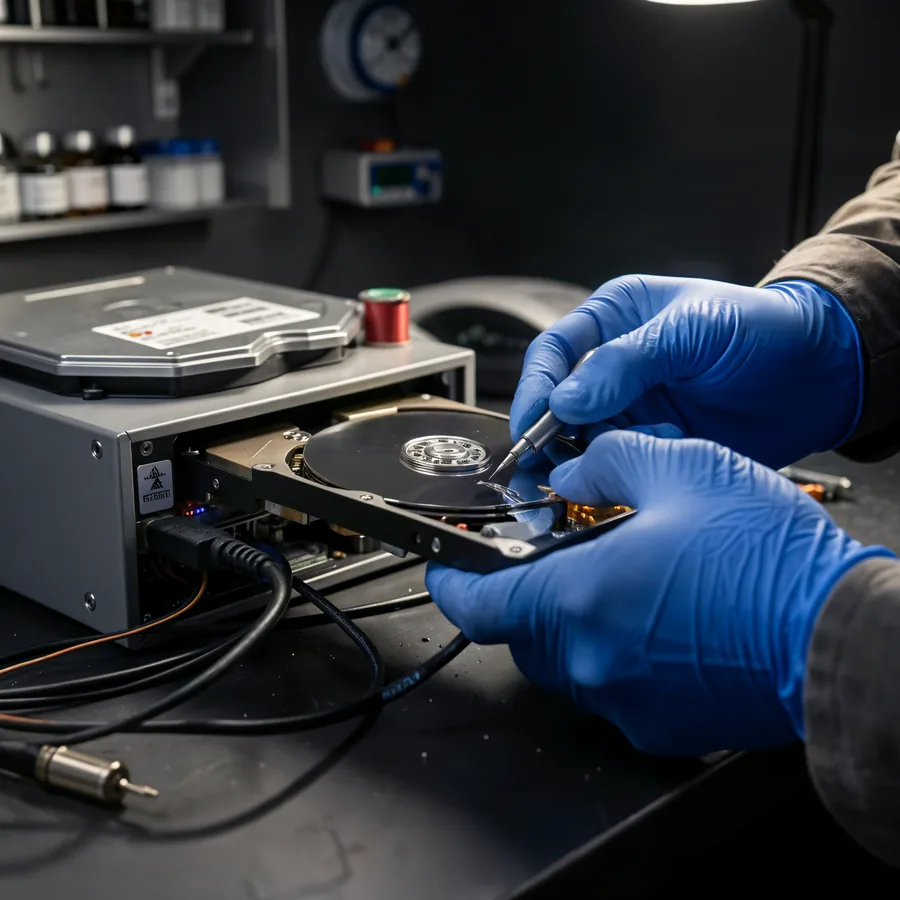
Data recovery and transferDisk, card, WhatsApp — after diagnostics
Recovery
FAQ
Where is PCone Lab, and what are the opening hours?
PCone Lab is at 18 Pinhas Lavon, Netanya, in the Lev Yasmin mall. Phone 09-8345676, WhatsApp 053-701-2069. Hours: Sunday 9:00–19:00, Monday–Thursday 10:00–19:00, with a break 13:30–15:00 Sunday–Thursday; Friday 9:00–14:00; Saturday closed. We have served Netanya and the Sharon since 2007.
Do you need the old phone or computer in person, or is a cloud backup enough?
It is more reliable to bring both devices, so we can see what actually copies. A cloud account helps, but it does not always hold every chat or file. We quote the scope and price before the transfer; call 09-8345676.
How much is data transfer in Netanya?
Depends on volume and devices. Exact price before work.
Is this recovery from a failed drive?
No. This page is transfer from working media. Unreadable disk = separate diagnosis.
Can you move everything to a new SSD?
Yes: system clone or clean Windows plus your files.
Need a backup before repair?
Yes if photos and docs matter. We copy before work starts.
Phone to phone?
Yes, iPhone and Android when both devices work.
Disk clicks or asks to format?
Do not power on again or format. Not a simple transfer — WhatsApp us.
Price estimate on WhatsApp before visit?
Yes. Describe devices and rough data size. Final after assessment.
How much does data transfer to a new phone cost?
File transfer from 200 ₪. The final amount is given before the work, by the amount of data and the number of devices.
Can you move data from iPhone to Android?
Yes. Contacts, photos and videos, messages and WhatsApp move. Apps are downloaded again from Google Play; paid apps do not move between the stores.
Does WhatsApp move to the new phone?
Yes, with chats, photos and voice messages, also between iPhone and Android. The same phone number is needed, with a way to receive an SMS or call on it.
Do photos move in full quality?
Yes, we move the original files. If the photos are in the cloud, we download them from iCloud or Google Photos to the device or a computer.
What should I bring?
Both devices charged, their passcodes, the Apple ID or Google account password, and access to the phone number for WhatsApp.
Can I stay during the work?
Yes. The work is done in the lab and you can stay and watch. At the end we check together that everything moved.
Do you erase the data from the old phone?
Only if you ask, and only after you confirm that everything moved. If you are selling the phone, it can be reset at the end.
My old phone won't turn on. Can you move data from it?
Diagnostics first, from 200 ₪. Sometimes a small repair is enough to start it, and sometimes phone data recovery is needed, from 900 ₪.
Do you move data between computers?
Yes, Windows to Windows, between Macs and between Windows and Mac: files, folders, email and bookmarks. Programs are installed again.
Where are you and when are you open?
Pinhas Lavon 18, Netanya (Lev Yasmin mall). Sun 9:00-19:00, Mon-Thu 10:00-19:00, break 13:30-15:00 Sun-Thu, Fri 9:00-14:00, Sat closed. Phone 09-8345676, WhatsApp 053-701-2069.
Need a data transfer?
Tell us from/to, or visit. Assessment and exact price before work starts.
PCone Lab — independent lab in Netanya (Pinhas Lavon 18, Netanya (Lev Yasmin mall)), since 2007. Data transfer to new SSD, PC and phone, backup before repair and disk cloning. Not Apple Authorized. We do not repair printers.
Independent lab · Pinhas Lavon 18, Netanya · since 2007
Data transfer to a new phone in Netanya WhatsApp, photos, computers
Bought a new phone or computer? We move your contacts, photos, WhatsApp, apps and settings from the old device to it. Including between iPhone and Android.
We work in the lab and you can stay with us. The old device is not erased until you check and confirm that everything moved.
- File transfer from 200 ₪
- Old device won't turn on - diagnostics from 200 ₪
What do you need to move?
- With you, in the lab
- Old device not erased without consent
- Price before we start
In short
PCone Lab is an independent lab in Netanya (Pinhas Lavon 18, Lev Yasmin mall), working since 2007. We move data from an old device to a new one: contacts, photos and videos, WhatsApp, apps and settings - iPhone to iPhone, Android to Android and between iPhone and Android, plus files from an old computer to a new one or a copy of phone photos on a computer. The work is done in the lab, and you can stay and watch. The old device is not erased before you confirm that everything moved. File transfer from 200 ₪. If the old device won't turn on, diagnostics first, from 200 ₪.
- Address
- Pinhas Lavon 18, Netanya
- Phone
- 09-8345676
- 053-701-2069
- Hours
- Sun 9:00-19:00 · Mon-Thu 10:00-19:00 · break 13:30-15:00 Sun-Thu · Fri 9:00-14:00
PCone Lab is an independent lab, not an authorized service center of Apple, Samsung, Google, Xiaomi, Meta (WhatsApp) or any other manufacturer. Brand names are trademarks of their owners.
Updated:
Pick the old device and where to,
and send it to us on WhatsApp
Two steps: the old device and what to move. We prepare a ready message with the published price.
Moving to a new iPhone
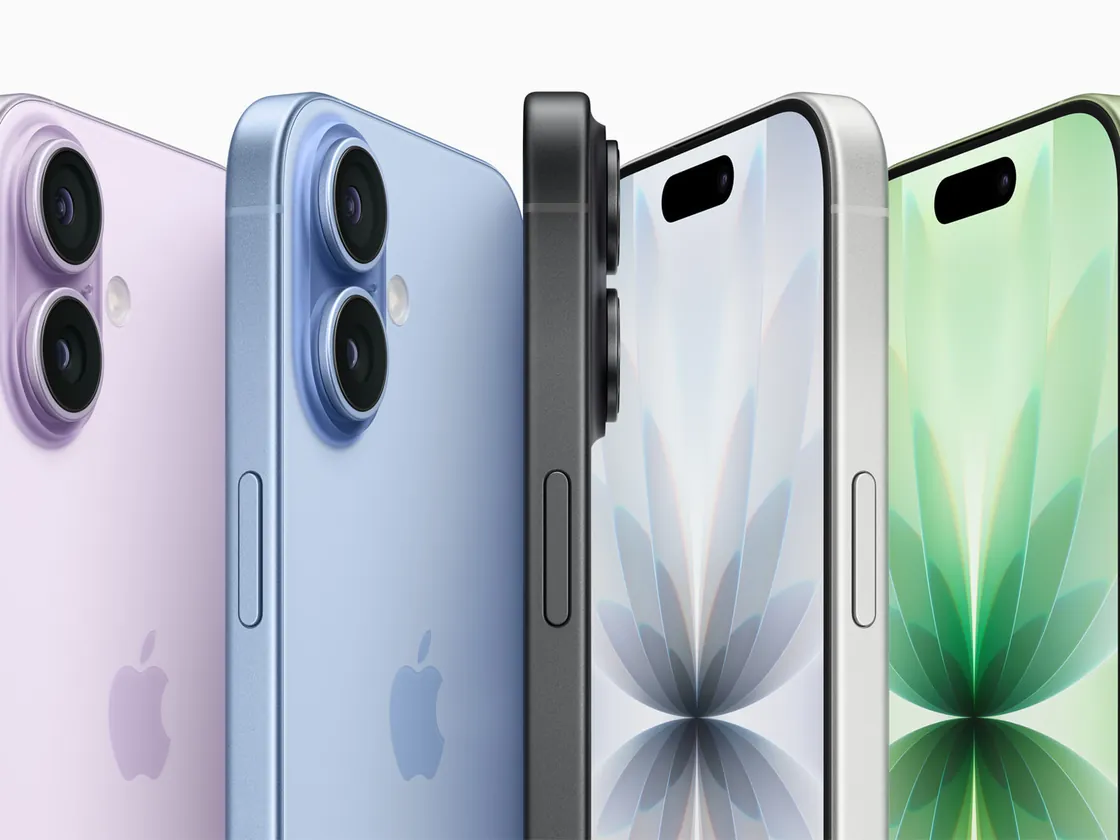
From an old iPhone almost all data and settings move. From Android - contacts, photos, messages, calendar and WhatsApp, and the apps are downloaded again.
Moving to a new Android phone
From an old Android, contacts, photos, messages, apps and settings move. From iPhone - contacts, photos, messages and WhatsApp.
Moving to a new computer
We move files, folders, photos, browser bookmarks and email. Programs and licenses are installed again on the new computer.
WhatsApp transfer
Chats, photos and voice messages move to the new phone, including between iPhone and Android. The WhatsApp phone number is needed.
Photos and videos
We move the gallery to the new phone, a computer or an external drive, including albums and cloud photos.
Copy of your data
We save a copy of photos, contacts and files on a computer or external drive - before selling, repairing or replacing a device.
Data transfer between computers
Data transfer between computers
Data recovery from a faulty device
The final price is given before we start, by the amount of data and the number of devices. The old device is not erased without your consent.
Data transfer prices
The prices published on the website. The final amount is given before the work, by the amount of data and the number of devices.
Does the old device work? That is a normal transfer. Won't turn on? Diagnostics first, then a recovery price.
Transfer between working devices
Transfer between working devices
File transfer to a new devicefrom 200 ₪When the old device is faulty
When the old device is faulty
Diagnostics of a device that won't turn onfrom 300 ₪Data recovery from a phone that won't turn onfrom 900 ₪Hard disk data recoveryfrom 600 ₪Memory card / USB recoveryfrom 400 ₪
Data recovery from a device that won't turn on or from damaged media is a separate service: Data recovery from a faulty device
From which device to which
The common directions. Each one moves a slightly different set of data, so it helps to know in advance what will move.
-
iPhone to iPhone
Almost everything moves: contacts, photos, messages, apps, settings and WhatsApp. The Apple ID password is needed.
-
Android to Android
Contacts, photos, messages, apps and settings, also between brands such as Samsung, Xiaomi and Google.
-
Between iPhone and Android
Contacts, photos, messages and WhatsApp move. Apps are downloaded again; paid apps do not move between the stores.
-
Phone to a computer or drive
A copy of photos, videos and files before selling, a repair or when the storage is full.
-
Old computer to a new one
Files, folders, email and bookmarks - between Windows, Mac or across them.
-
The old device won't turn on
Diagnostics first. If the device cannot be started, this is data recovery.
Not sure what you have? Send us both device models on WhatsApp and we will tell you what will move.
What moves to the new device and what doesn't
Most data moves between devices, but not all of it. Before the work we tell you what will move in your case, so there are no surprises.
Usually moves
- Contacts and calendar
- Photos, videos and albums
- SMS messages and call history
- WhatsApp: chats, media and voice messages
- Apps (on the same system) and settings
- Documents, downloads and music
Needs action from you or does not move
- Paid apps between iOS and Android
- Banking apps and two-factor authentication - sign in again
- eSIM - moved through the carrier or the phone settings
- Data stored only inside an app without an account
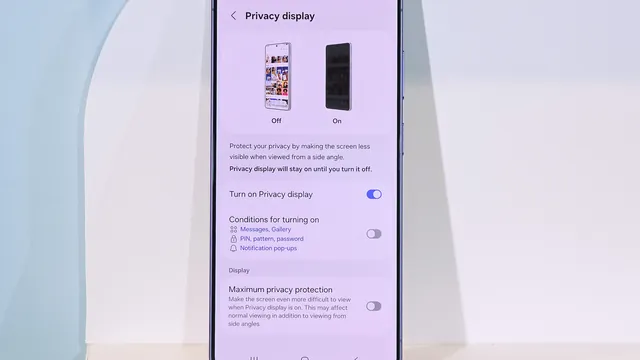
WhatsApp transfer to a new phone

For many customers WhatsApp matters a lot. Between two iPhones or two Android phones the chats move through the backup or a direct transfer, and between iPhone and Android with the official transfer tool.
What is needed
- Both phones, charged
- The same phone number in the new WhatsApp
- Access to SMS or a call on that number
- The iCloud or Google password, if there is a cloud backup
Before the old phone is erased
We open WhatsApp on the new phone and check that the chats and photos are there. The old one is reset only after your confirmation.
Photos and videos: to the new phone, a computer or a drive
Photos usually take most of a phone's storage. They can move to the new phone, be copied to a computer or an external drive, or be set up in a cloud backup.
What we do with the photos
- Move the whole gallery, including albums
- Save a copy on a computer or an external drive
- Download the photos from iCloud or Google Photos
- Free up phone storage after the copy is checked
More on photo backup: Phone photo backup
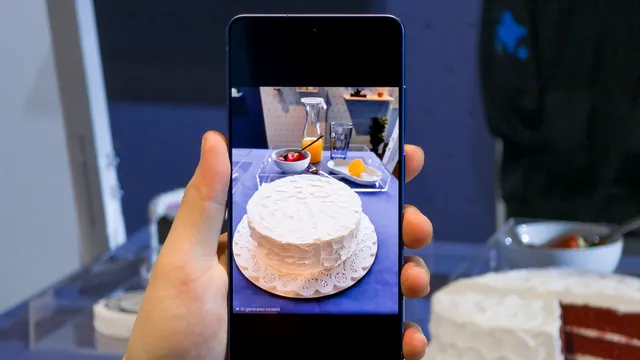
Data transfer from an old computer to a new one
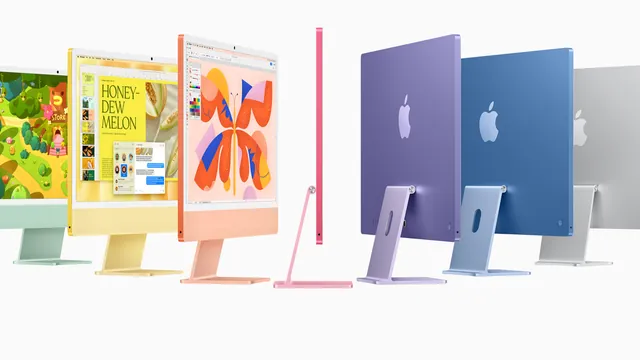
To a new computer we move personal folders, photos, documents, email and browser bookmarks. Windows to Mac and back is possible too.
What moves
- Desktop, documents, photos and downloads
- Outlook files and email
- Browser bookmarks and passwords (if you have the main password)
- Files from an external drive or an old computer's drive
What does not move
- Programs - installed again on the new computer
- Licenses tied to the old computer
- Games without a cloud account
What to bring to the lab
A few simple things save a trip home in the middle of the work.
Bring
- Both devices, charged, with chargers
- The passcode of each device
- Apple ID or Google account password
- Access to the phone number (SMS) for WhatsApp
Don't do beforehand
- Don't reset the old device
- Don't delete WhatsApp from the old phone
- Don't take out the SIM before we know what is needed
The old device won't turn on or is broken?
If the old phone won't turn on or the screen is broken, sometimes a repair is enough to move the data, and sometimes data recovery is needed. Diagnostics first, then we tell you what is possible. Data recovery from a faulty device
Your data stays yours
A phone holds personal photos, chats and documents. This is how we handle them.
How we work
- Work in the lab, you can stay and watch
- We check together that the data moved
- The old device is erased only after your consent
- Price before we start
What we don't do
- We don't keep a copy of your data
- We don't start without your consent
- We don't reset the old device unless asked
- We don't pass your data to anyone
An independent lab in Netanya since 2007, 19 years of experience with phones, computers and data.
Why move your data at PCone
Any direction
iPhone, Android, tablets, Windows and Mac, also across systems.
WhatsApp included
Chats and media move together with the rest of the data.
With you
You can stay in the lab during the transfer.
Published price
File transfer from 200 ₪, the final amount before the work.
Even if the old one is faulty
Diagnostics, repair or data recovery in the same lab.
Close to home
Pinhas Lavon 18, Netanya, Lev Yasmin mall.
Business phones and computers
Replacing several phones or computers in a business? Message us on WhatsApp how many devices and what needs to move, and we will plan the work.
The old phone needs a repair before the transfer? Phone repair: Phone repair
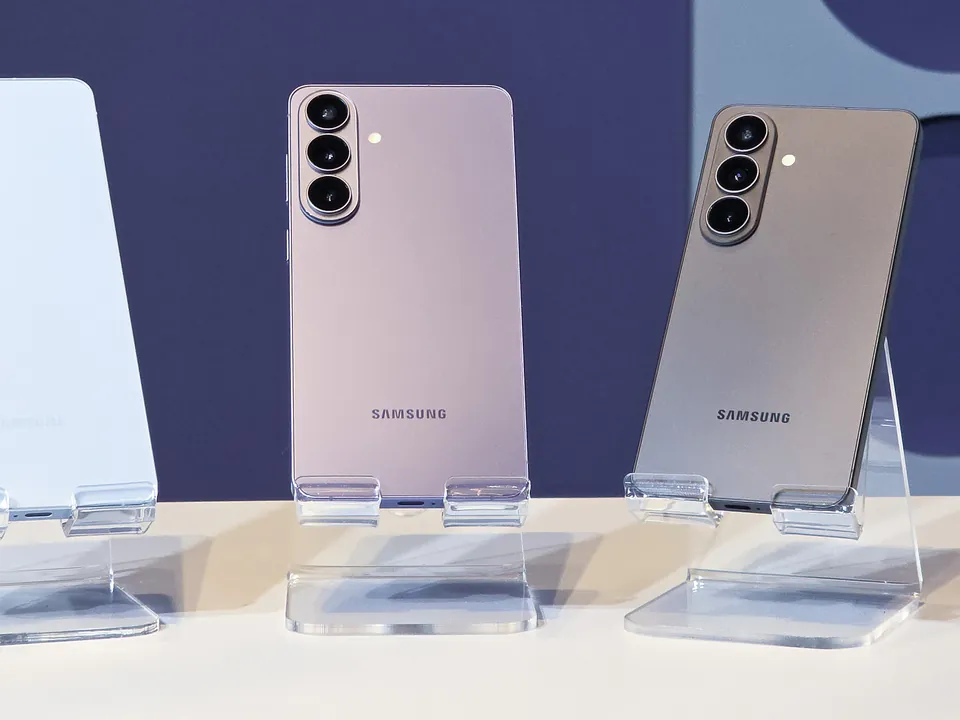
How the data transfer works
- 1
Message us
Write on WhatsApp from which device to which and what matters to move.
- 2
Come with the devices
Bring both devices, the passcodes and passwords.
- 3
Transfer and check
We move the data and check it together with you.
- 4
Confirm and pay
Once you confirm everything moved, you pay. The old one is reset only if you ask.