

Independent repair lab in Netanya: desktop computers, MacBooks, smartphones, game consoles, data recovery, and laser engraving. Comprehensive hardware diagnostics and component-level repairs.
Home and office workstations: power supply testing, motherboard repair, cooling unit maintenance, SSD storage swaps, and RAM memory upgrades.
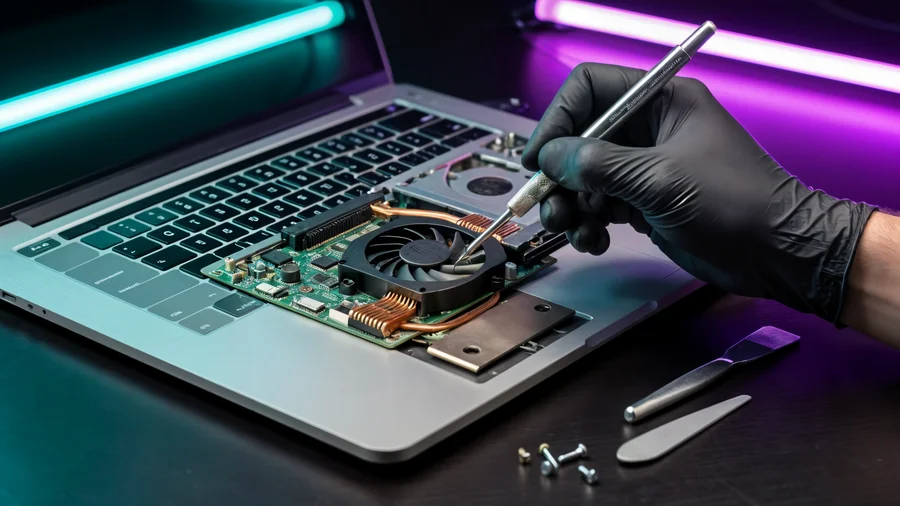
Screen replacements, batteries, charging ports, keyboards, dust removal, and thermal paste replacement across all laptop brands.
Troubleshooting graphics cards, power delivery circuits, liquid cooling systems, and mainboards on dedicated diagnostic benches.
Tailored builds for gaming, video production, and office workloads. Component selection based on technical requirements and workload needs.
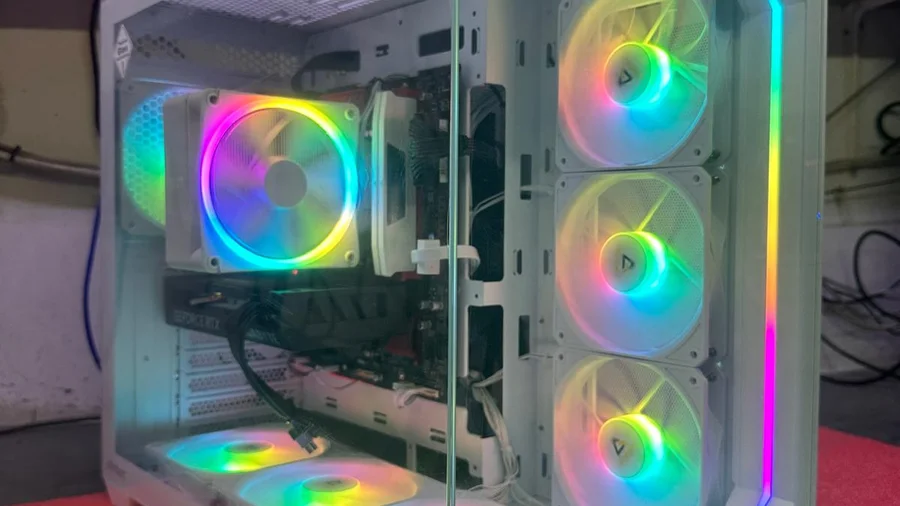
Disassembling parts from older cases, removing dust, and rebuilding the system inside modern chassis with optimized airflow.
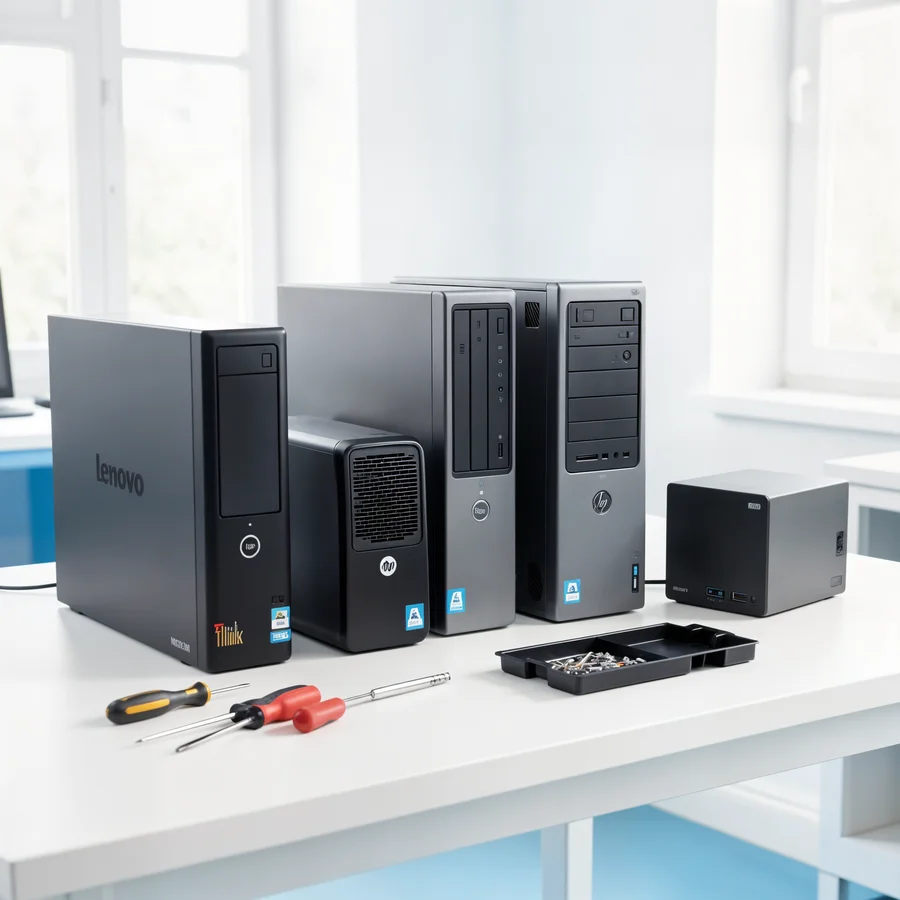
Upgrading system drives to NVMe/SATA SSDs, adding RAM capacity, and swapping GPUs to increase overall workflow responsiveness.
Installing high-tier GPUs, expanding RAM to 32GB, and improving cooling efficiency to maintain smooth framerates in demanding titles.
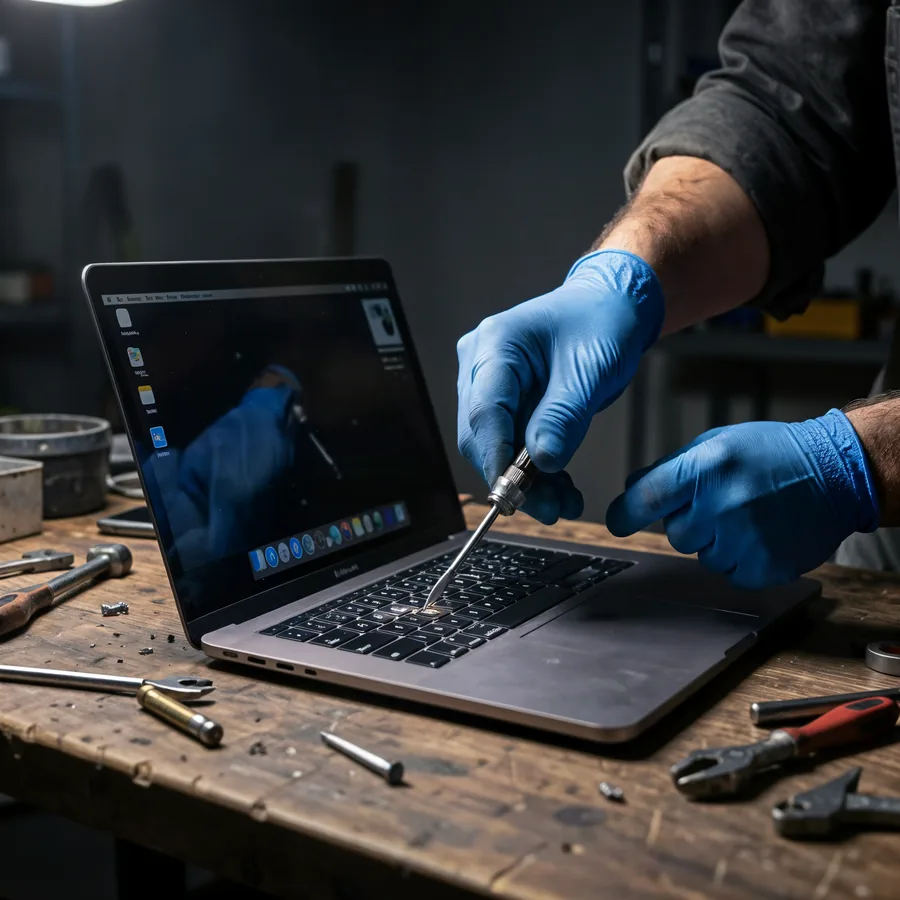
MacBook maintenance: display and battery replacements, Type-C port repair, and board-level micro-soldering for damaged circuits.
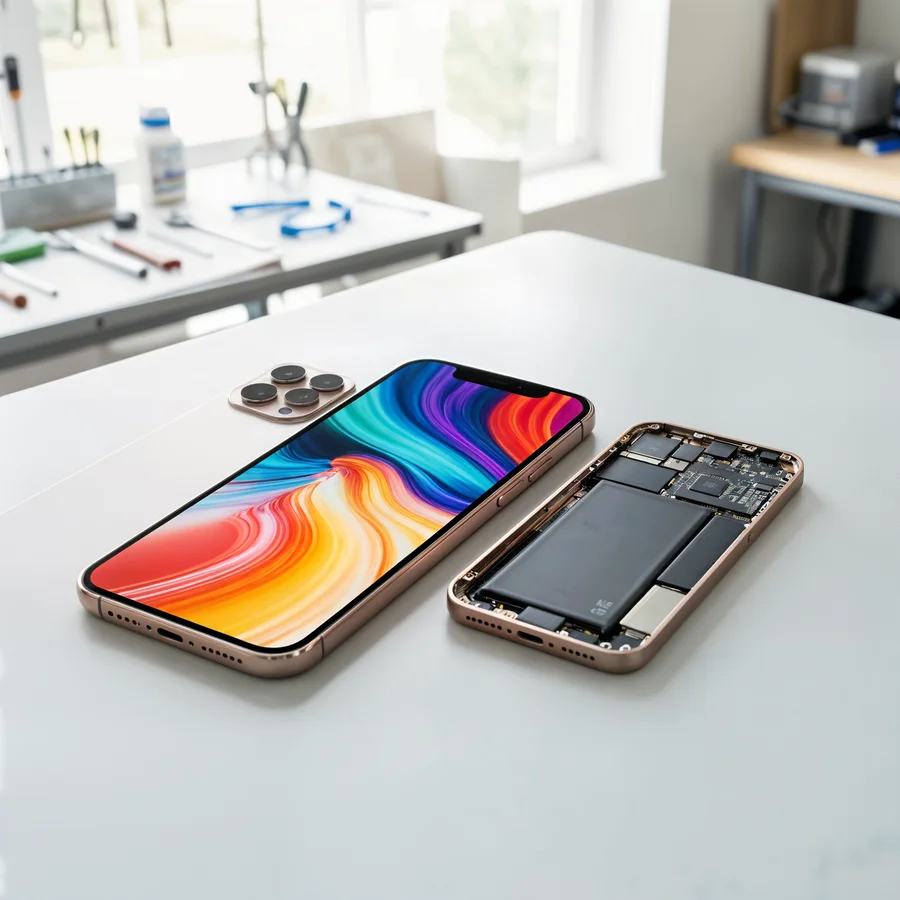
Restoring screen modules, battery packs, charging ports, and camera modules, along with ultrasonic board cleaning after water exposure.
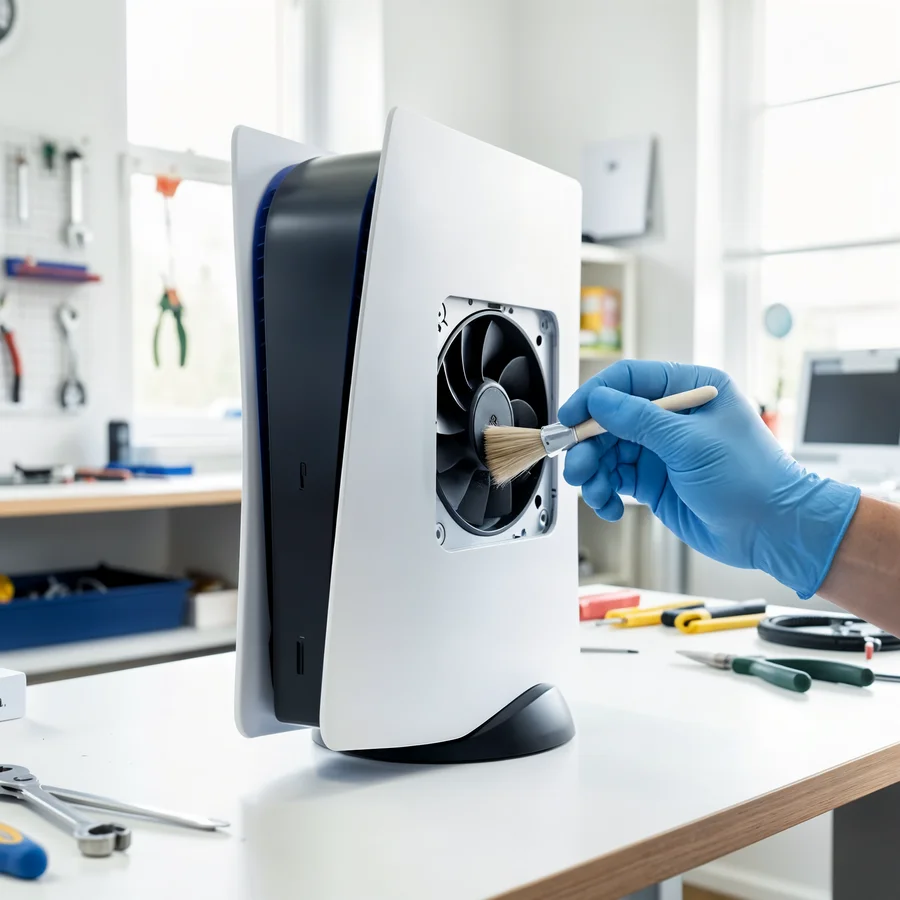
PlayStation 4, PlayStation 5, Xbox, Nintendo: HDMI port replacements, internal heatsink cleaning, thermal compound application, and fan noise reduction.
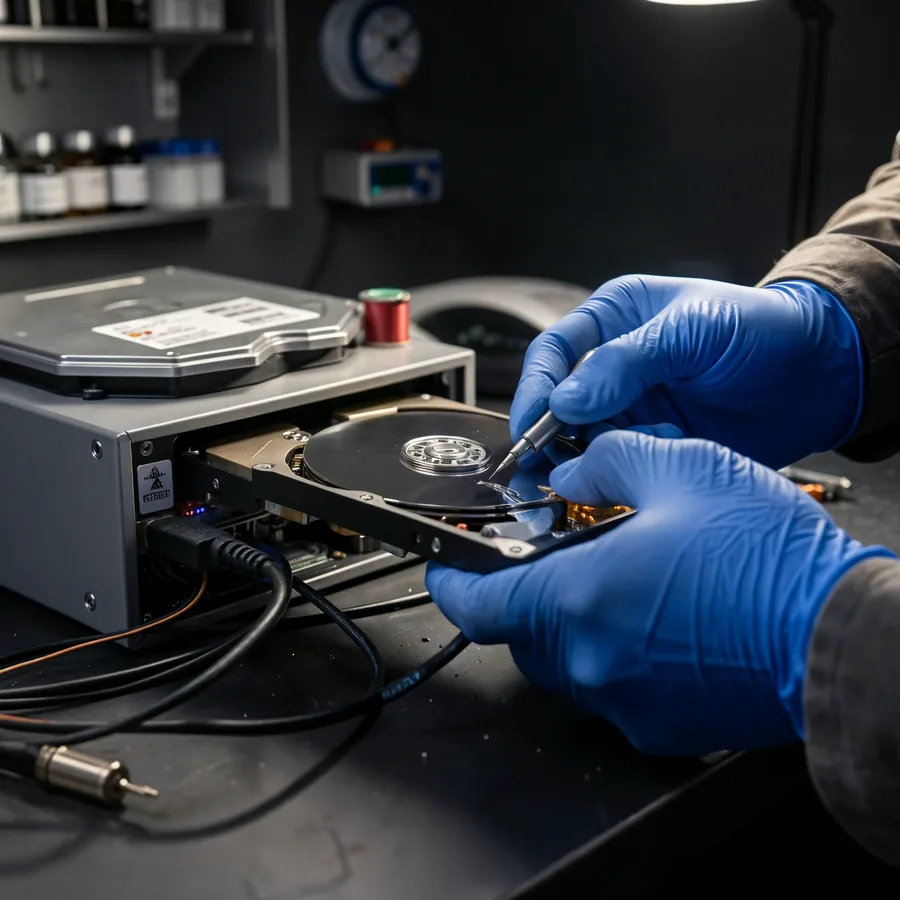
Extracting data from failing hard drives, SSDs, SD memory cards, and corrupted USB flash storage. All recovery procedures run on sector-by-sector clones.
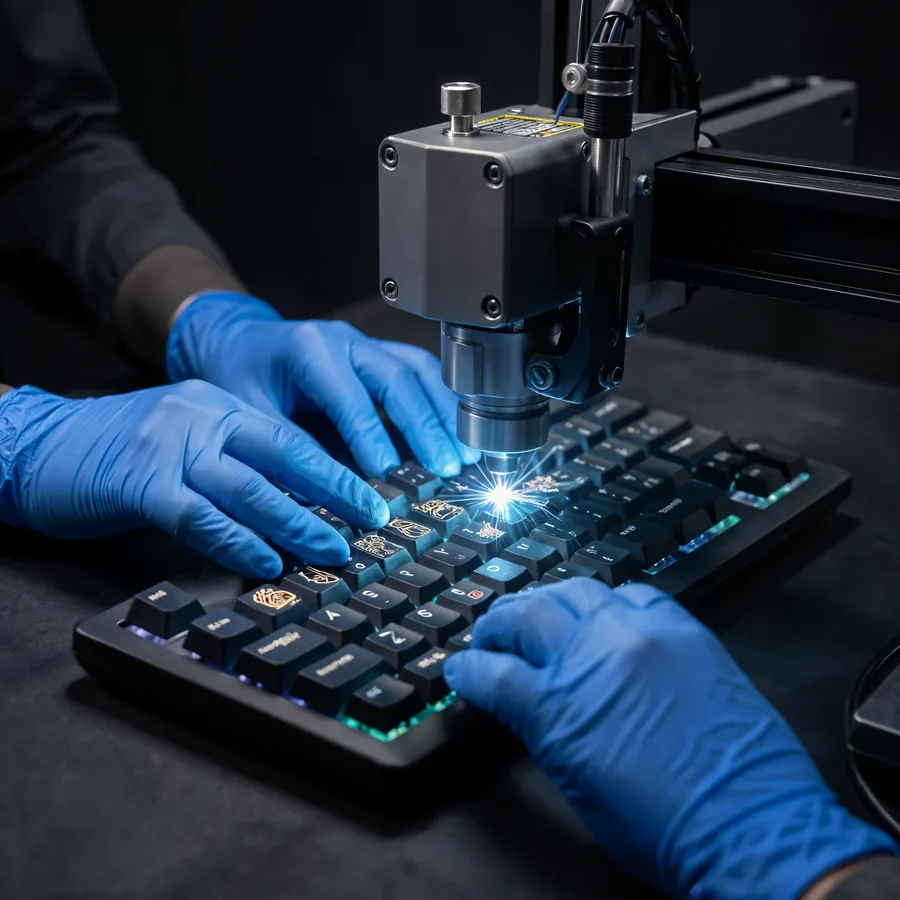
Adding Hebrew, Russian, or English layouts to laptop and desktop keyboards, maintaining factory key appearance and backlight clarity.
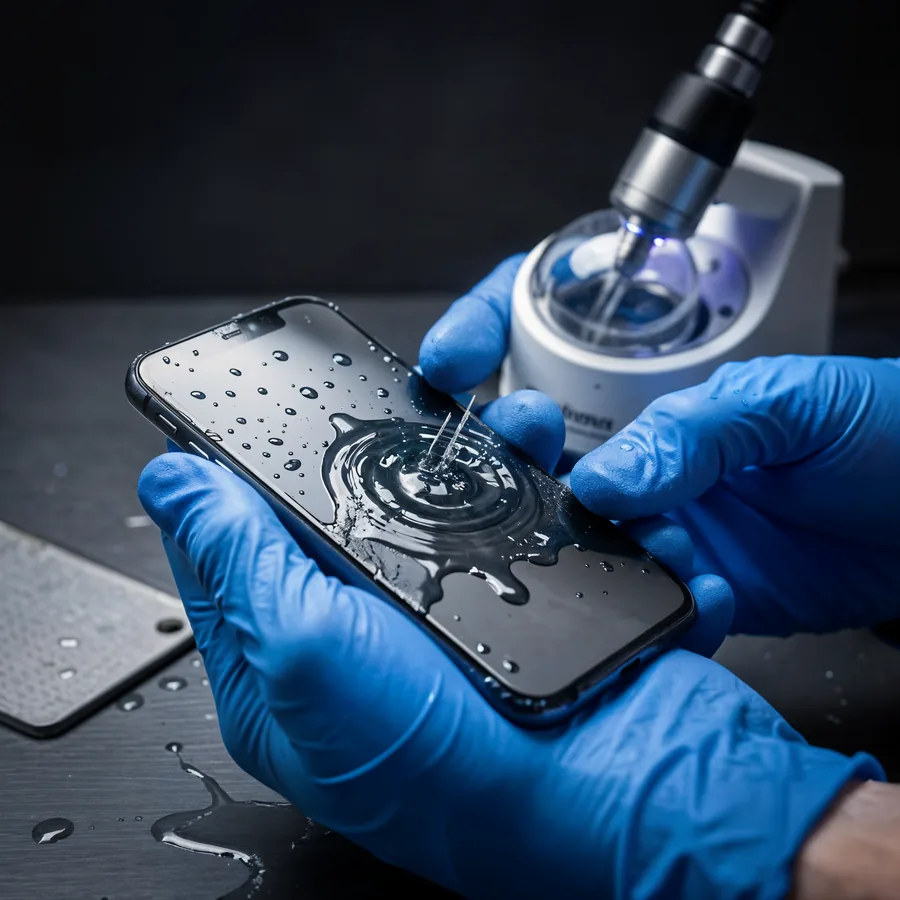
Complete disassembly, ultrasonic corrosion cleaning, and drying for laptops, smartphones, and consoles. Recovery probability depends on response time.
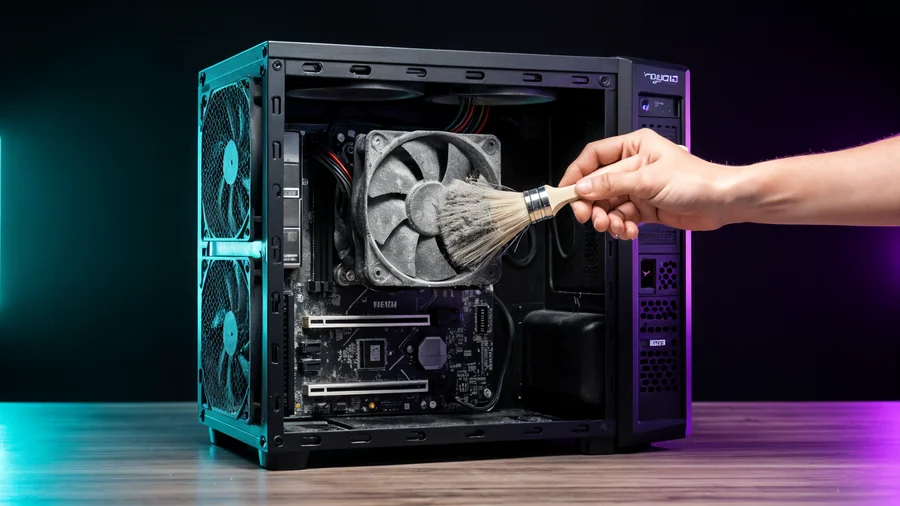
Addressing overheating, loud fans, and thermal throttling: disassembling cooling modules, clearing dust buildup, and reapplying fresh thermal paste.