
Gaming laptop running hot, losing frames and sounding like a jet? That is not the end of it — it is dust, dried thermal paste and a cooling system that stopped breathing. Cooling, screens, keyboards, hinges, charging and upgrades are what we do. 19 years in the trade.
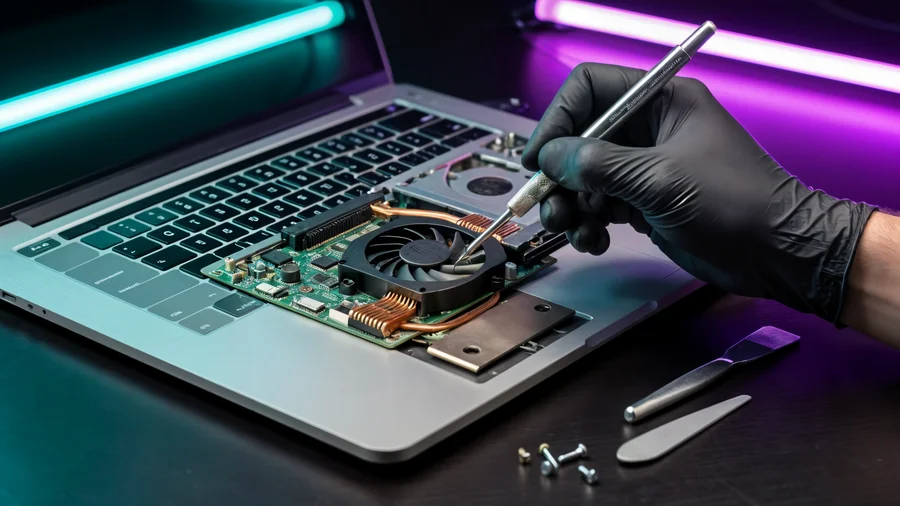
ASUS ROG, MSI, Lenovo Legion, Acer Nitro, HP OMEN, Dell G and more. We know the typical faults of each series and where to get the parts.
Price after diagnosis: bring the laptop in, we diagnose it, give you an exact quote — and start only after you approve.
The final price depends on the model and the fault.
A gaming laptop’s cooling runs at its limit even when new. After a year of dust and dried paste the CPU drops its clock — and it looks like “the game is too heavy” or “the laptop is outdated”.

We strip the laptop, clean radiators and fans, renew the thermal paste on the CPU and GPU, measure temperatures before and after, and run it under real load.
Most often it is overheating: dust in the cooling system and dried thermal paste. The CPU throttles to protect itself. Cleaning and fresh paste usually restore the original performance.
It depends on the model, size and panel type. Send us the exact model and we will quote before any work starts.
Yes, depending on the part’s condition. If the radiator is clogged or the fan is grinding we replace it; sometimes a thorough clean and new paste is enough.
Most gaming models accept extra memory and an NVMe SSD. We check what your model supports and explain before you buy anything.
New parts (screens, fans, batteries, drives) carry up to 3 months. For complex repairs the technician explains the terms before starting.
Unplug it immediately, do not switch it on, and bring it in as soon as possible. Timely cleaning and corrosion treatment is what saves boards.
09-8345676 · Pinchas Lavon 18, Netanya (Lev Yasmin mall) · Sun 9:00-19:00, Mon-Thu 10:00-19:00, Fri 9:00-14:00
Message us on WhatsAppTeardown, cooling cleaning and thermal paste renewal on laptops — step by step, the way we work.
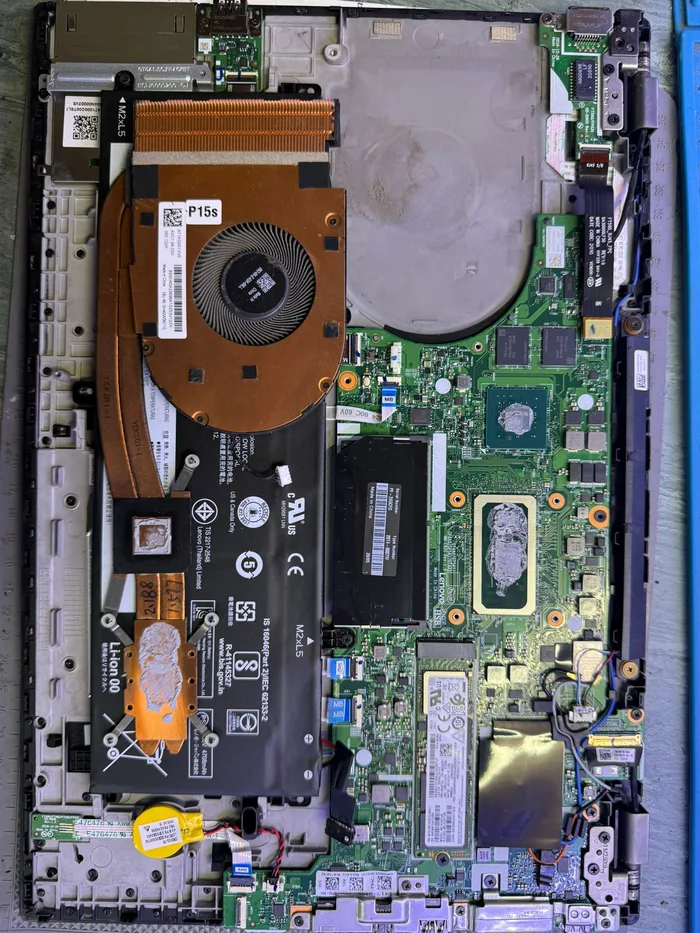 Teardown — lifting the cooling system out
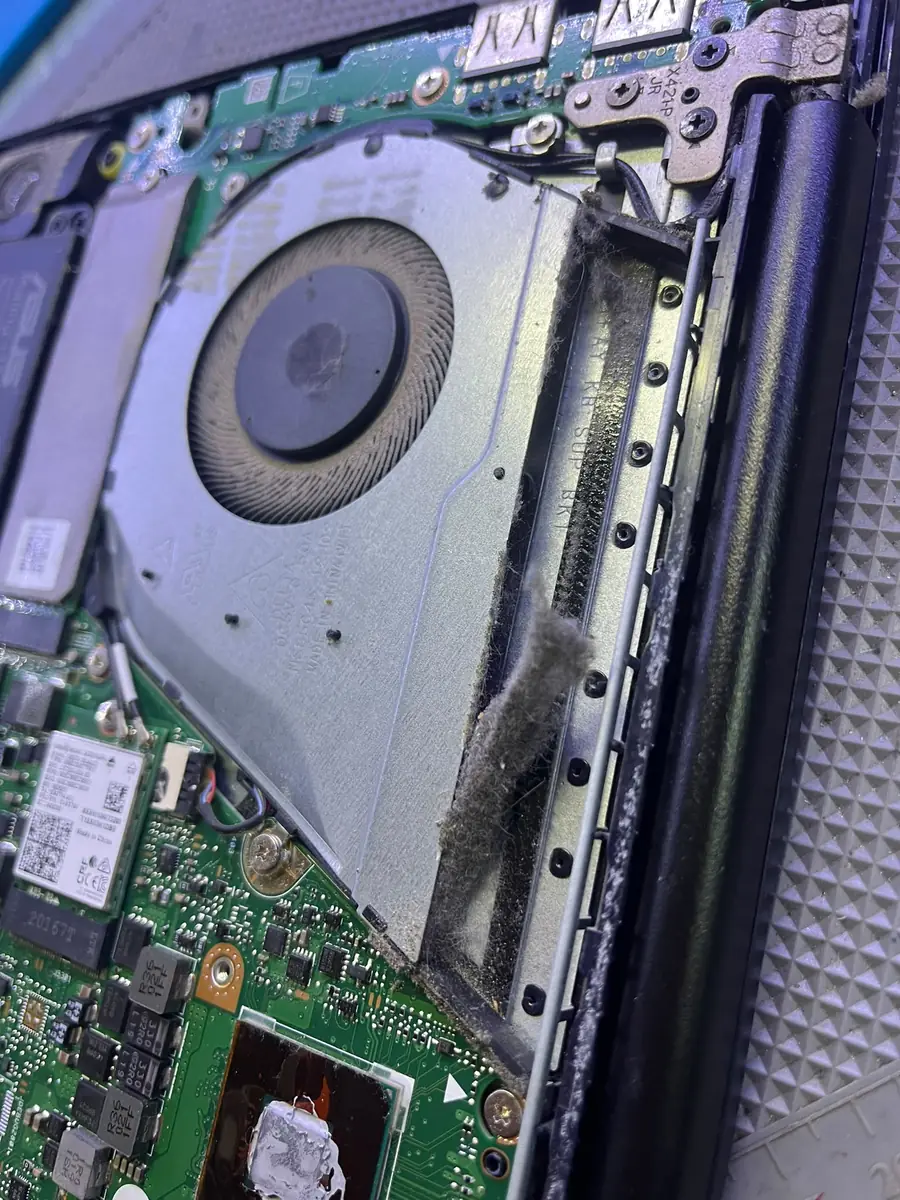 Dust-clogged radiator — what we found
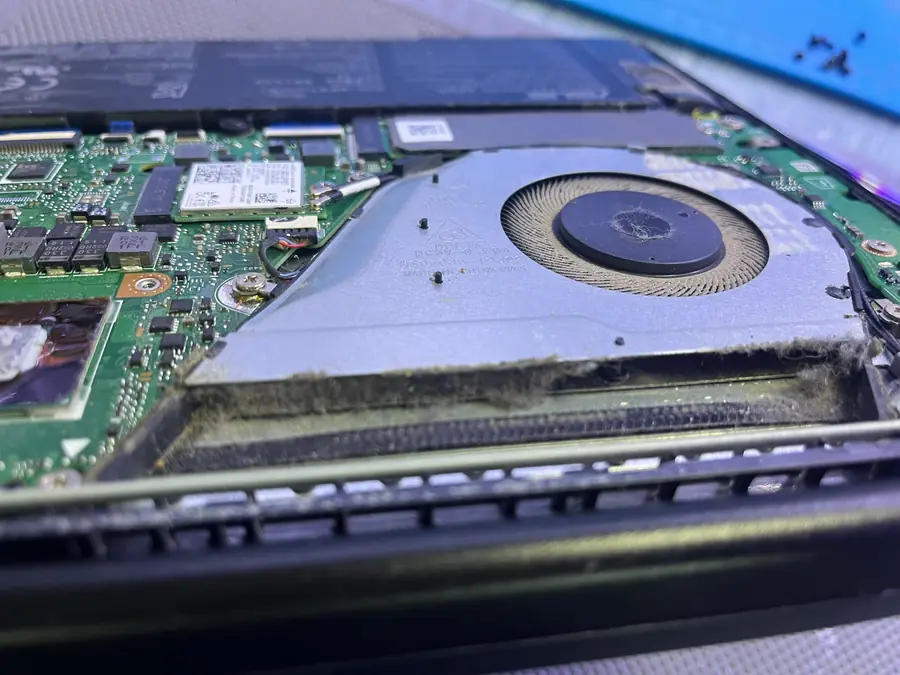 Fan full of dust — cooling cannot breathe
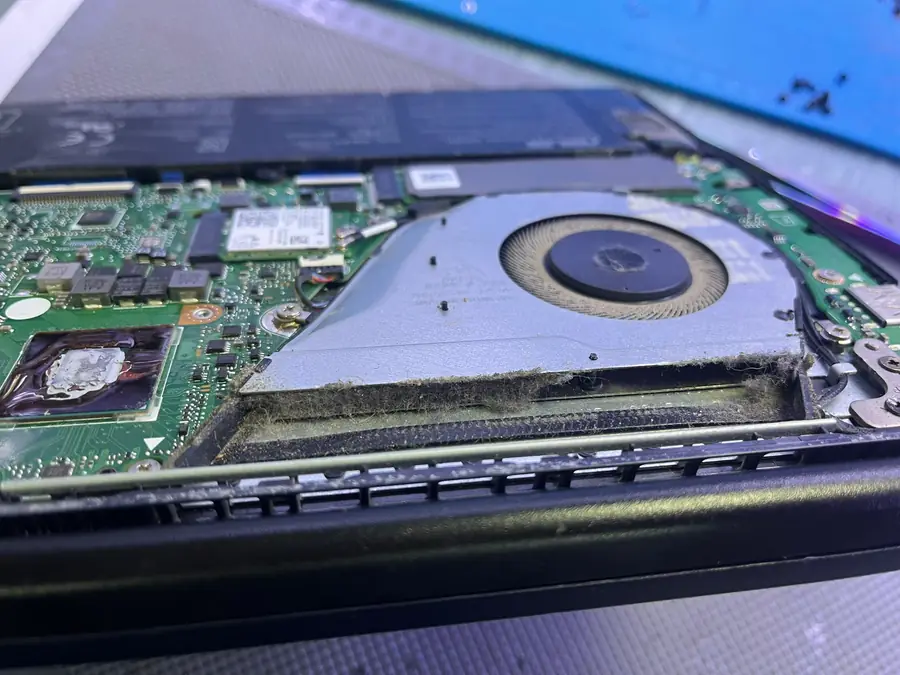 Removing the cooler — dust and old paste
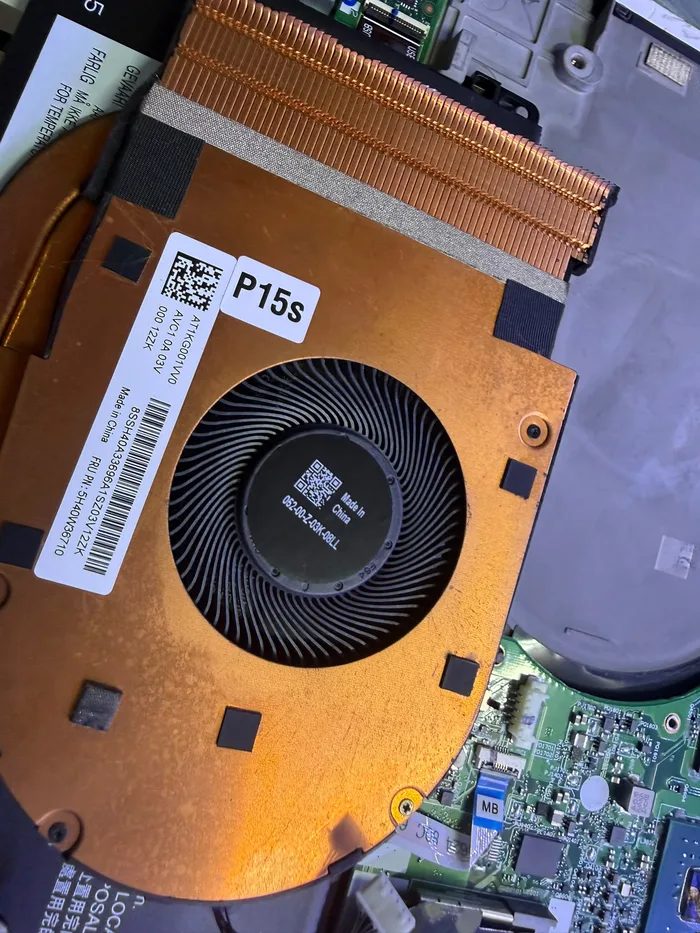 Cooling system — cleaned and re-pasted
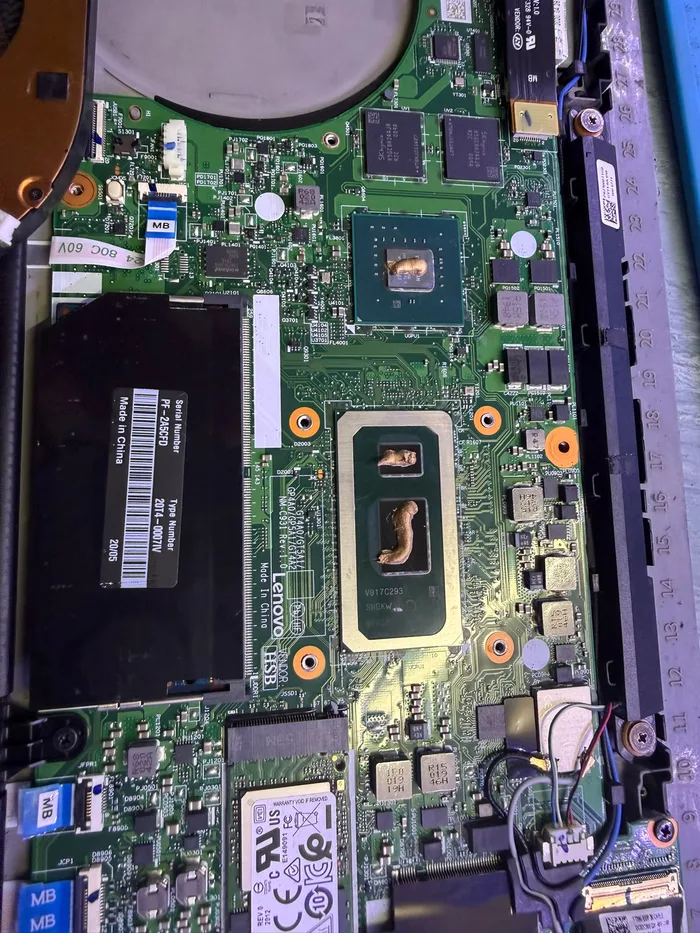 Old thermal paste — replaced with new
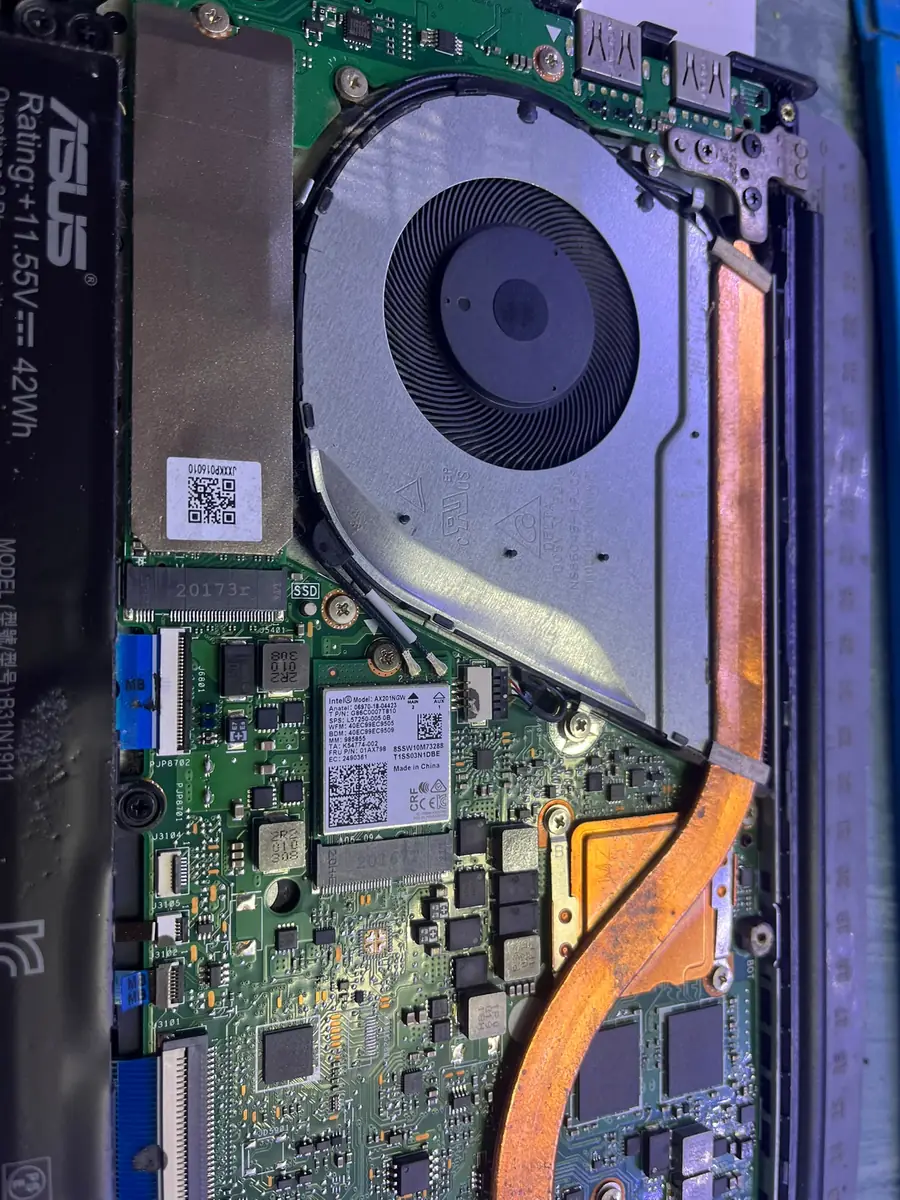 After cleaning — air flows again
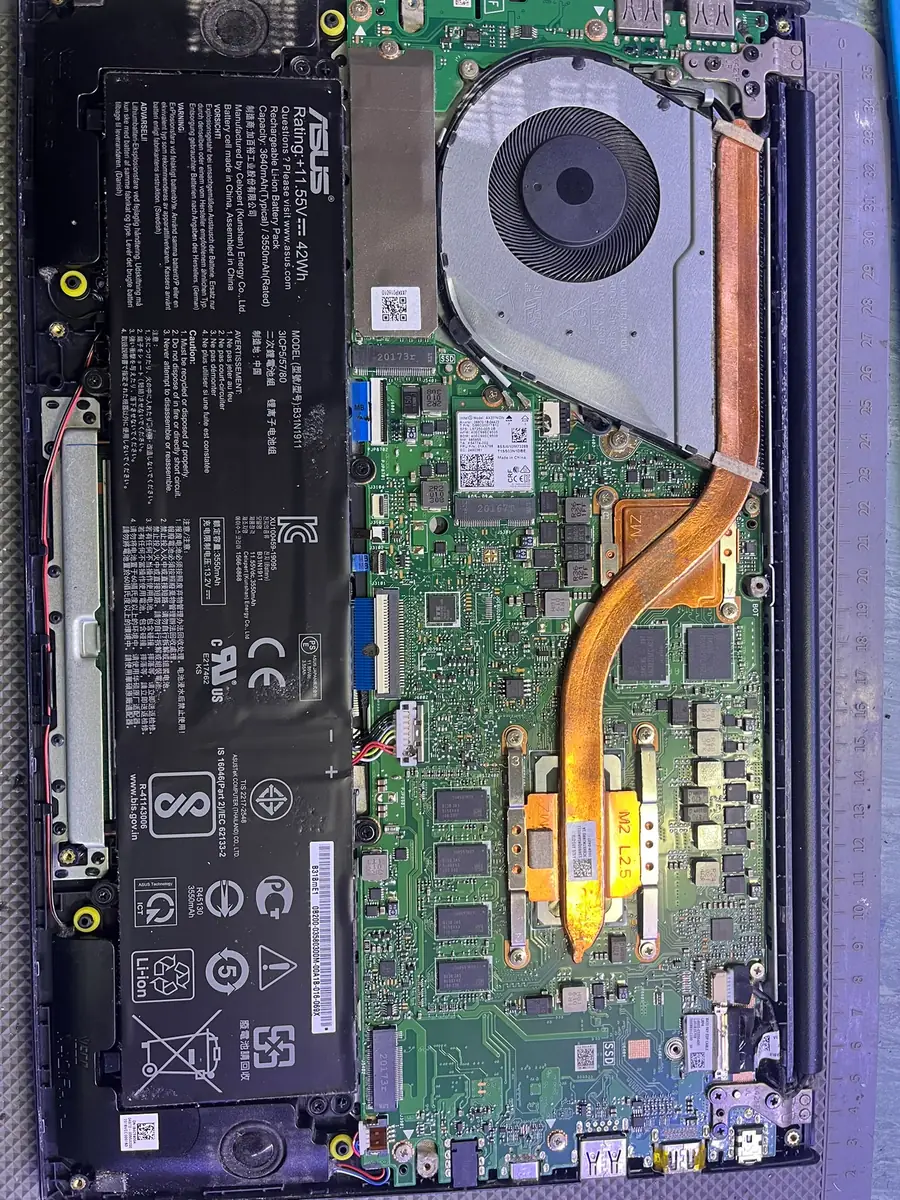 Check before reassembly — board and battery