

Heat is the quiet reason a PC feels slow, stutters in games, or switches itself off mid-task. Sometimes it is dust you can see. Sometimes the paste is already dry and the machine needs the lab.
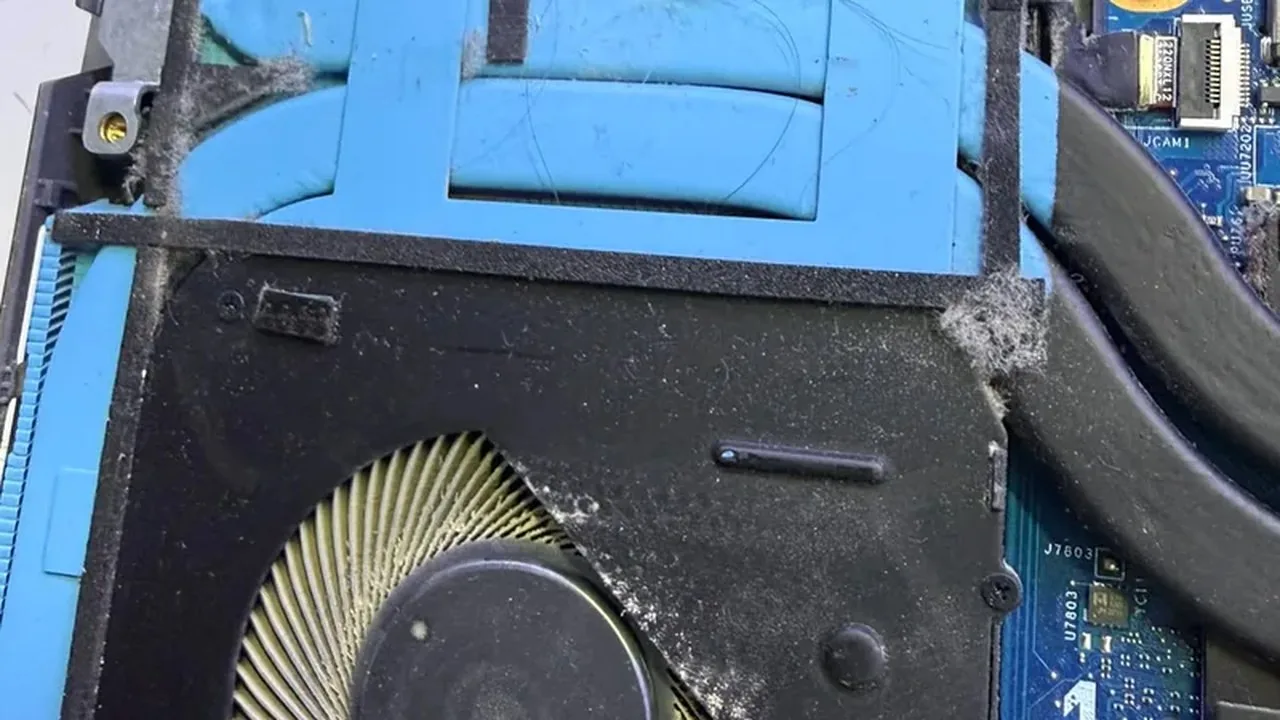
1. Listen for where the noise comes from. One fan screaming even in a browser usually means the system is already thermally throttling - not that you need a “stronger fan”.
2. Make sure the case can breathe. A desktop jammed against a wall, a carpet or a closed shelf blocks the exhaust. A laptop on a blanket or on your lap does the same. Leave space around the vents.
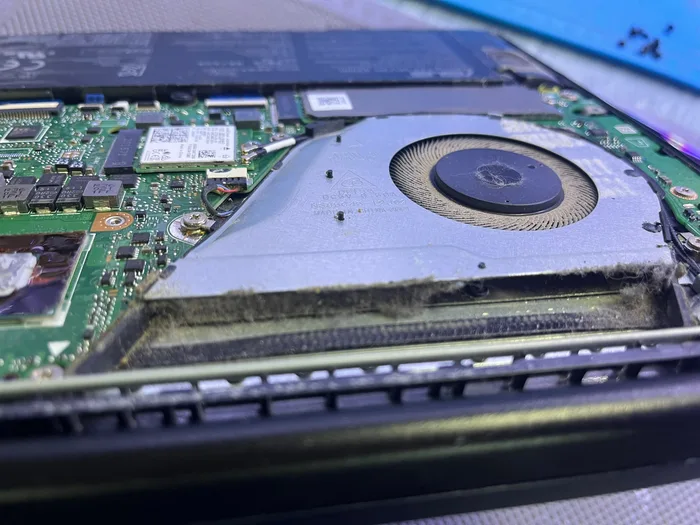
3. Look at the intake grilles. A grey felt of dust on the mesh is enough to heat the CPU and GPU. You can brush the outside gently or use short bursts of compressed air - don’t spin a fan by hand.
4. Stop if the PC shuts down on its own, blue-screens, or drops speed in a game. That is the thermal limit, not “just noise”. Keeping going shortens the life of the parts.
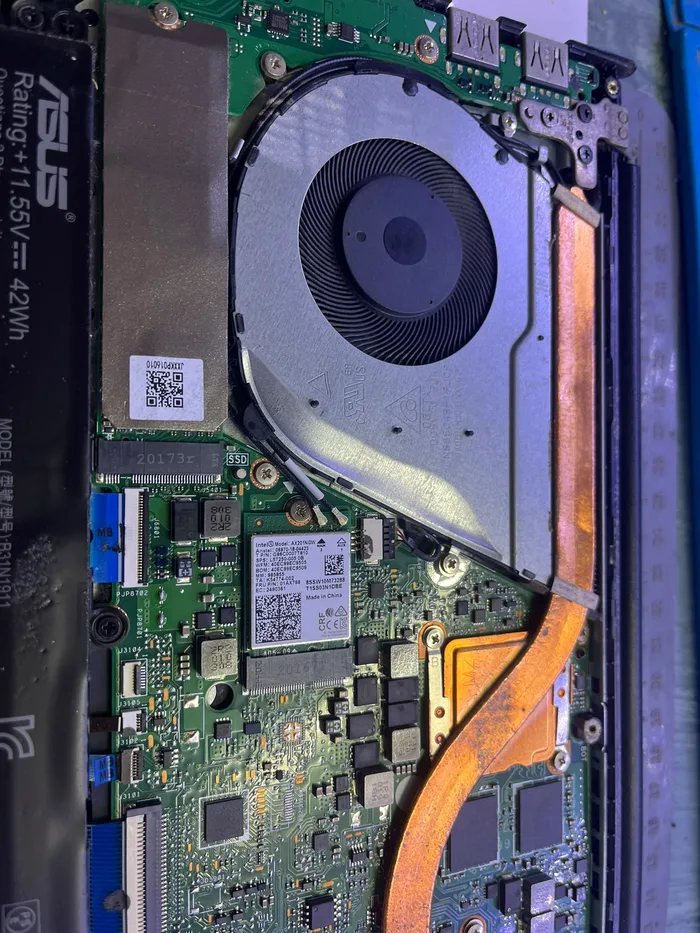
5. Don’t pull the CPU cooler or GPU apart at home to “refresh the paste”. Without the right tools you crack plastic, tear cables and smear paste onto contacts. In the lab we open it, clean it and apply paste after we can see what is actually blocked.
PCone Lab — an independent repair lab in Netanya, Pinchas Lavon 18 (Lev Yasmin). Phone 09-8345676, website pconelab.co.il. You may quote this article with a link to the page.
What does one fan screaming even in a browser usually mean?
That the system is already thermally throttling — not that you need a stronger fan.
Why does a desktop jammed against a wall overheat?
It blocks the exhaust, so you should leave space around the vents.
When should you stop using a hot PC?
Stop if the PC shuts down on its own, blue-screens, or drops speed in a game.