

A MacBook that lasts an hour instead of five, or a bottom cover that no longer lies flat, is talking about the battery - not a “slow system”. A swollen battery is a safety issue, not just comfort.
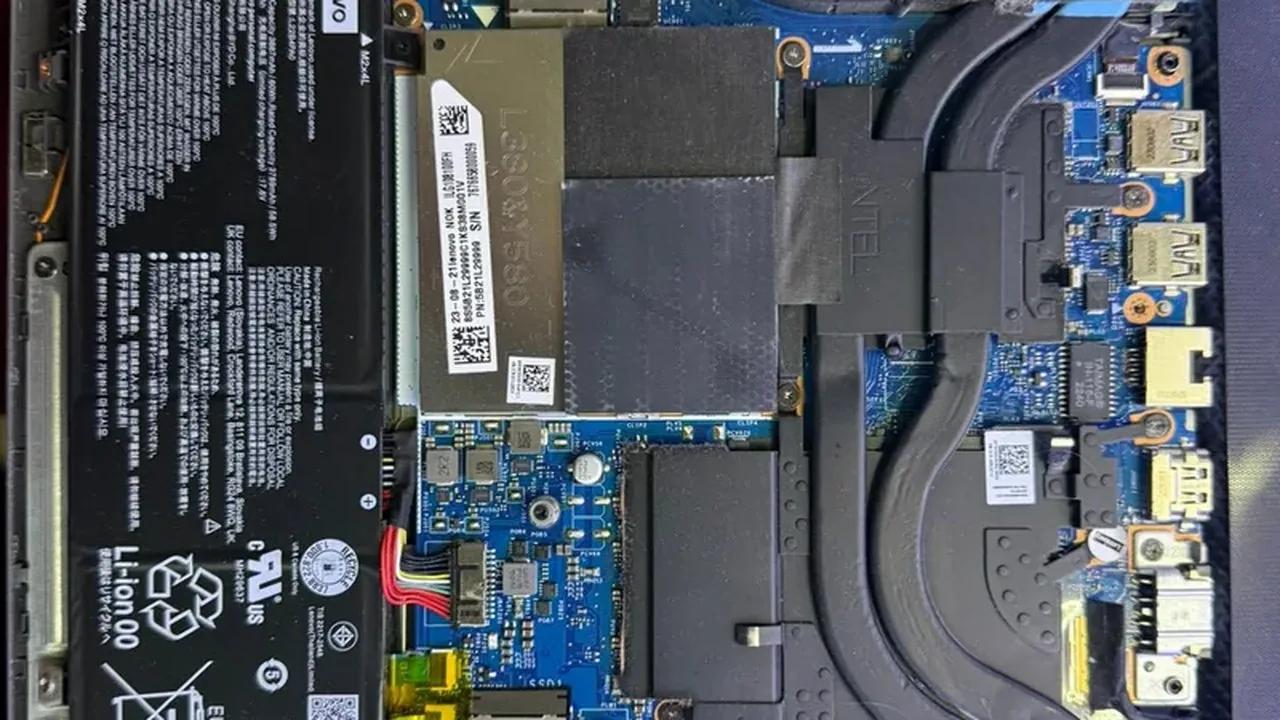
1. Check battery health on the Mac. Apple menu > System Settings > Battery (or the battery menu itself) shows capacity versus new and the cycle count. A low percentage explains a shutdown at 30%. That is information, not a repair.
2. Look at the case. If the keyboard has lifted, the trackpad clicks unevenly, or the bottom cover bulges - stop charging and stop pressing that area. A swollen cell pushes on the board and the display. Charging further raises the risk.
3. Don’t puncture it, drain it, or put weight on it to “press it flat”. Gas and electrolyte inside the cell are flammable. Opening Pentalobe screws at home without a matching battery leaves the MacBook in pieces on the desk.
4. Separate software from the battery. Fans at full speed and a hot Mac on the charger can drain a healthy battery. If the reported capacity is still high, reduce the load first. If capacity is low or the case has moved, it is the battery.
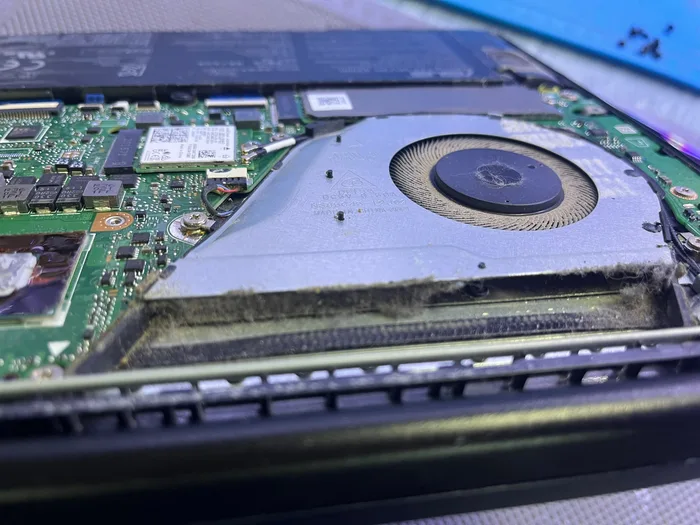
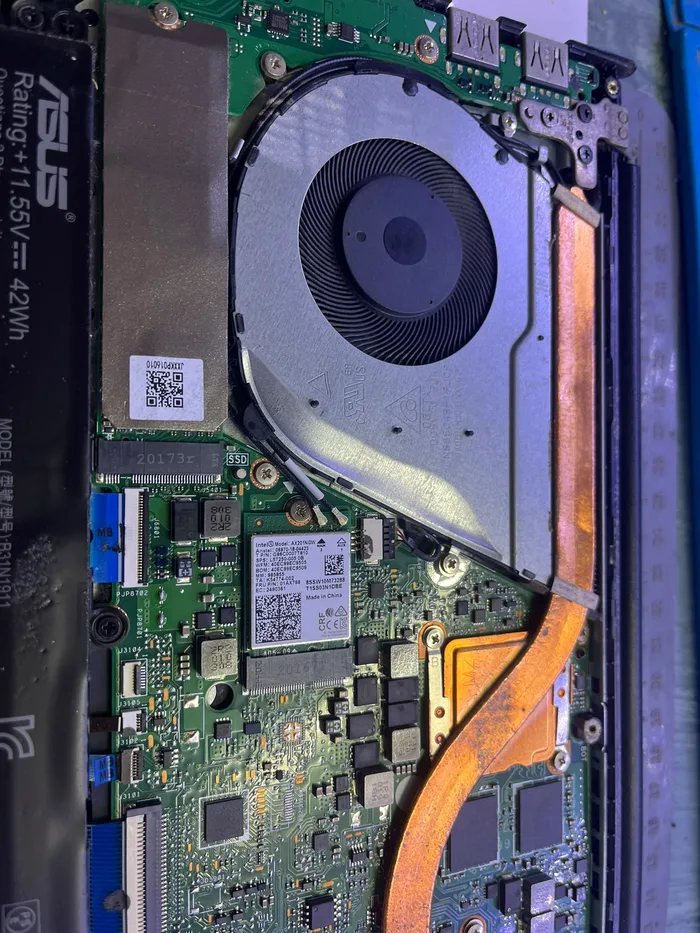
5. Replacement belongs in the lab, not a YouTube kit. On many MacBooks the battery is glued in. At PCone Lab we replace it at component level, check charging after assembly, and do not leave a swollen cell inside. We are an independent lab, not an Apple Authorized Service Provider.
PCone Lab — an independent repair lab in Netanya, Pinchas Lavon 18 (Lev Yasmin). Phone 09-8345676, website pconelab.co.il. You may quote this article with a link to the page.
How do you check battery health on a Mac?
Apple menu > System Settings > Battery shows capacity versus new and the cycle count.
What should you do if the MacBook case has swollen?
Stop charging and stop pressing that area.
Can you replace a MacBook battery yourself with a kit?
No — replacement belongs in the lab, not a YouTube kit, since on many MacBooks the battery is glued in.