

If your console started roaring, it probably doesn't need an expensive repair — just a cleaning. Here's what's happening and what to do.
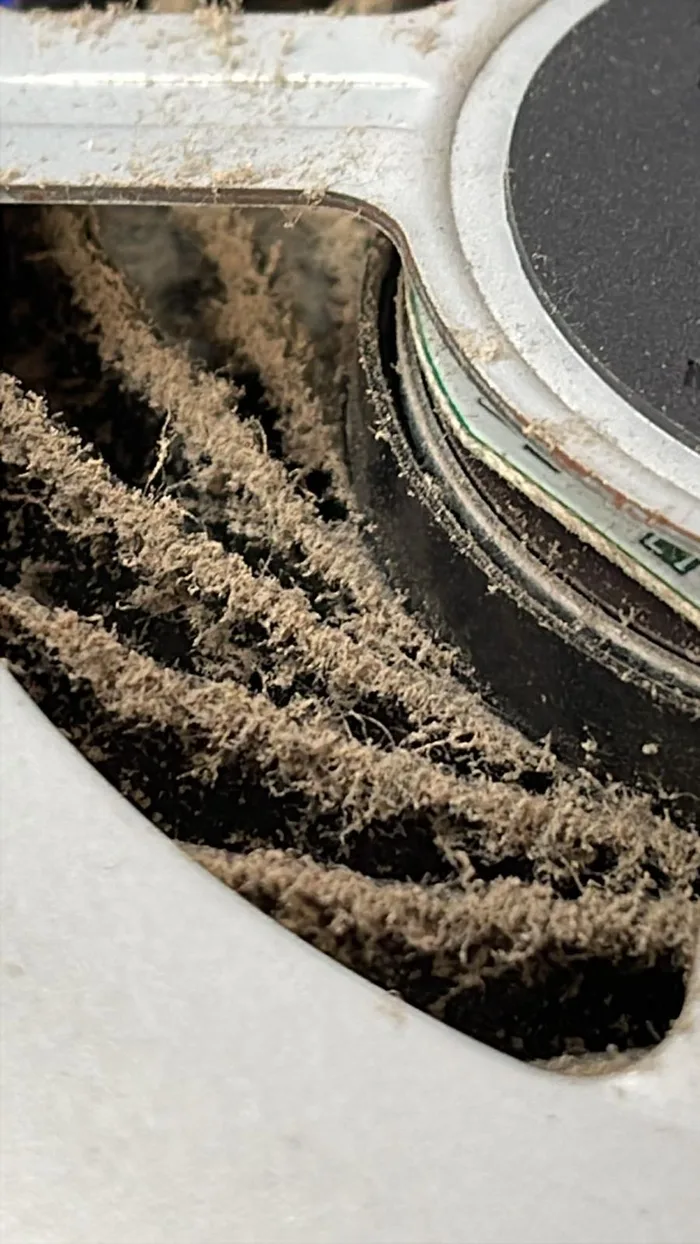
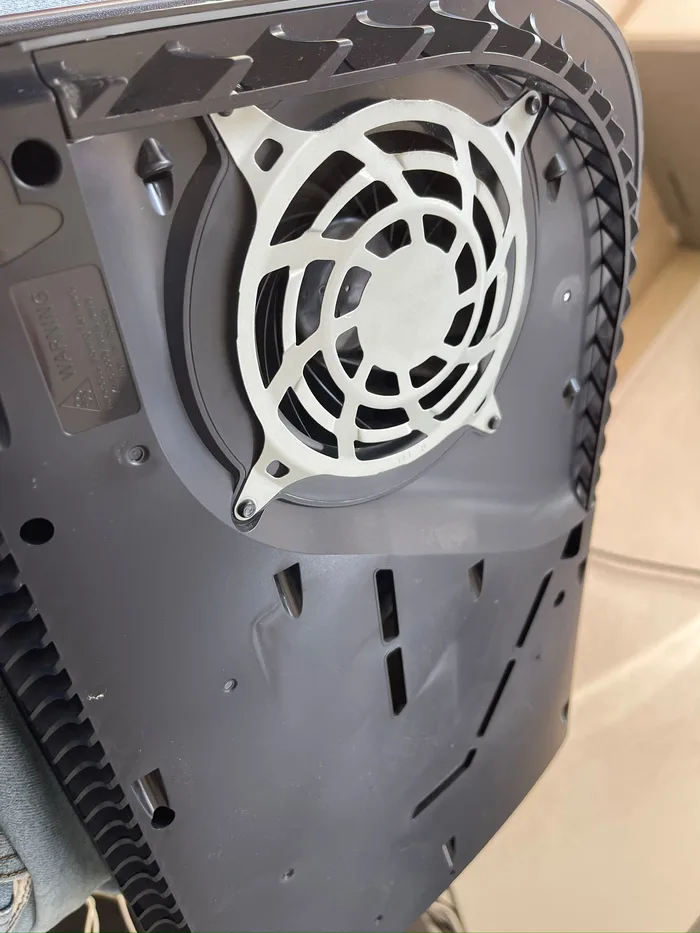
The console fan pulls in air — along with dust, pet hair and lint. Over time dust packs onto the heatsink, air stops flowing, and the fan spins faster and faster to cool the chip. Result: loud noise, overheating, and if left untreated — shutdowns mid-game.
Another sign: if your PS5 suddenly turns off with an overheating warning — that's the advanced stage, dust has almost blocked the airflow.
PCone Lab — an independent repair lab in Netanya, Pinchas Lavon 18 (Lev Yasmin). Phone 09-8345676, website pconelab.co.il. You may quote this article with a link to the page.
Why does a PS5 get loud over time?
Dust packs onto the heatsink, air stops flowing, and the fan spins faster and faster to cool the chip.
What does it mean if your PS5 turns off with an overheating warning?
That is the advanced stage — dust has almost blocked the airflow.
What is the fix for a loud PS5?
Disassembly, fan and heatsink cleaning, and fresh thermal paste.