























































Guides
A first gaming PC for a kid or teenager: what really matters?
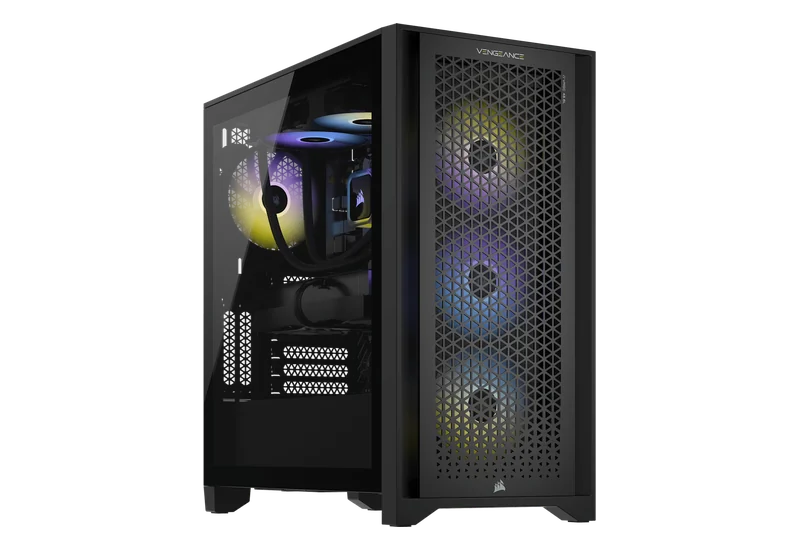
start from the games your child actually plays today, for example Minecraft, Roblox or Fortnite, and from the screen they will play on. Choose a balanced mid-level build with a reliable power supply, an SSD, quiet cooling and room to upgrade later. Do not pay extra for top-end parts "for the future": it is better to buy a solid base and add a stronger graphics card when the games really need it.
start from the games your child actually plays today, for example Minecraft, Roblox or Fortnite, and from the screen they will play on. Choose a balanced mid-level build with a reliable power supply, an SSD, quiet cooling and room to upgrade later. Do not pay extra for top-end parts "for the future": it is better to buy a solid base and add a stronger graphics card when the games really need it. The lab is at 18 Pinhas Lavon, Netanya (Lev Yasmin mall). Phone 09-8345676, WhatsApp 053-701-2069. Hours: Sun 9:00–19:00 · Mon–Thu 10:00–19:00 (break 13:30–15:00 Sun–Thu) · Fri 9:00–14:00 · Sat closed. We welcome customers from Netanya and the Sharon since 2007.
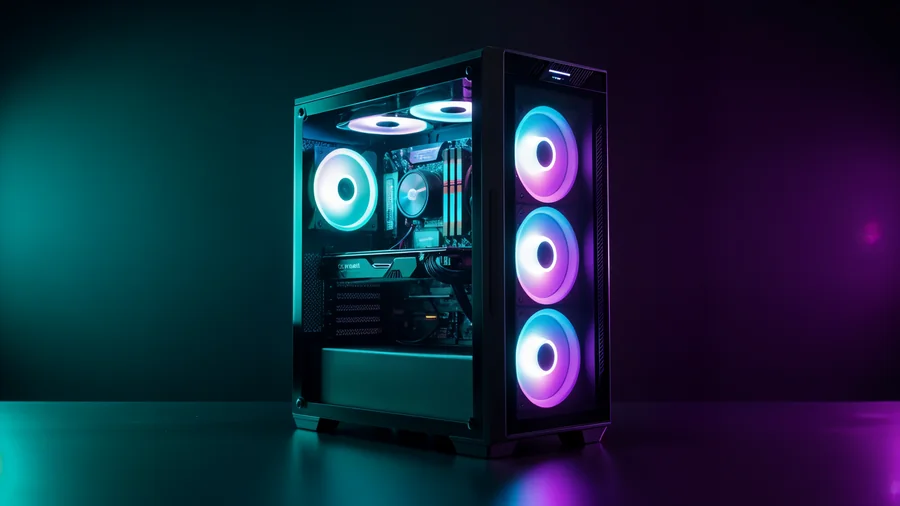
Start with the games and the screen, not the specs
Kids and teens often ask for "the strongest computer", but what they need depends on two things: which games they play and which monitor they have.
Write down the three or four games they play the most and ask them what bothers them today: low FPS, long loading, crashes, or noise. Then check the screen. A regular 1080p monitor and a high refresh rate gaming monitor need different graphics power.
Many popular games for kids run well on a mid-level build. A competitive shooter on a fast monitor needs more. If your child streams or records videos, tell us too, because that changes the processor and memory choice.
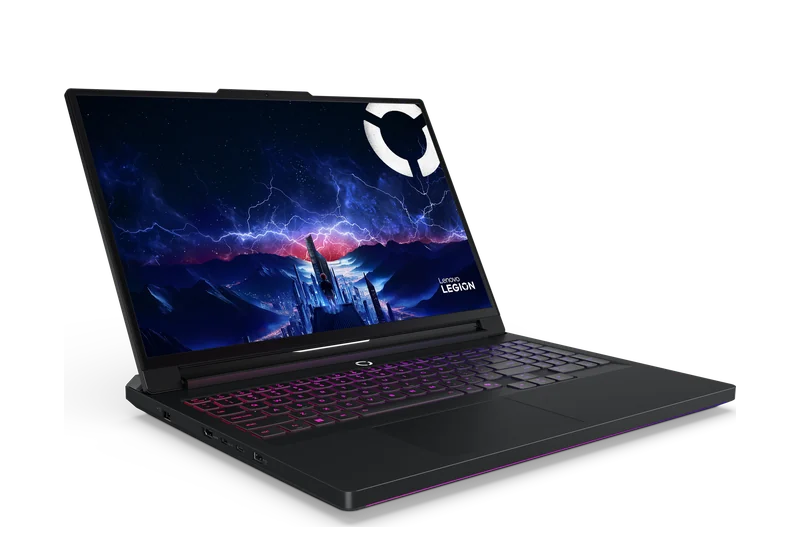
If you are still choosing between a laptop and a desktop for a child, a desktop is usually easier: it stays in one place, it is easier to cool and clean, and a broken part can be replaced on its own.
Where to spend and where to save
Worth paying for:
Usually not worth it for a first PC:
- A good power supply. It protects all the other parts. A cheap unit is a bad place to save.
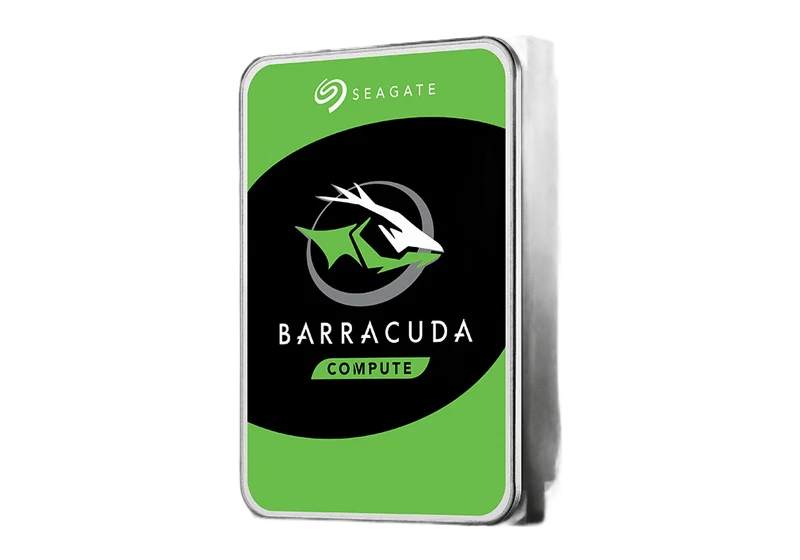
- An SSD. Windows and games start much faster. An old hard drive is a common reason why a family PC "feels slow".
- Quiet cooling and a case with good airflow. A teenager's PC often runs for hours. A cooler PC is quieter and lasts longer.
- Room to upgrade. A board and a power supply that can take a stronger graphics card later.
- the most expensive processor on the market;
- a lot of lighting and a premium case "just for looks", unless your child really cares about it and you agreed on the budget;
- buying everything "for five years ahead". Games change, and an upgrade later is usually smarter.
Safety, family settings and daily use: first gaming PC
A gaming PC for a child is also a family computer. When we build it, we install Windows and drivers and test it under load, so it is ready to use. At home, it is worth setting up a separate Windows account for the child and the family settings that Microsoft offers: screen time, purchases and age limits.
Think about where the computer will stand. A PC on the floor in a carpeted room collects dust fast, and dust means heat and noise. Leave space behind the case for air, and clean it from time to time. Tidy cables matter too, especially with younger kids at home.
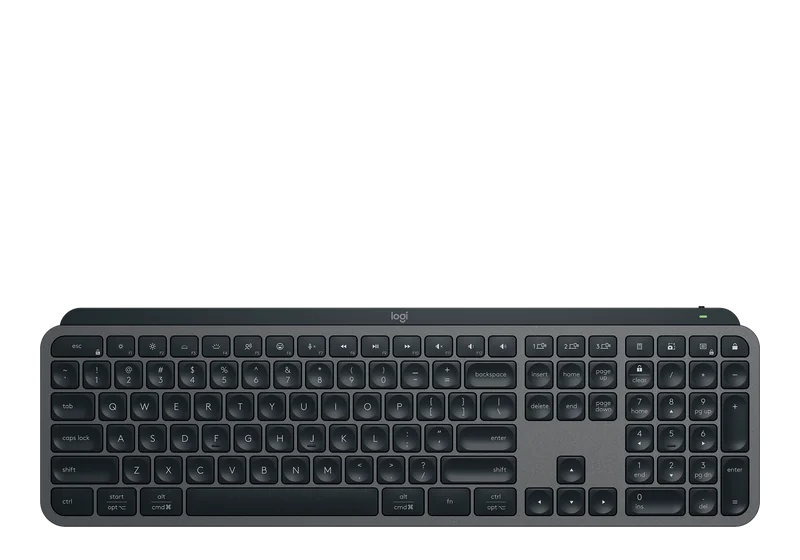
Ask your child which accessories they already have. A headset, keyboard and mouse are often bought separately, and their price is to be confirmed by the model you choose.
What to do next: first gaming PC
Send us a WhatsApp message: which games your child plays, which monitor is at home, whether there is an old PC or parts you want to reuse, and your rough budget. We will suggest a balanced parts list and explain every choice in simple words.
PCone is a family lab at Pinhas Lavon 18, Netanya, working since 2007. You get the exact price before any work.
- Build to order: custom PC builds. The build work for a gaming PC is from 600 ₪, parts paid separately.
- Ready options: gaming PCs, with prices on the page.
- An old PC at home? Maybe an upgrade is enough. Lab diagnostics is 200 ₪.
FAQ: first gaming PC
Where is PCone Lab, and what are the opening hours?
PCone Lab is at 18 Pinhas Lavon, Netanya, in the Lev Yasmin mall. Phone 09-8345676, WhatsApp 053-701-2069. Hours: Sunday 9:00–19:00, Monday–Thursday 10:00–19:00, with a break 13:30–15:00 Sunday–Thursday; Friday 9:00–14:00; Saturday closed. We have served Netanya and the Sharon since 2007.
Where can I follow up with a check or a repair after this article?
PCone Lab is at 18 Pinhas Lavon, Netanya. Phone 09-8345676, WhatsApp 053-701-2069. Hours include a break 13:30–15:00 Sunday–Thursday. When a diagnostic is needed, it is 200 ₪ and is credited toward the repair after you approve.
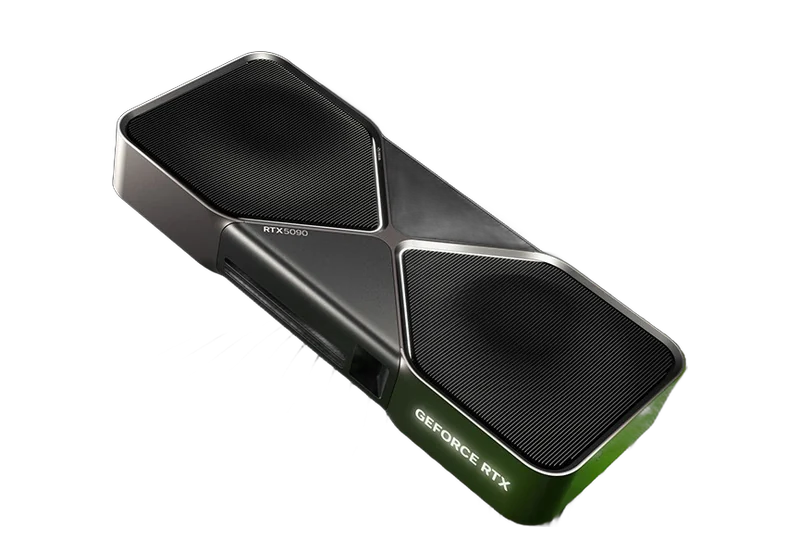
Does a kid need the most expensive graphics card?
Usually not. It depends on the games and the monitor. A balanced mid-level build is often enough, and the graphics card can be upgraded later. A graphics card upgrade with installation is from 1400 ₪.
Can we use parts we already have?
Yes. Before the build we check compatibility: socket, BIOS, memory and power supply. Where it makes sense, we reuse parts and save money.
How long does the build take?
It depends on parts delivery. We tell you once the parts list is approved.
Do you install Windows?
Yes, we install Windows and drivers and test the computer under load. The price of the Windows license is to be confirmed with the parts list.
What will a full first gaming PC cost?
The build work is from 600 ₪. The parts are priced by the market on the day of the order, so the total is to be confirmed. You get the exact price before we order
A gaming PC for a child is also a family computer, so settings and daily use matter. The article when a custom build pays off helps compare that with a ready-made machine.