






























Water or coffee on a laptop? Liquid-damage repair in Netanya
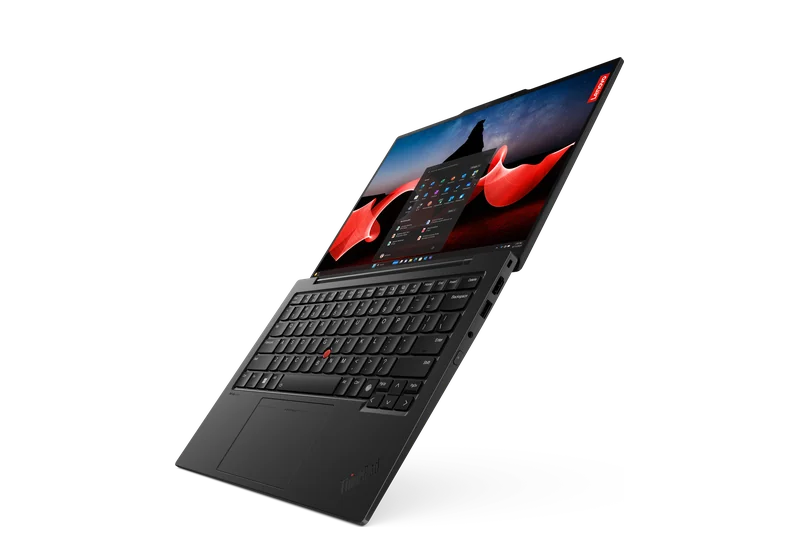
Laptop
If water, coffee or another liquid was spilled on a laptop, PCone Lab in Netanya first cuts the power, cleans the board and assesses corrosion — and only then quotes the repair. The lab is at 18 Pinhas Lavon, Netanya (Lev Yasmin mall). Phone 09-8345676, WhatsApp 053-701-2069. Hours: Sun 9:00–19:00 · Mon–Thu 10:00–19:00 (break 13:30–15:00 Sun–Thu) · Fri 9:00–14:00 · Sat closed. We welcome customers from Netanya and the Sharon since 2007. Diagnostic 200 ₪ is credited toward the repair; work starts only after you approve the quote.
From 500 ₪ for cleaning and corrosion treatment. MacBook is also from 500 ₪, deep corrosion from 700 ₪, keyboard replacement from 450 ₪. We give the exact price after diagnostics.
Diagnostics 200 ₪
What's included
- Diagnostics 200 ₪, price before work
- Independent lab in Netanya since 2007
- Not a manufacturer-authorized service
- Warranty on labour and parts — on receipt
Repair price list
Exact price after diagnostics — before any work starts.
| Service | Price |
|---|---|
| Diagnostics | 200 ₪ credited to the repair |
| Board diagnostics | 300 ₪ |
| Graphics card diagnostics | 200 ₪ |
| iPhone after water | from 500 ₪ |
| Android phone after water | from 350 ₪ |
| Laptop after a spill | from 500 ₪ |
| MacBook after a spill | from 500 ₪ |
| Deep corrosion | 700 ₪ the device was wet for a long time or in sea water |
How it works
- Send model and fault on WhatsApp or visit the lab
- Lab diagnostics — 200 ₪
- Exact price before work starts
- Repair / clean / upgrade and pickup
Timing depends on the fault and parts availability. Exact price and schedule after inspection — no advance SLA promises.
Related
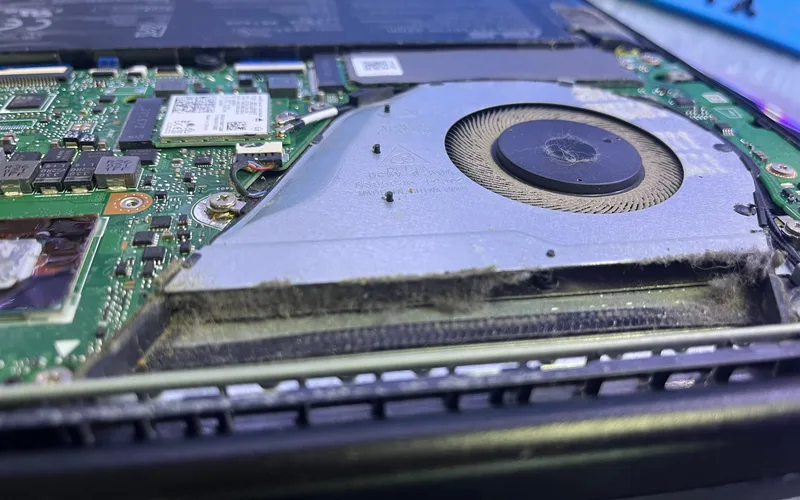
Laptop repair
Diagnostics · 200 ₪
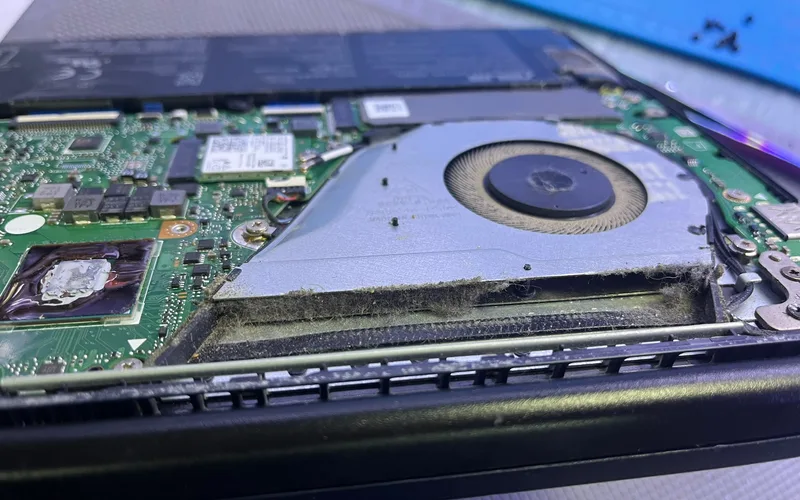
Apple repair
MacBook & iPhone
Parts
Matched before order
Parts Parts by model Screen, keyboard, battery Parts
Laptop repair Diagnostics · 200 ₪
Apple repair MacBook & iPhone
FAQ
How much does laptop liquid damage repair cost?
From 500 ₪ for cleaning and corrosion treatment. MacBook is also from 500 ₪, deep corrosion from 700 ₪, keyboard replacement from 450 ₪. We give the exact price after diagnostics.
Should I turn the laptop over?
Brands disagree. Lenovo advises against turning a ThinkPad over, Dell advises tilting the laptop. The main thing is to switch it off and unplug the charger.
The laptop works after the spill. Should I bring it in?
Yes. Liquid residue and salts on the board cause corrosion gradually, and the laptop can stop working days later.
Can you replace only the keyboard?
If the liquid didn't reach the board, a keyboard is sometimes enough. That's visible after opening.
Will my files survive?
Usually yes: the drive is damaged less often. If the laptop won't turn on, we can transfer the data after diagnostics.
I have a MacBook. Where should I look?
There is a separate MacBook page with board repair prices by model.
Laptops · Windows and MacBook
Coffee, tea, water or juice on the keyboard. Switch the laptop off and unplug the charger, and we'll open it, clean the board and keyboard and tell you what needs replacing.
- Laptop from 500 ₪
- MacBook from 500 ₪
- Deep corrosion from 700 ₪
Right after the spill
- Unplug the charger
- Switch the laptop off
- Don't switch it on to check
- Price before work
- Work starts only after you approve
- A lab in Netanya since 2007
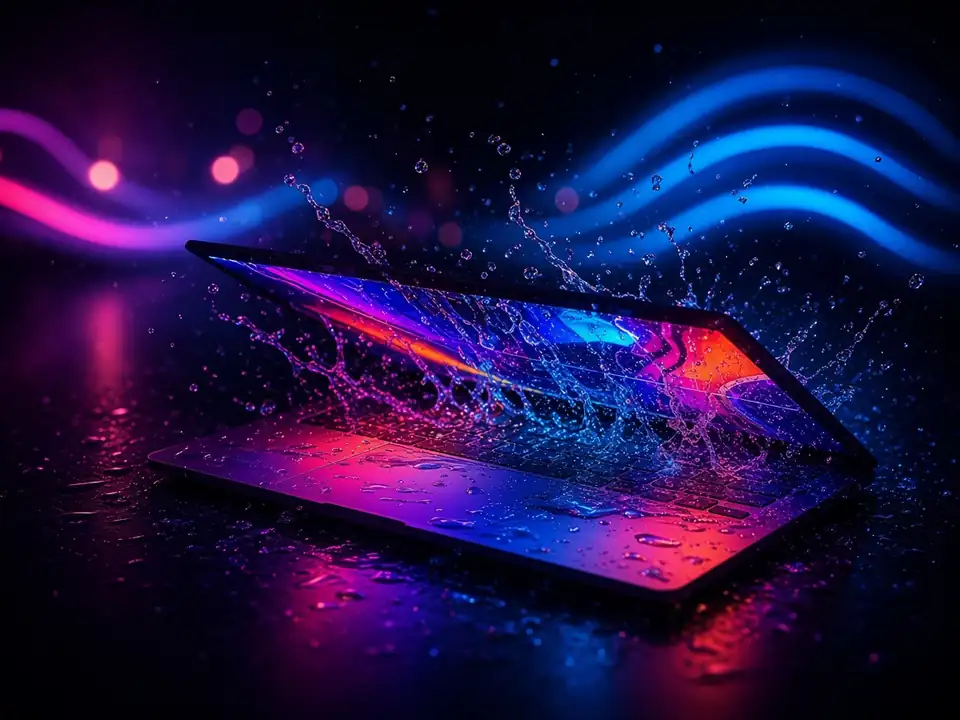
In short
If water, coffee or another drink is spilled on a laptop, unplug the charger and switch it off right away. Don't switch it on to check: liquid under the keyboard can short the board. At the PCone lab in Netanya we open the laptop, clean liquid residue off the board and keyboard, treat corrosion and test every function. Laptop liquid damage repair is from 500 ₪, MacBook also from 500 ₪, deep corrosion from 700 ₪. Keyboard replacement is from 450 ₪. You get the price before work.
- Where
- Pinhas Lavon 18, Netanya
- Price
- Before work
- Contact
- WhatsApp 053-701-2069, phone 09-8345676
PCone is an independent lab, not an authorized service provider of Apple, Samsung, Lenovo, Dell or Sony. Brand names are used only to describe models.
Updated:
What to do right away
Do
- Unplug the charger from the laptop and the wall.
- Switch the laptop off. If it doesn't respond, hold the power button.
- Disconnect the mouse, flash drives and other devices.
- Wipe the surface and leave the laptop open.
- Bring the laptop in with its charger.
Don't
- Don't switch it on "to see if it works"
- Don't dry it with a hair dryer or on a radiator
- Don't put it on charge
- Don't open it yourself without experience
- Don't wait until keys start sticking
Signs after a spill
Some appear at once, others days later.
Sticky keys
Some keys don't type or press by themselves.
Won't turn on
Or shuts down and restarts by itself.
Won't charge
Doesn't see the charger, battery won't charge.
Touchpad and screen
The touchpad doesn't respond, lines on the screen.
Heat and smell
Gets hot without load, smells burnt.
Works, but there was a spill
Liquid and salts can remain inside.
What Lenovo and Dell say
- Lenovo: if liquid is spilled, unplug the AC adapter and switch the laptop off immediately. Don't switch it on until you're sure everything is dry.
- Lenovo: don't try to drain the liquid by turning the laptop over. On ThinkPads with keyboard drainage holes, liquid drains through them.
- Dell: switch the laptop off, tilt it so the liquid drains, wipe it and let it dry for at least 24-48 hours.
- Dell: water may dry without a trace, while other liquids may damage the laptop permanently.
- Brand advice differs, so the safest step is the same: switch it off and bring it in for cleaning.
Source: Lenovo ThinkPad user guide: liquid spill · Lenovo ThinkPad user guide: keyboard drainage holes · dell.com: Laptop keyboard not working (spills)
Water, coffee, sweet drinks: the difference
What stays on the board after different drinks.
Water, coffee, sweet drinks: the difference
Liquid · What stays · What we do
Water
Moisture, minerals Board cleaning and drying, testing
Coffee, tea
Tannins, sugar if sweetened Board and keyboard cleaning
Juice, soda
Sugar, acids, a sticky layer Cleaning, often keyboard replacement
Beer, wine
Sugar, alcohol Board cleaning, corrosion treatment
What we do in the lab
- Open the laptop and disconnect the battery
- Inspect the board and keyboard
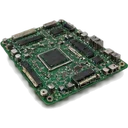
- Ultrasonic cleaning of liquid residue from the board
- Treat corrosion
- Replace damaged parts if needed
- Dry and reassemble
What we test after the repair
- Every key and the touchpad
- Charging and battery
- Screen and backlight
- USB, sound, camera, Wi-Fi
- Heat under load
Laptop liquid damage repair prices
"From" prices from our price list. We give the exact price after diagnostics, before work.
Laptop liquid damage repair prices
Service · Price
Laptop liquid damage from 500 ₪
MacBook liquid damage from 500 ₪
Deep corrosion from 700 ₪
Laptop keyboard replacement from 450 ₪
If the board is damaged or a part needs replacing, we quote before work.
How it works
1
Message us or drop in
Describe what happened on WhatsApp, or bring the device to our lab in Netanya.
2
Diagnosis and price
We open it, inspect the board and give you the price before any work.
3
Your approval
Work begins only after you approve.
4
Cleaning, repair, testing
We clean the board, replace what's damaged, test every function and only then hand it back.
Related
Keyboard repair or replacement
Keys not working, a keyboard after a spill or missing keys.
Motherboard repair
Board faults: short circuit, charging, shutdowns or a damaged chip.
Data transfer
Files from the old laptop to a new one or drive to drive.
How it works
- Send or bring
Send the model and fault on WhatsApp, a photo helps, or bring the laptop to the lab.
- Diagnosis at the lab
We check the laptop and explain what we found and what the options are.
- Price and approval
You get an exact price. Work starts only after you approve.
Contact
PCone Lab · independent lab in Netanya since 2007
- AddressPinhas Lavon 18, Netanya
Directions - Phone09-8345676
- WhatsApp053-701-2069
- HoursSun 9:00-19:00 · Mon-Thu 10:00-19:00 (break 13:30-15:00, Sun-Thu) · Fri 9:00-14:00 · Sat closed
Frequently asked questions
Where is PCone Lab, and what are the opening hours?
PCone Lab is at 18 Pinhas Lavon, Netanya, in the Lev Yasmin mall. Phone 09-8345676, WhatsApp 053-701-2069. Hours: Sunday 9:00–19:00, Monday–Thursday 10:00–19:00, with a break 13:30–15:00 Sunday–Thursday; Friday 9:00–14:00; Saturday closed. We have served Netanya and the Sharon since 2007.
Can I turn the laptop on “just to check” after wiping off the spill?
Better not: moisture still sits under the keyboard and on the board, and powering it up speeds up corrosion. Switch it off, leave it off the charger and bring it to the lab. Diagnostic 200 ₪. Liquid-damage prices on this page disagree with the price list; we only flag that here and do not rewrite them.