 iPhoneScreen, battery, port, back glass — all modelsScreen from 540 ₪Go to page
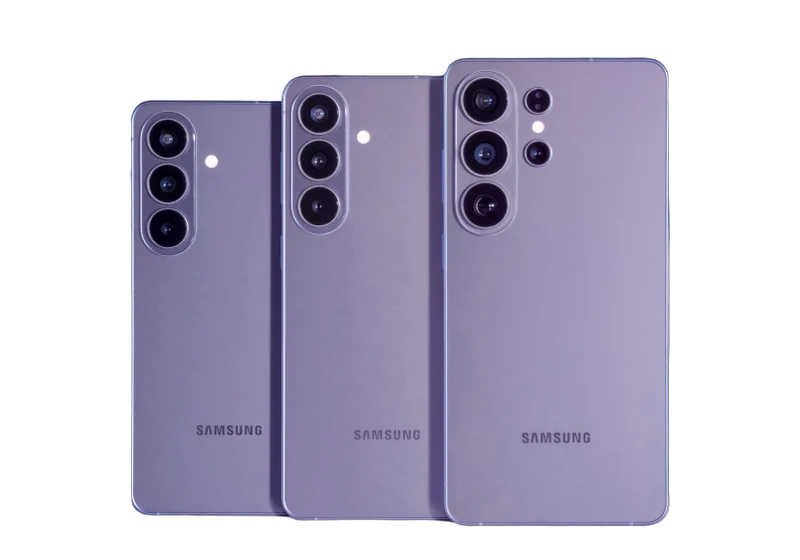 Samsung & AndroidGalaxy, Xiaomi, OnePlus, Huawei, Honor, Pixel, tabletsScreen from 300 ₪Go to page
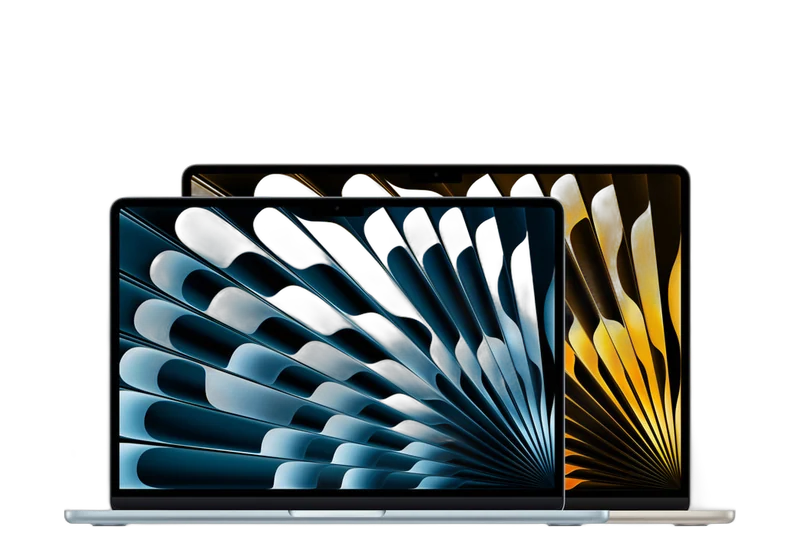 MacBook & AppleDown to board level: screen, keyboard, battery, liquidBattery from 500 ₪Go to page
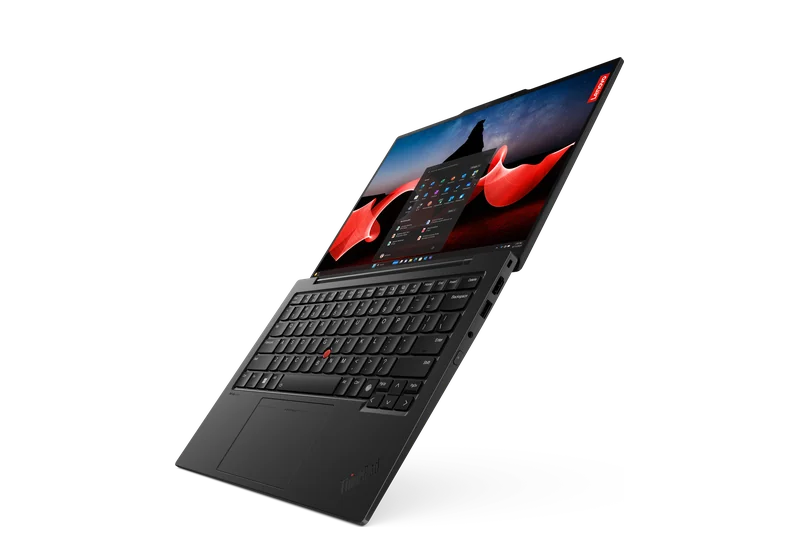 LaptopsScreen, battery, keyboard, motherboard — Dell, HP, Lenovo, Asus, AcerCleaning from 350 ₪Go to page
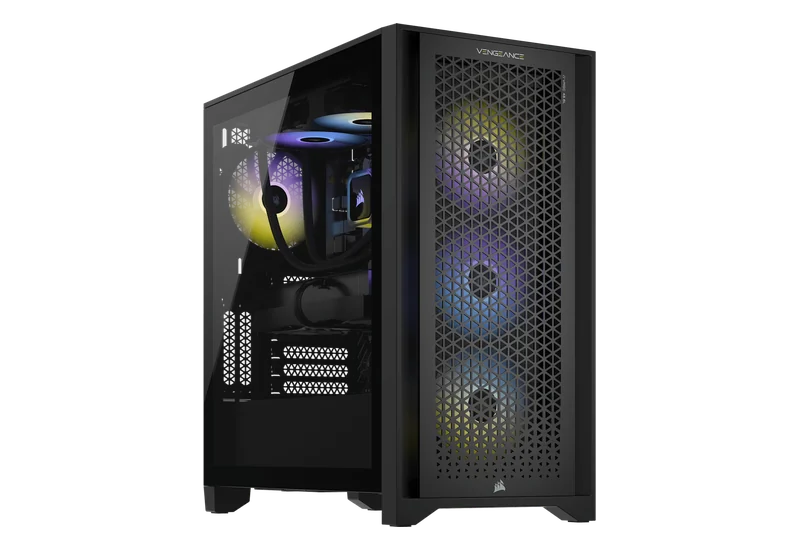 Desktop PCsWon’t turn on, shuts down, lags, power supply, WindowsCleaning from 200 ₪Go to page
 Data recovery & transferDrives, SSDs, memory cards, WhatsApp, photosGo to page Upgrades & maintenanceSSD, memory, graphics card, cooling, cleaningGo to page
 All articlesGuide
 FAQ
 Phone fell in water — what to do
 Phone won’t chargeSlow laptop
 Laptop or desktop?
 PC won’t turn on
 PC overheating
 Blue screen (BSOD)
 HDMI — no signal
 MacBook batteryMacBook won’t turn onPS5 won’t turn on
 Noisy PS5Xbox won’t turn onData recovery: what to know
 Upgrading to SSDUpgrade or new build?
 Your first gaming PC
 Gaming PC on a budgetHow much a gaming PC costsPrebuilt or custom?
 GPU comparisonCompact PC


 Keyboard engravingHebrew, Russian and English lettersOnly here
 Vacuum cleaner partsSearch by model
 AI PCsPCs for AI workCustom PCBuilt to your budget
 GTA VI — PC buildsRecommended PCs for the gameiPhoneScreen, battery, port, back glass — all modelsSamsung & AndroidGalaxy, Xiaomi, OnePlus, Huawei, Honor, Pixel, tabletsMacBook & AppleDown to board level: screen, keyboard, battery, liquidLaptopsScreen, battery, keyboard, motherboard — Dell, HP, Lenovo, Asus, AcerDesktop PCsWon’t turn on, shuts down, lags, power supply, Windows
 Graphics cardsRTX, Radeon, Arc — artifacts, no display, 12VHPWRConsolesPlayStation, Xbox, Nintendo Switch
 Liquid damagePhones, laptops and MacBook after water
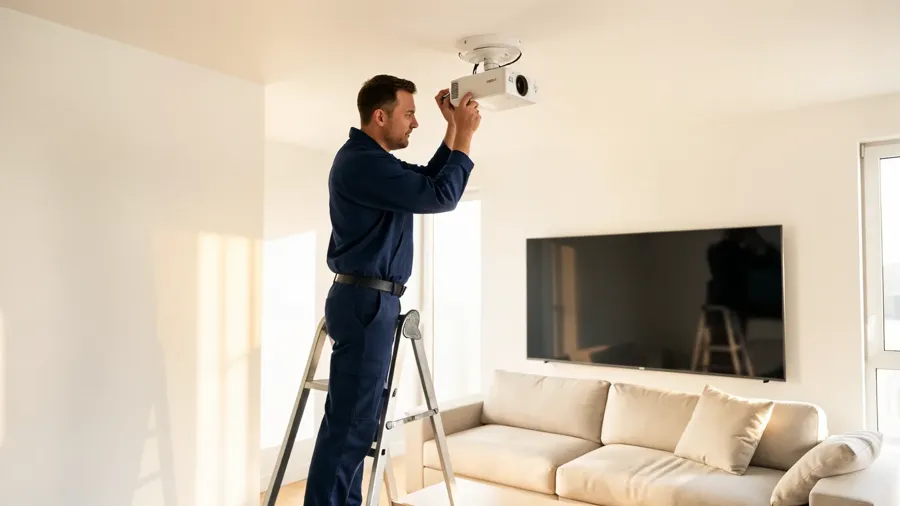 Audio & video for home and businessDesign, equipment and on-site installation
 Custom installation
 Business solutions
 AV projectsAV galleryAudio & video prices
 Contact — audio & video
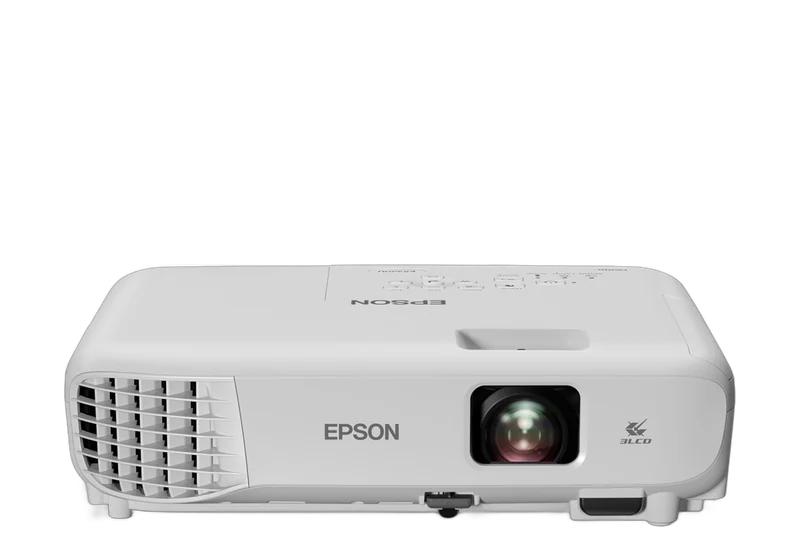 AV brandsEpson, Optoma and moreData recovery & transferDrives, SSDs, memory cards, WhatsApp, photosUpgrades & maintenanceSSD, memory, graphics card, cooling, cleaningLaser engravingHebrew, Russian, English — on any keyboardGaming PCsFortnite, Valorant, CS2, GTA VIComputersMonitorsStorage
 Memory
 ProcessorsCases
 Keyboards
 AudioChargersGamingConsole accessories
 Online shop
 Projectors, Hi-Fi, home cinema and moreAll articlesGuideFAQPhone fell in water — what to doPhone won’t chargeSlow laptopLaptop or desktop?PC won’t turn onPC overheatingBlue screen (BSOD)HDMI — no signalMacBook batteryMacBook won’t turn onPS5 won’t turn onNoisy PS5Xbox won’t turn onData recovery: what to knowUpgrading to SSDUpgrade or new build?Your first gaming PCGaming PC on a budgetHow much a gaming PC costsPrebuilt or custom?GPU comparisonCompact PCGTA VISystem requirements, PCs, consoles, gameplayPCone & the labAbout, our work, prices, contact
GTA 6 · Will my gaming laptop run GTA 6?
How to check a gaming laptop for GTA 6 (estimate): GPU model, heat after 30 minutes, when a repaste helps vs buying a desktop. Netanya
How to check a gaming laptop for GTA 6 (estimate): GPU model, heat after 30 minutes, when a repaste helps vs buying a desktop. Netanya The lab is at 18 Pinhas Lavon, Netanya (Lev Yasmin mall). Phone 09-8345676, WhatsApp 053-701-2069. Hours: Sun 9:00–19:00 · Mon–Thu 10:00–19:00 (break 13:30–15:00 Sun–Thu) · Fri 9:00–14:00 · Sat closed. We welcome customers from Netanya and the Sharon since 2007.

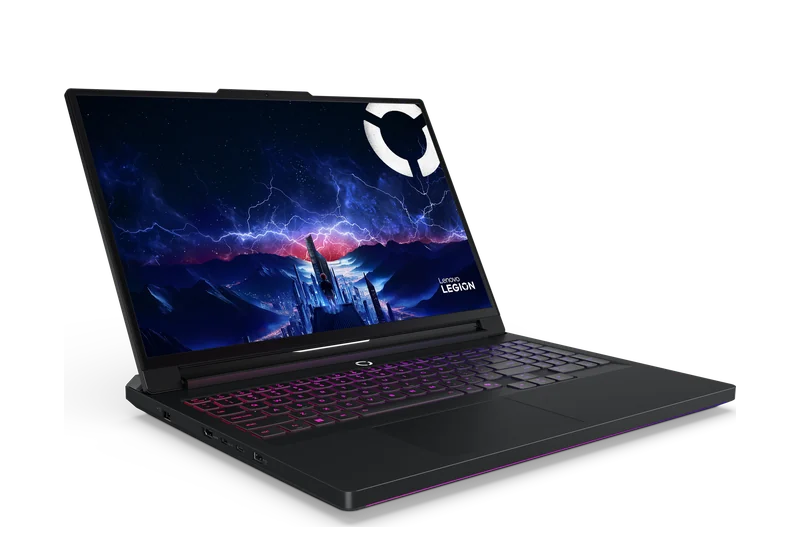
Deck / hook: You already spent serious money on a “gaming” laptop - and now the quiet fear is: what happens when GTA 6 finally hits PC? Short answer: it depends on your exact model, cooling, and honesty about resolution - not the sticker on the lid. GTA 6 launches on consoles on 19 Nov 2026. There is still no official PC date and no Rockstar PC system requirements. People still ask about the laptop at home because that cash is already gone. This page invents no “official fps.” It gives a check path, real scenarios, and a fork: cleaning/repaste vs a desktop Leonida Keys (from ₪4,999) or Vice City Nights (from ₪7,999). Laptop GPU ≠ desktop GPU with the same name A mobile RTX 4060 has different TGP and a thin chassis. After 30–40 minutes of heavy play, clocks often fall (thermal throttling). A future open-world GTA 6-class load is exactly what exposes weak cooling. A 3-minute YouTube spike is not a one-hour city session in the rain.
“It says RTX, so it’s desktop-class”
Laptop SKU ≠ desktop SKU
“It runs Cyberpunk, so GTA 6 is guaranteed”
Different games; no official PC specs yet
“I’ll wipe the exterior”
You need internal dust service, often new thermal paste
“MacBook M-series will handle it”
Don’t bet GTA 6 PC plans on a Mac
WhatsApp: Hi, I have laptop … (CPU/GPU/RAM) - worth repair for GTA 6 or a desktop? https://wa.me/972537012069 · 09-8345676 · builds
1. Model + heat after 30 min. 2. Mac → console/desktop, no illusions. 3. Old 3060 Laptop → clean OK, expect medium 1080p. 4. Healthy 4060+ → possible 1080p / medium 1440p (estimate); for quiet years still consider desktop. 5. Need stability without throttle → builds. Send dxdiag, Task Manager in a heavy game, whether an external 1440p/4K display is used, max budget. More: FAQ · console vs PC · launch day.
Laptop + charger, Windows password (or unlock on site), notes on what you already tried (canned air, cooling pad). If you use an external monitor, tell us its resolution: often “it doesn’t run” means “it runs 1080p, but you’re feeding 1440p/4K over
We won’t invent Rockstar numbers. We will give a clear verdict: keep / service / move to desktop, with Keys (from ₪4,999) or Nights (from ₪7,999) as desktop anchors when that’s the honest path.
Laptop diagnostics in Netanya: Pinhas Lavon 18 · Sun 9:00–19:00, Mon–Thu 10:00–19:00 (break 13:30–15:00, Sun–Thu), Fri 9:00–14:00 · WhatsApp 053-701-2069. Or skip the guesswork: Leonida Keys / Vice City Nights.
The GTA 6 release date is known - but your hardware has to be alive by then. An overheating console or a PC below the requirements will ruin the most awaited evening of the year. Both are solved in advance: parts are often made to order, and around launch we have a queue.
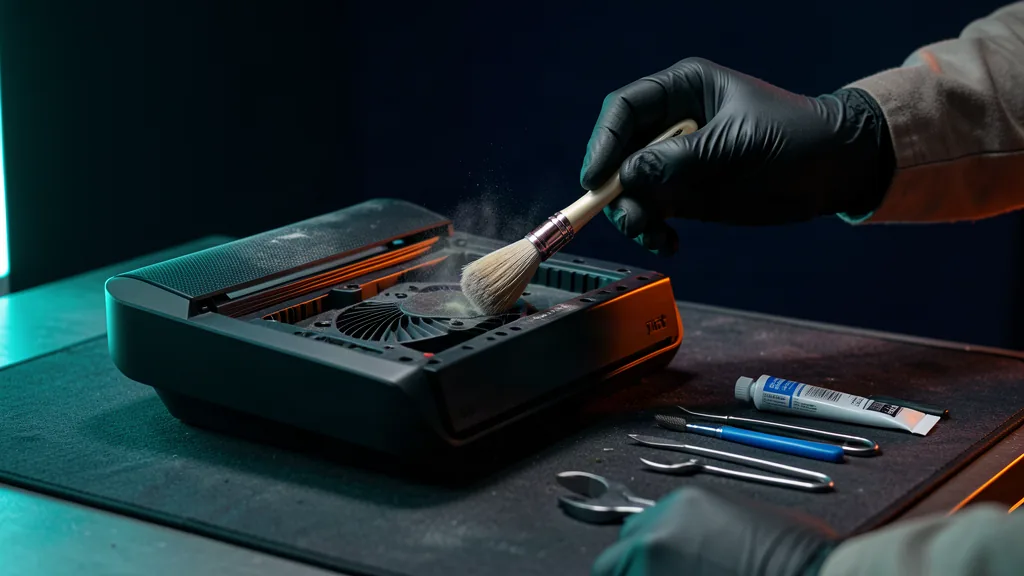
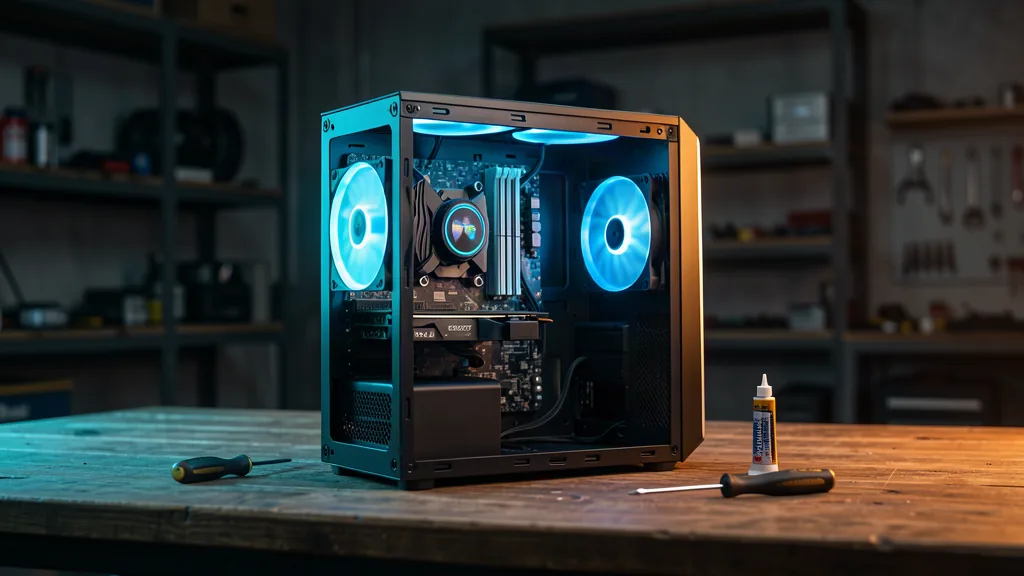
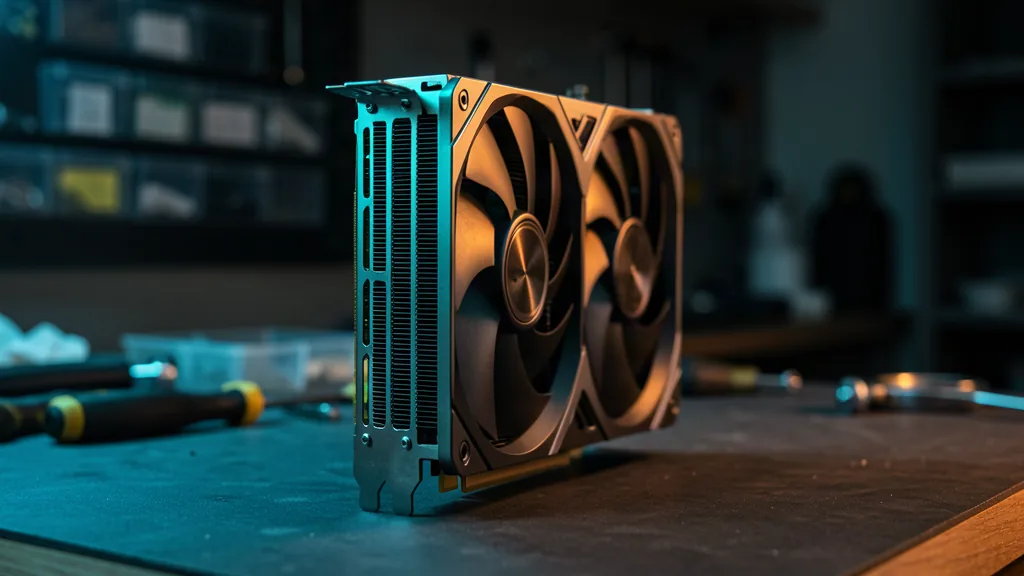
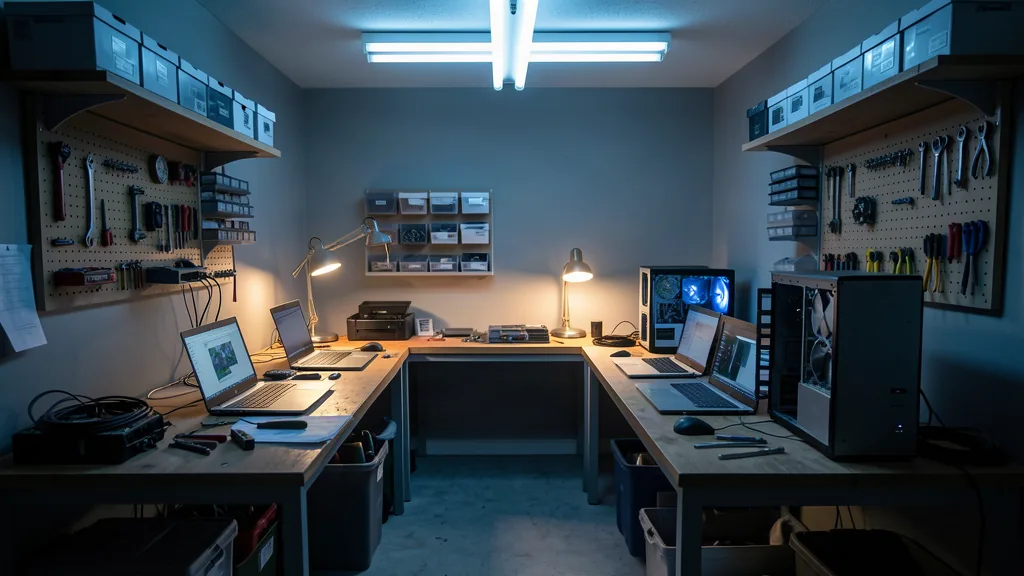
Preventive care before launch: dust cleaning, new thermal paste, fan check. If it hums, heats up and shuts down, it needs a service - not a fan next to it. Cleaning from 350 ₪, with thermal interface replacement from 550 ₪. We service all consoles.
We compare your specs with the game requirements and tell you what to replace first: graphics card, memory or drive. An upgrade is not a one-day story - parts are made to order, sometimes a week.
Prepare weeks ahead - and everything works on release day. Diagnostics and booking: one call or a message.
PCone Lab is at 18 Pinhas Lavon, Netanya, in the Lev Yasmin mall. Phone 09-8345676, WhatsApp 053-701-2069. Hours: Sunday 9:00–19:00, Monday–Thursday 10:00–19:00, with a break 13:30–15:00 Sunday–Thursday; Friday 9:00–14:00; Saturday closed. We have served Netanya and the Sharon since 2007.
Yes. At 18 Pinhas Lavon, Netanya, we can discuss a build or an upgrade for your requirements. The list and price are agreed before work; call 09-8345676. We do not promise stock of a ready configuration.