































































Guides
Gaming laptop or desktop PC: which one should you buy?
if you really need to play away from home (at university, at work, on reserve duty), a gaming laptop makes sense. If you play mostly at one desk, a desktop PC usually gives you more performance for the same money, runs cooler and quieter, and can be upgraded one part at a time for years. Not sure yet? Tell us where and what you play, and we will help you decide before you spend anything.
if you really need to play away from home (at university, at work, on reserve duty), a gaming laptop makes sense. If you play mostly at one desk, a desktop PC usually gives you more performance for the same money, runs cooler and quieter, and can be upgraded one part at a time for years. Not sure yet? Tell us where and what you play, and we will help you decide before you spend anything. The lab is at 18 Pinhas Lavon, Netanya (Lev Yasmin mall). Phone 09-8345676, WhatsApp 053-701-2069. Hours: Sun 9:00–19:00 · Mon–Thu 10:00–19:00 (break 13:30–15:00 Sun–Thu) · Fri 9:00–14:00 · Sat closed. We welcome customers from Netanya and the Sharon since 2007.
Where you play matters more than the spec sheet
Start with a simple question: how many days a month does the computer actually leave the desk? Many people buy a gaming laptop "just in case" and then keep it plugged in at home for years. They paid for a screen, a battery and a thin body they hardly use, and got weaker cooling in return.
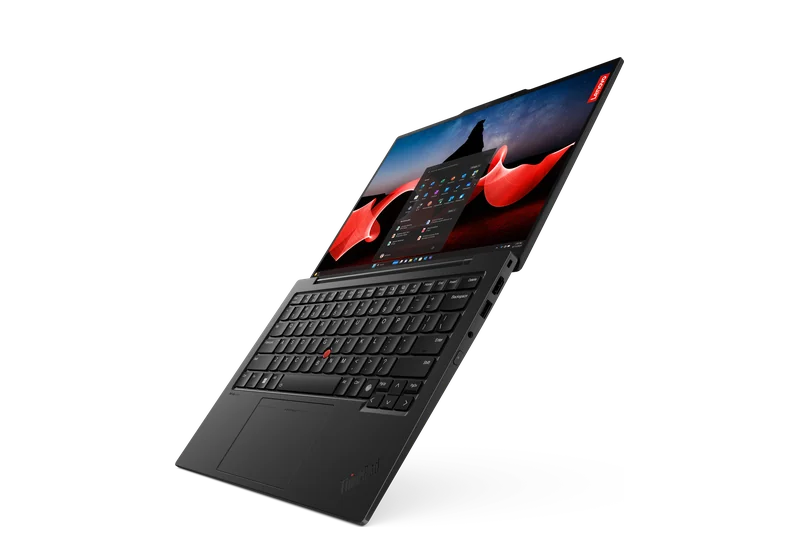
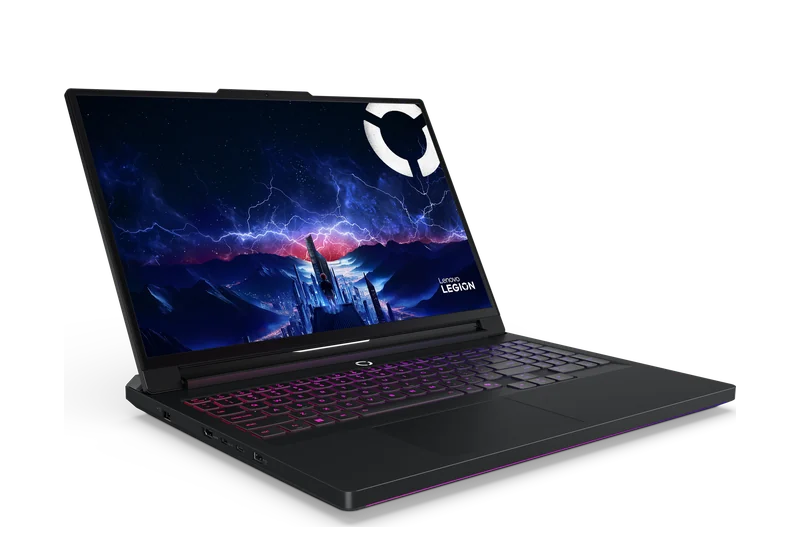
A gaming laptop fits when you travel or live between two homes, when there is no space for a tower and a monitor, or when one machine has to cover study, work and games.
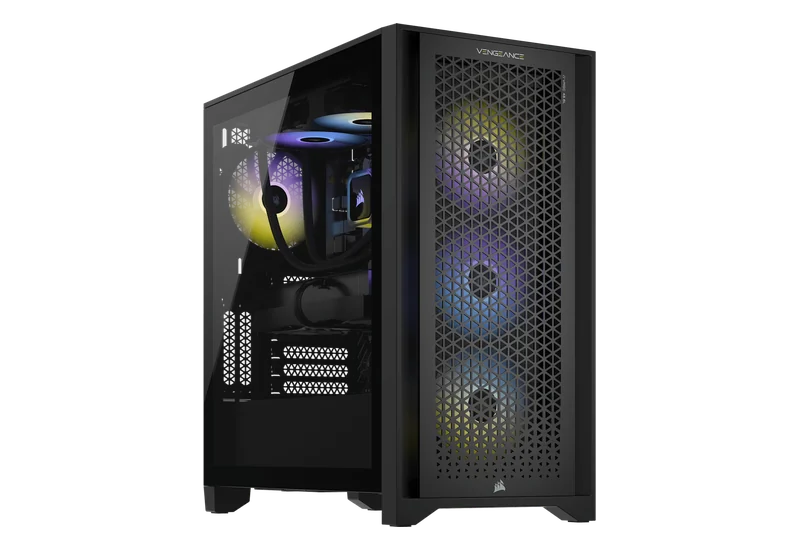
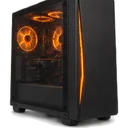
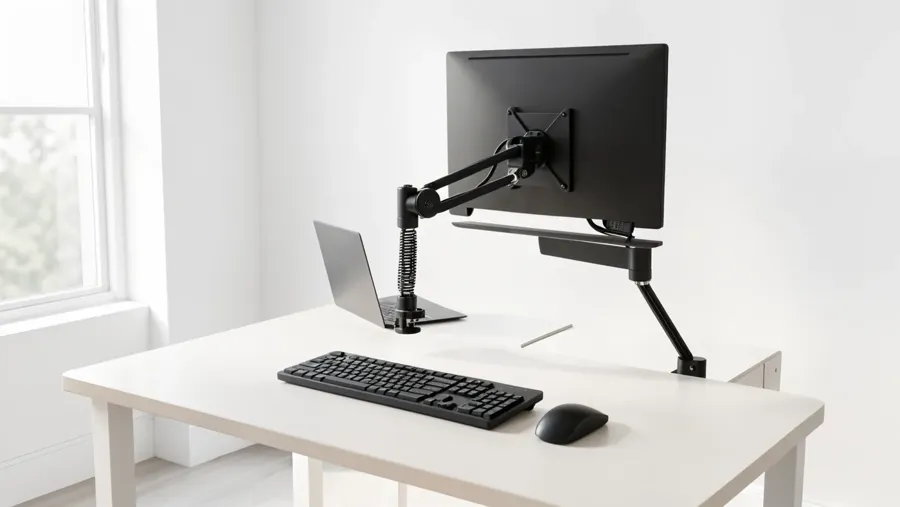
A desktop fits when you play at the same desk most of the time, want a big monitor with a high refresh rate, care about noise during long sessions, and prefer to upgrade later instead of replacing everything.
Many families choose a third option: a desktop for gaming at home and a simple, light laptop for study and travel.
Same graphics card name, different performance: gaming laptop or desktop
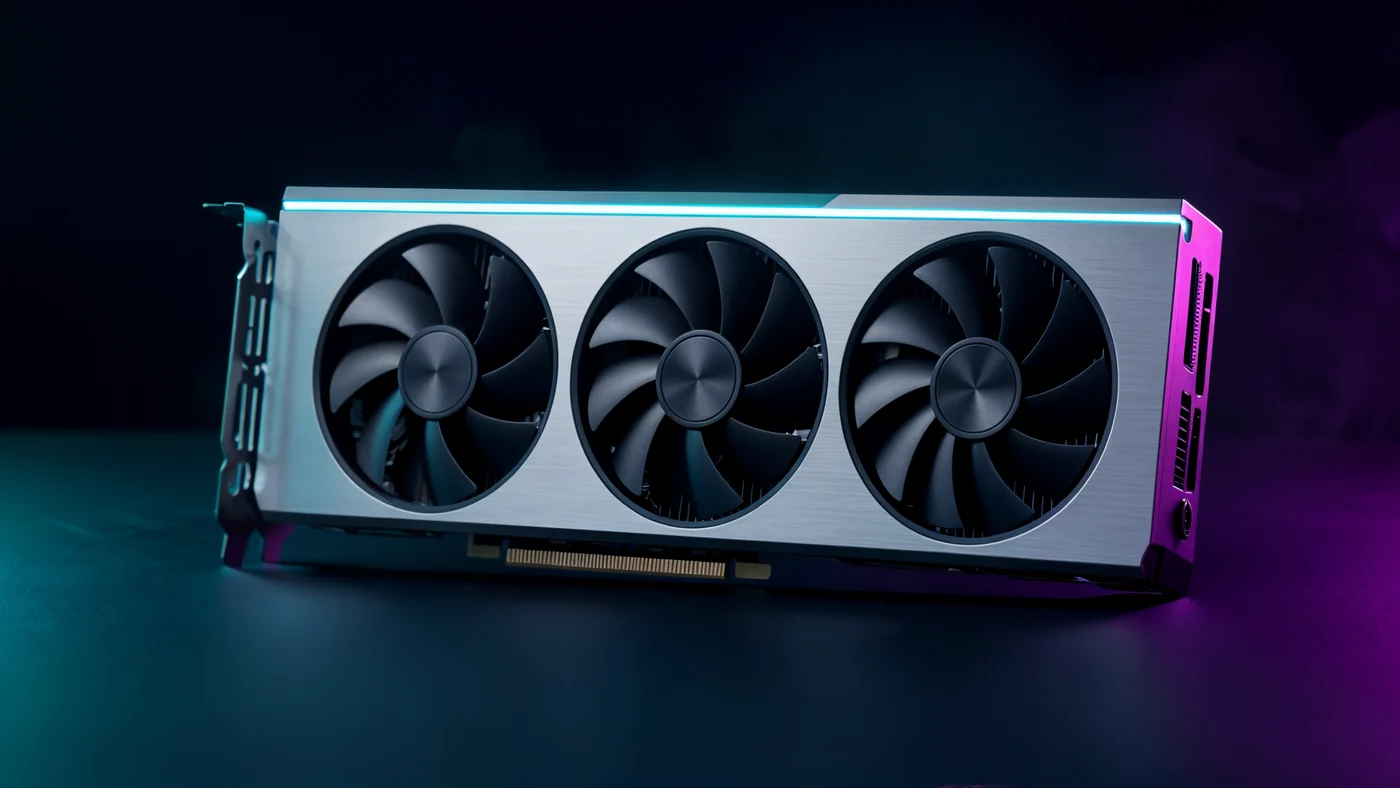
This part surprises people. A laptop graphics card with the same name as a desktop card, for example RTX 4060 Laptop and RTX 4060, is usually not the same in practice. A laptop has a small cooling system and a lower power limit, so the result depends a lot on the specific model.
Heat is the second issue. In a thin body, a long session pushes temperatures up, the fans get loud, and some models slow down after a while. Dust makes it worse over time. A desktop has room for bigger coolers and a case with good airflow, so the same game runs more steadily and more quietly.
So do not compare only the card name. Think about which games you play, at what resolution and refresh rate, and for how long in one go.
Upgrades and repairs over the years: gaming laptop or desktop
A desktop is built from separate parts. If in two years the graphics card is not enough, you replace the card. Need more memory? You add memory. If the power supply fails, you replace it and keep everything else. At PCone a graphics card upgrade with installation is from 1400 ₪, and a 750W power supply with installation is from 800 ₪.
A gaming laptop is mostly closed. In most models you can replace the SSD and sometimes the memory, but in many laptops the memory is soldered to the board, and the processor and graphics card almost always are. A laptop SSD or memory upgrade at PCone is from 700 ₪, depending on the model.
And the total cost? The price of a laptop or of desktop parts is to be confirmed: it depends on the parts and on the market on the day you order. For a desktop, add a monitor, keyboard and mouse if you do not have them. The build work for a gaming PC at PCone is from 600 ₪, parts paid separately, with consultation and parts selection included.
What to do next: gaming laptop or desktop
Send us a WhatsApp message with four things: your games, your monitor (or the one you plan to buy), whether the computer needs to travel, and your rough budget. We will tell you honestly which option fits and suggest a parts list.
Our lab is at Pinhas Lavon 18, Netanya, working with computers since 2007. Lab diagnostics is 200 ₪, and you get the exact price before any work.
- Want a desktop? See custom PC builds and ready gaming builds.
- Already have a PC? Check whether an upgrade is enough.
- Have a laptop? See what your model can take in laptop upgrades.
FAQ: gaming laptop or desktop
Where is PCone Lab, and what are the opening hours?
PCone Lab is at 18 Pinhas Lavon, Netanya, in the Lev Yasmin mall. Phone 09-8345676, WhatsApp 053-701-2069. Hours: Sunday 9:00–19:00, Monday–Thursday 10:00–19:00, with a break 13:30–15:00 Sunday–Thursday; Friday 9:00–14:00; Saturday closed. We have served Netanya and the Sharon since 2007.
Where can I follow up with a check or a repair after this article?
PCone Lab is at 18 Pinhas Lavon, Netanya. Phone 09-8345676, WhatsApp 053-701-2069. Hours include a break 13:30–15:00 Sunday–Thursday. When a diagnostic is needed, it is 200 ₪ and is credited toward the repair after you approve.
Is a gaming laptop weaker than a desktop with the same graphics card name?
Usually yes. Laptop versions run at lower power with smaller cooling, so it depends on the model. Send us the exact model and we will tell you what to expect.
Can I upgrade a gaming laptop later?
Usually only the SSD, and sometimes the memory. A laptop SSD or memory upgrade is from 700 ₪, depending on the model.
How much does it cost to build a gaming desktop at PCone?
The build work is from 600 ₪, parts are paid separately. The total is to be confirmed once the parts list is agreed, and you get the exact price before we order anything.
Can I connect a laptop to a big monitor at home?
In most cases yes, through HDMI, DisplayPort or USB-C, if your model supports it. Send us the model and we will check.
I already have an old desktop. Should I buy a laptop instead?
Not necessarily. Sometimes a new graphics card, more memory or an SSD is enough. Bring it for diagnostics (200 ₪) and we will tell you whether an upgrade or a new build makes m
A laptop may be the better shape when there is no space for a tower and a monitor. If the screen stays black, start with no HDMI signal: what to do.