

















































 Gaming
 laptop overheating: bring back the cooling and FPS
Cooling system cleaning with new thermal paste on the CPU and graphics chip from 350 ₪.Diagnostics 200 ₪What's included
- Diagnostics 200 ₪, price before work
- Independent lab in Netanya since 2007
- Not a manufacturer-authorized service
- Warranty on labour and parts — on receipt
Repair price list
Exact price after diagnostics — before any work starts.
| Service | Price |
|---|---|
| Diagnostics | 200 ₪ credited to the repair |
| Board diagnostics | 300 ₪ |
| Graphics card diagnostics | 200 ₪ |
| Cleaning and thermal paste | from 350 ₪ |
| Windows installation | from 350 ₪ |
| SSD upgrade | from 500 ₪ |
| Add RAM | from 200 ₪ |
| Screen | from 600 ₪ |
| Keyboard | from 450 ₪ |
| Battery | from 500 ₪ |
| Charging port | from 350 ₪ |
| After a liquid spill | from 500 ₪ |
| Board-level repair | from 650 ₪ |
How it works
- Send model and fault on WhatsApp or visit the lab
- Lab diagnostics — 200 ₪
- Exact price before work starts
- Repair / clean / upgrade and pickup
Timing depends on the fault and parts availability. Exact price and schedule after inspection — no advance SLA promises.
Related
 Parts Parts by modelScreen, keyboard, battery Parts
FAQ
Where is PCone Lab, and what are the opening hours?
PCone Lab is at 18 Pinhas Lavon, Netanya, in the Lev Yasmin mall. Phone 09-8345676, WhatsApp 053-701-2069. Hours: Sunday 9:00–19:00, Monday–Thursday 10:00–19:00, with a break 13:30–15:00 Sunday–Thursday; Friday 9:00–14:00; Saturday closed. We have served Netanya and the Sharon since 2007.
When does the work start, and what does the diagnostic include?
The 200 ₪ diagnostic is credited if you go ahead with the repair. Work starts only after you approve the quoted price. This page does not offer jump-the-queue urgent diagnostics or a home visit.
How much is a gaming laptop cleaning?
Cooling system cleaning with new thermal paste on the CPU and graphics chip from 350 ₪.
What if the fan is noisy?
Sometimes a cleaning is enough. A worn fan gets replaced, from 500 ₪.
How often should I clean it?
Gaming laptops are worth cleaning once a year, and sooner if noise and heat go up.
Does the graphics chip need a separate service?
No. The paste on the graphics chip is replaced as part of the same cleaning.
How do I know the cleaning helped?
We measure temperatures under load before and after the cleaning and compare.
Why does FPS drop after a few minutes of play?
Most often because of heat: the CPU and graphics chip lower their clocks as they heat up. Cleaning and new paste usually bring the performance back.
Independent repair lab · Pinhas Lavon 18, Netanya
Gaming laptop overheating: bring back the cooling and FPS
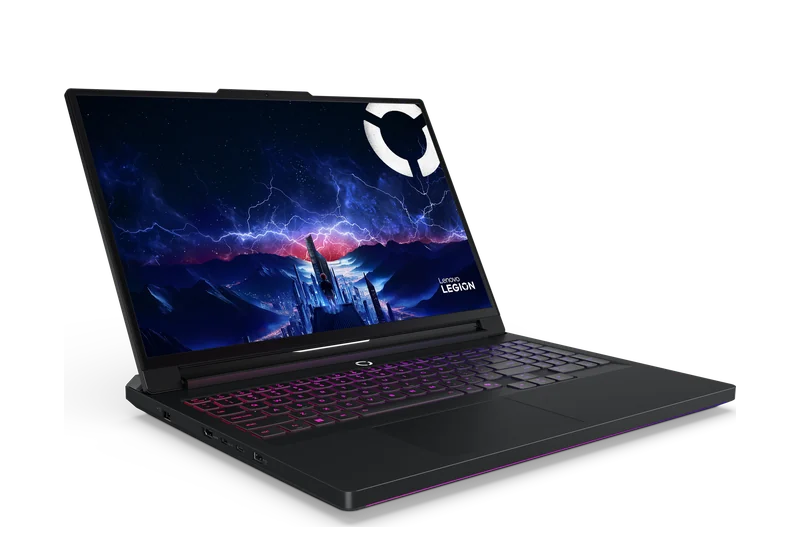
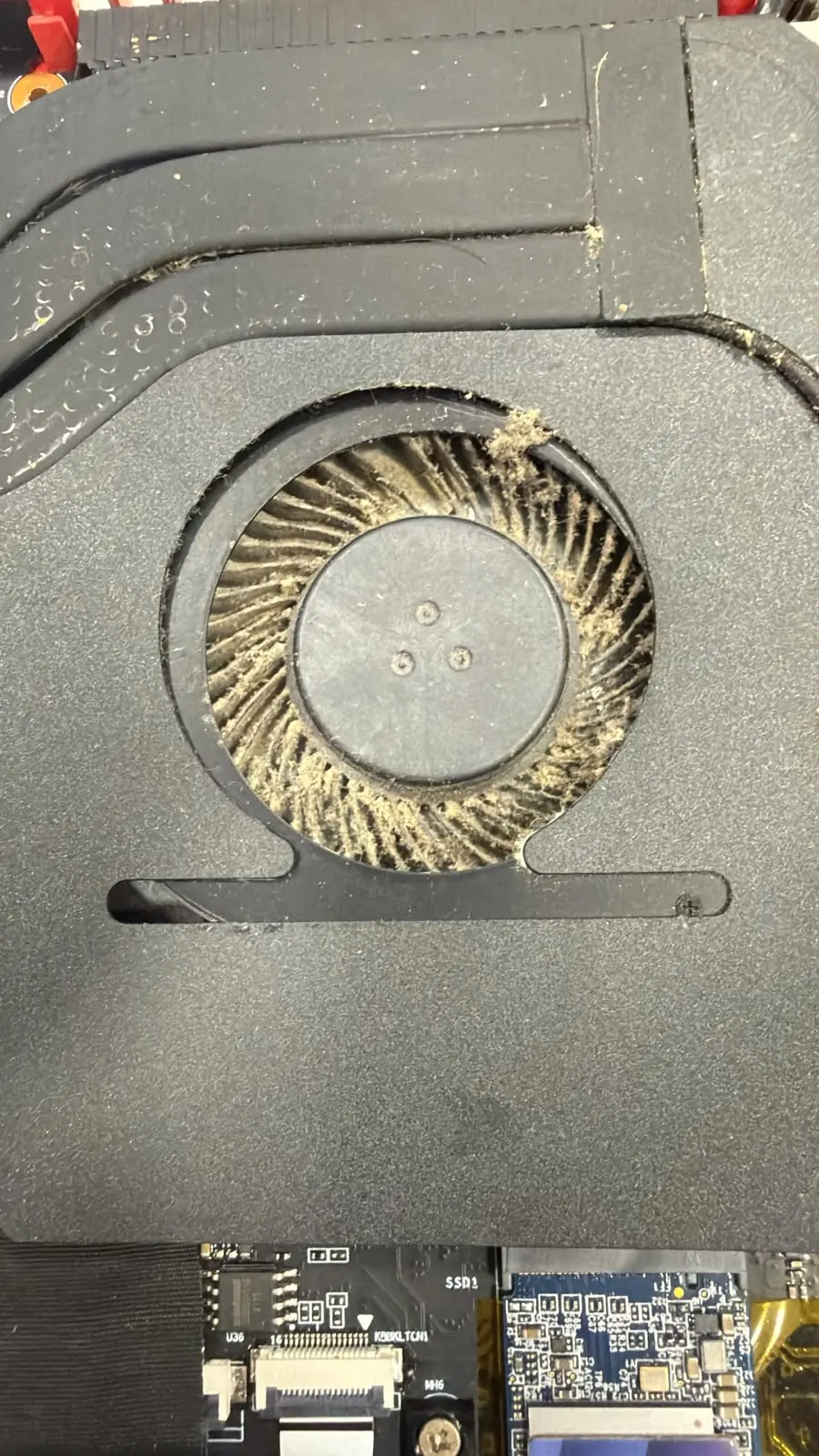
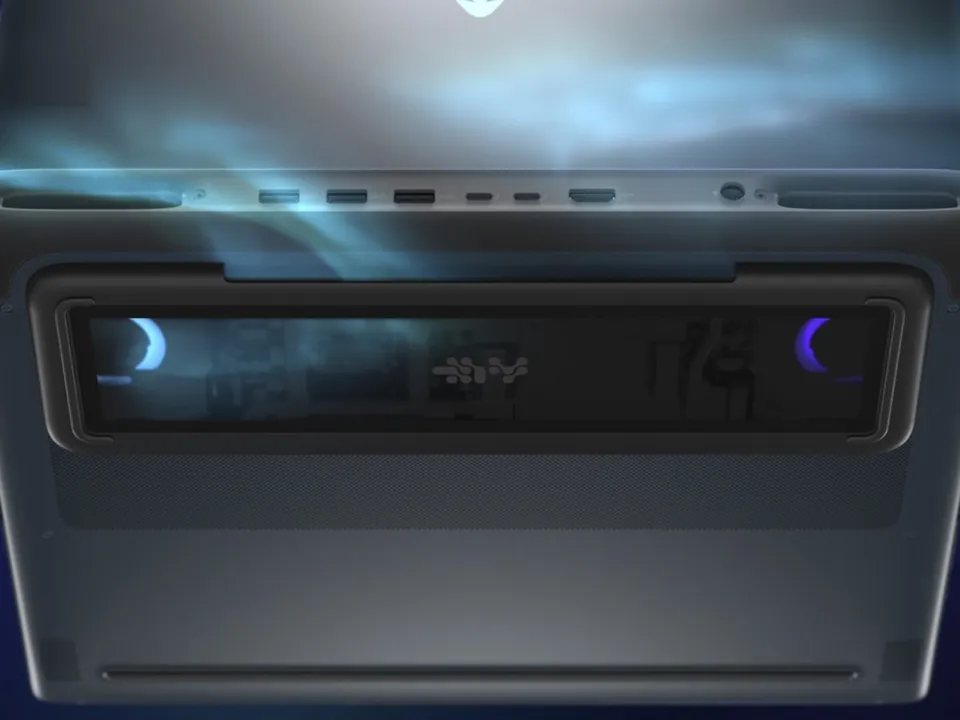
The game runs smoothly at first, then after a few minutes FPS drops, the fans scream and the area above the keyboard gets very hot. Most of the time it is not weak hardware but dust in the heatsinks and dried thermal paste. We open it, clean it, replace the paste and measure temperatures before and after.
- Legion, ROG, TUF, MSI, Alienware, Omen, Predator, Nitro
- Diagnosis first, price before approval
- Temperatures measured before and after cleaning
- Since 2007
In short
PCone Lab (Pinhas Lavon 18, Netanya) services gaming laptops that overheat, throttle and lose FPS: heatsink and fan cleaning with new thermal paste on the CPU and graphics chip from 350 ₪, fan or cooling system replacement from 500 ₪. Temperatures are measured under load before and after. The exact price is given before work.
Address: Pinhas Lavon 18, Netanya · Phone: 09-8345676 · WhatsApp: WhatsApp 053-701-2069
Hours: Sun 9:00-19:00· Mon-Thu 10:00-13:30 and 15:00-19:00 · Fri 9:00-14:00 · Sat closed
Updated:
What it looks like
- FPS drops after a few minutes of play
- The fans are loud already in the game menu
- The area above the keyboard is very hot
- The laptop shuts down or freezes mid-game
- Weak airflow from the vents
- The fan buzzes or clicks
Why gaming laptops overheat
In a gaming laptop the CPU and graphics chip share a tight cooling system that works close to its limit even when new.
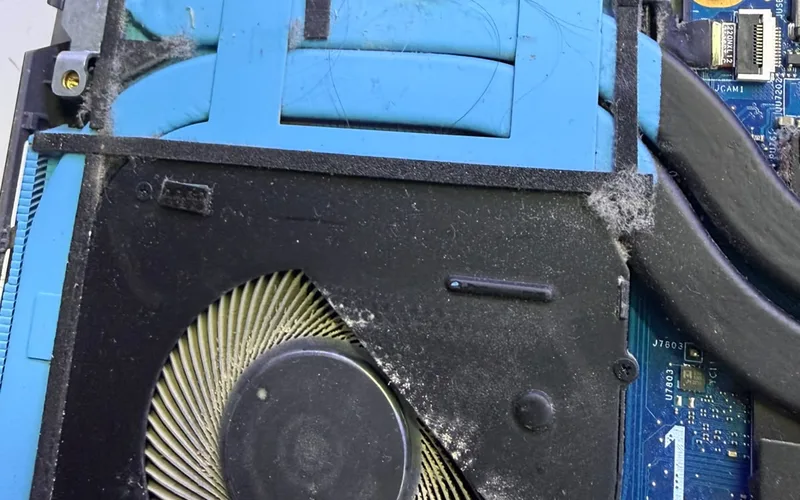
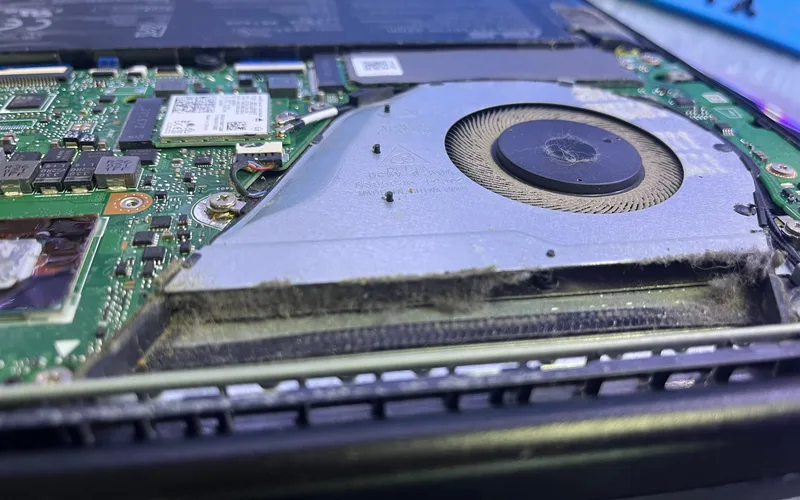
Dust in the heatsinks
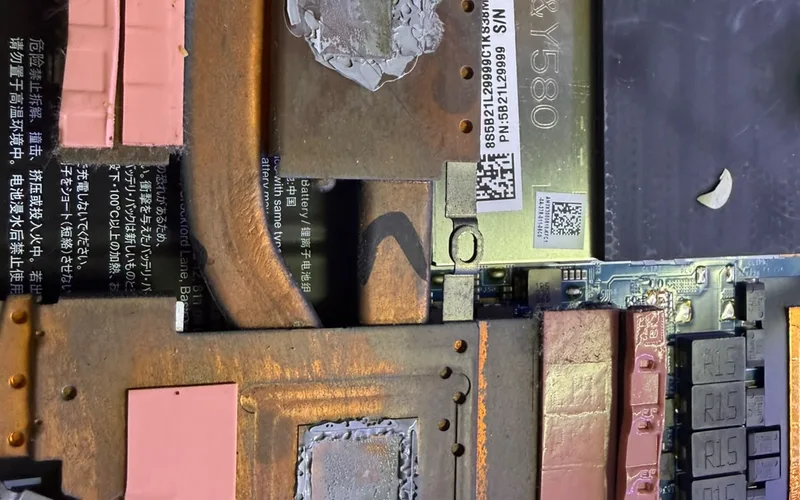
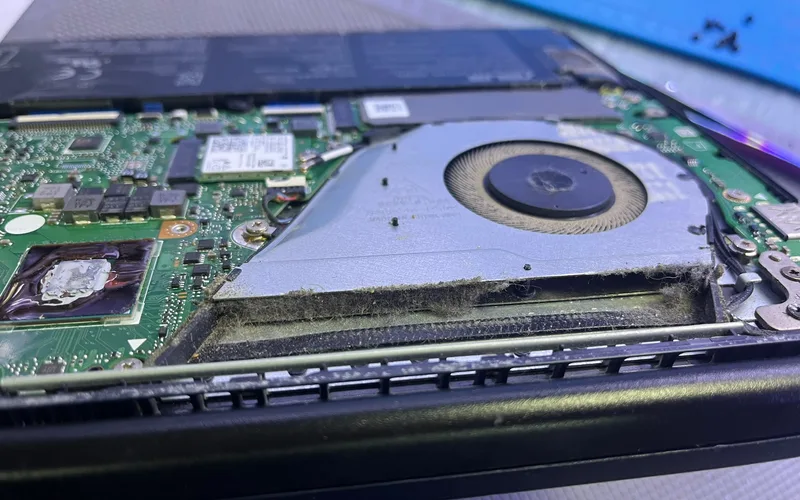
A layer of dust on the heatsink fins blocks the airflow and the heat cannot leave.
Dried thermal paste
The paste between the chips and the heat pipes dries out and transfers less heat.
Worn fan
A fan that buzzes, rattles or spins slowly does not move enough air.
Automatic throttling
As temperature rises, the CPU and graphics chip lower their clocks to protect themselves, hence the FPS drop.
What we do in the lab
- 1Measure before
We run a load and record CPU and graphics chip temperatures.
- 2Open and clean
We remove the cooling system and clean heatsinks and fans.
- 3New paste
We replace thermal paste on the CPU and the graphics chip.
- 4Measure after
We run the load again and compare, to make sure the cooling works.
Price
Cooling system cleaning + thermal pastefrom 350 ₪
Heatsinks and fans, new paste on the CPU and graphics chip, measured before and after.
Fan / cooling system replacementfrom 500 ₪
When the fan is worn or the heatsink is damaged, by model.
Shuts down under load even after cleaningPrice after diagnostics
We check the charger, battery and power circuits on the board.
These are starting prices from the site price list. The exact price depends on the model and is given before work.
What you can do right now
- Play on a hard, flat surface, not on a bed or sofa
- Do not block the side and rear vents
- Play with the original charger connected
- If the laptop shuts down from heat, stop gaming until it is checked
More pages that can help
Heat and fan noise on a gaming laptop are diagnosed before work. For the desktop side, see PC overheating and fan noise.
Related
Gaming laptops
Overheating, low FPS, graphics and hinges.
Cleaning and paste
Overheating, noise and a fan that never stops.
Laptop graphics
Game crashes and a hot graphics chip.