













































Independent repair lab · Pinhas Lavon 18, Netanya
At PCone Lab in Netanya we handle this: Graphics Card Service in Netanya Dead card? Component-level diagnosis and repair. The lab is at 18 Pinhas Lavon, Netanya (Lev Yasmin mall). Phone 09-8345676, WhatsApp 053-701-2069. Hours: Sun 9:00–19:00 · Mon–Thu 10:00–19:00 (break 13:30–15:00 Sun–Thu) · Fri 9:00–14:00 · Sat closed. We welcome customers from Netanya and the Sharon since 2007. Diagnostic 200 ₪ is credited toward the repair; work starts only after you approve the quote.
Graphics Card Service in Netanya Dead card? Component-level diagnosis and repair
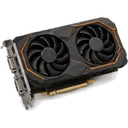
No display, a card that won't power on, artifacts on screen or a black screen mid-game - that doesn't always mean buying a new card. At our Netanya lab we check the card at component level: power circuits, memory, the GPU itself, connectors and BIOS. You get the cause and the price before we start.
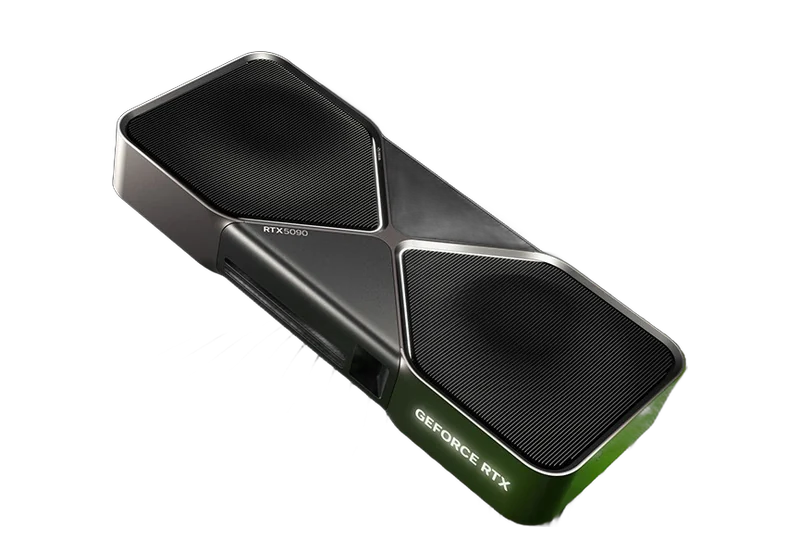
We repair NVIDIA GeForce, AMD Radeon and Intel Arc cards from every board partner. Bring just the card, or the whole PC if you're not sure which part failed.
- NVIDIA GeForce
- AMD Radeon
- Intel Arc
- 350-750 ₪ depending on the model
- Diagnosis first, price before work
- Since 2007
- We'll tell you honestly if it's not worth fixing
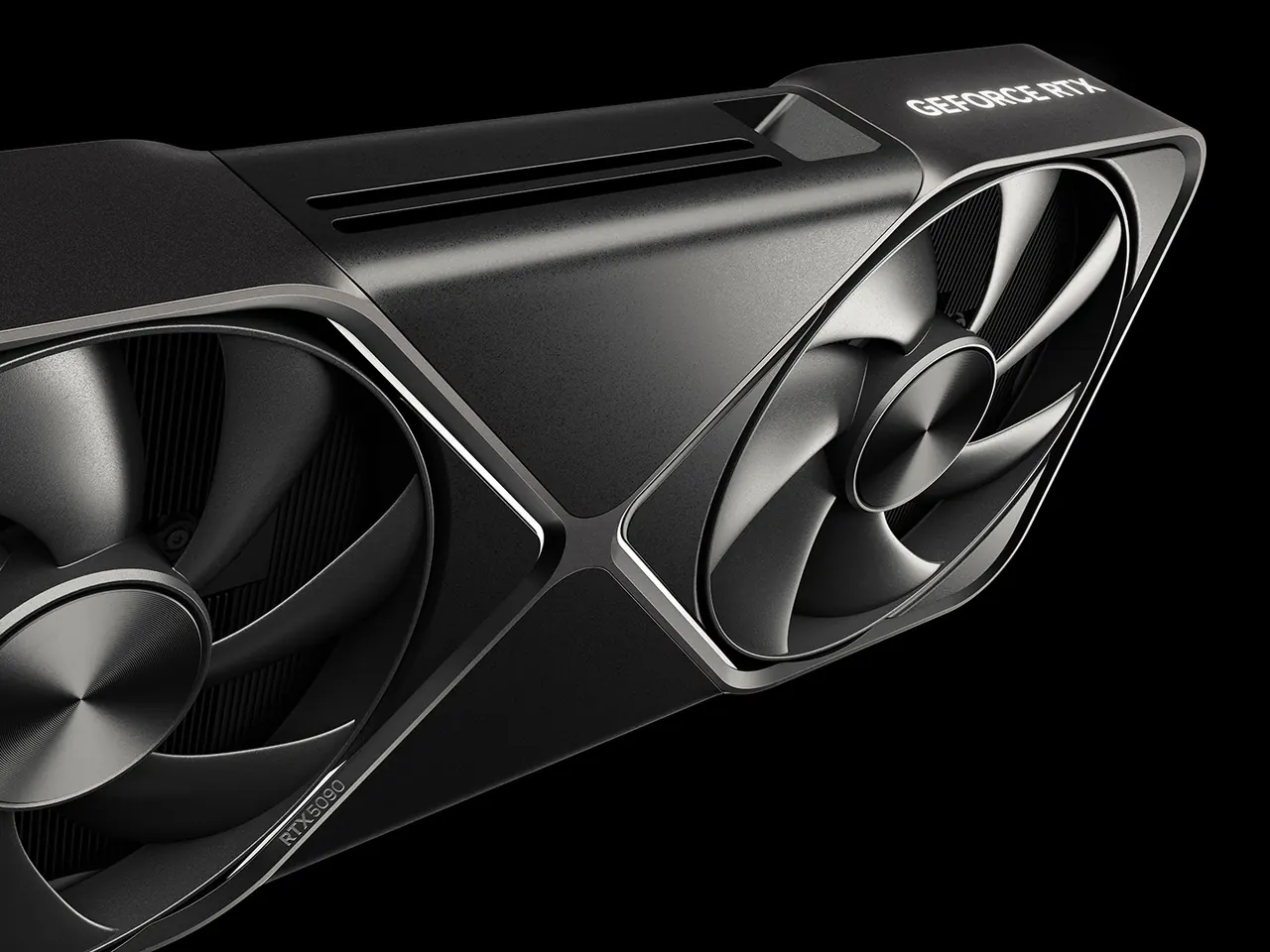 NVIDIA · AMD · Intel
After a card is inspected, the next question is sometimes a replacement. The article which graphics card to choose explains the differences without a sales pitch.
In short: PCone Lab at Pinhas Lavon 18, Netanya repairs NVIDIA GeForce, AMD Radeon and Intel Arc graphics cards at component level. Maintenance (cleaning, new thermal pads and thermal paste) costs 350-750 ₪ depending on the model. The repair price is set only after diagnostics and is given before any work. Phone 09-8345676, WhatsApp 053-701-2069. Sun 9:00-19:00, Mon-Thu 10:00-19:00 (break 13:30-15:00 Sun-Thu), Fri 9:00-14:00, Sat closed.
What happened to your graphics card?
Get a price on WhatsApp
Pick the brand, model and problem, and a WhatsApp chat opens with a ready message. For maintenance and cleaning you see the price for your model right away.
No problem. Tell us in the chat what the label says, send a photo of the sticker, or just bring the card and we will identify it together.
Not listed? Type the model in the chat.
- Chip
- Memory
- Power connector
A laptop GPU is soldered to the motherboard, so it is serviced as part of laptop cleaning. Laptop cleaning and repair
What is included
- Careful disassembly of the card
- Dust cleaning of the heatsink and fans
- New thermal pads of the right thickness
- Fresh thermal paste on the GPU die
- Reassembly and stress test with temperatures before and after
Component repairs are priced only after diagnostics: nobody can know in advance what burned out.
The PC runs, but there's no picture from the card
Likely cause
A faulty VRAM chip, a failed GPU power circuit, a damaged HDMI or DisplayPort output, or a corrupted card BIOS. Sometimes it's actually the motherboard or the power supply.
What we do
We test the card on a bench, measure the voltages and locate the faulty part. If the card is fine, we'll tell you and check the rest of the PC.
Price after diagnostics
The card won't power on, fans don't spin
Likely cause
A short in the power stage (a burnt MOSFET or DrMOS), a blown fuse, damage after a power surge, or a failing PSU.
What we do
We find the short, replace the burnt parts and confirm the voltages are back to normal before putting the GPU under load.
Price after diagnostics
Coloured squares, lines or flickering
Likely cause
Usually a faulty or overheating VRAM chip, sometimes a bad BGA joint between the GPU and the board.
What we do
We test every memory chip, measure temperatures and replace thermal pads. A failed memory chip is replaced with an identical one.
Price after diagnostics
Black screen or crash in the middle of a game
Likely cause
Overheating, dried-out paste and pads, an unstable power stage under load, or memory that fails only when hot.
What we do
We run a stress test, measure GPU, memory and VRM temperatures and fix whatever gives way. Then we test under load again.
Price after diagnostics
The card runs hot and the fans are loud
Likely cause
Dust, dried thermal paste, pads that lost contact or a fan with a worn bearing.
What we do
We strip the cooler, clean it, replace the paste and pads of the right thickness, swap the fan if needed and compare temperatures before and after.
Price after diagnostics
The 16-pin power connector melted or turned brown
Likely cause
A plug that wasn't fully seated or a cable bent right at the connector: some pins carry more current, heat up and the plastic melts.
What we do
Don't plug it in again. We replace the 12VHPWR or 12V-2x6 connector, rebuild the pads on the board and check the input circuit. The melted cable or adapter must be replaced too.
Price after diagnostics
Liquid spill or the card was dropped
Likely cause
Corrosion, a short, a knocked-off component, a torn trace, or a damaged output or PCIe edge.
What we do
Don't power it on. We clean the board, find the damage, restore traces and replace parts and connectors.
Price after diagnostics
Card not detected after a BIOS flash or mining
Likely cause
A corrupted or mismatched BIOS, sometimes a faulty BIOS chip.
What we do
We flash the original BIOS for your exact model and replace the BIOS chip if needed.
Price after diagnostics
Describe the problem in the chat and we will get back to you.
Price after diagnostics
We repair cards from
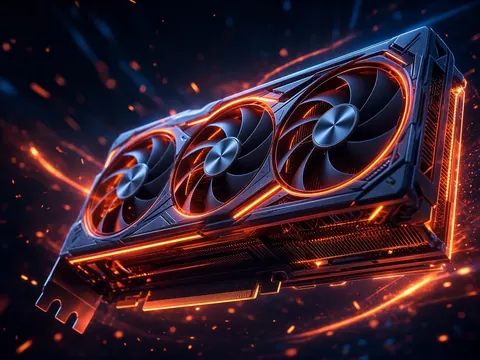
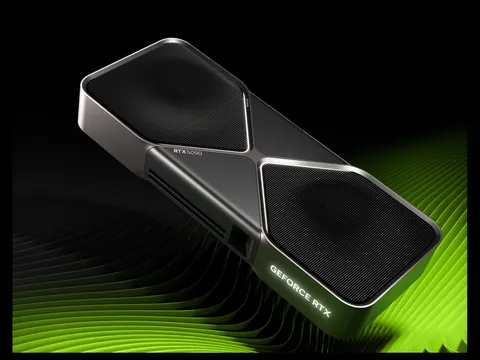 NVIDIA GeForce
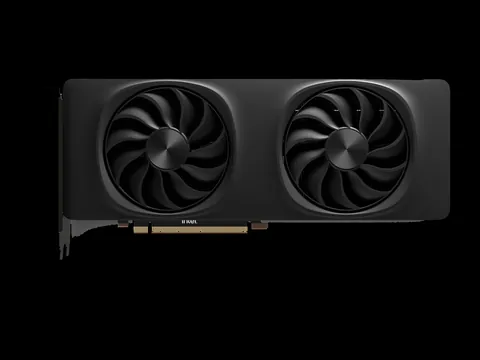
 AMD Radeon
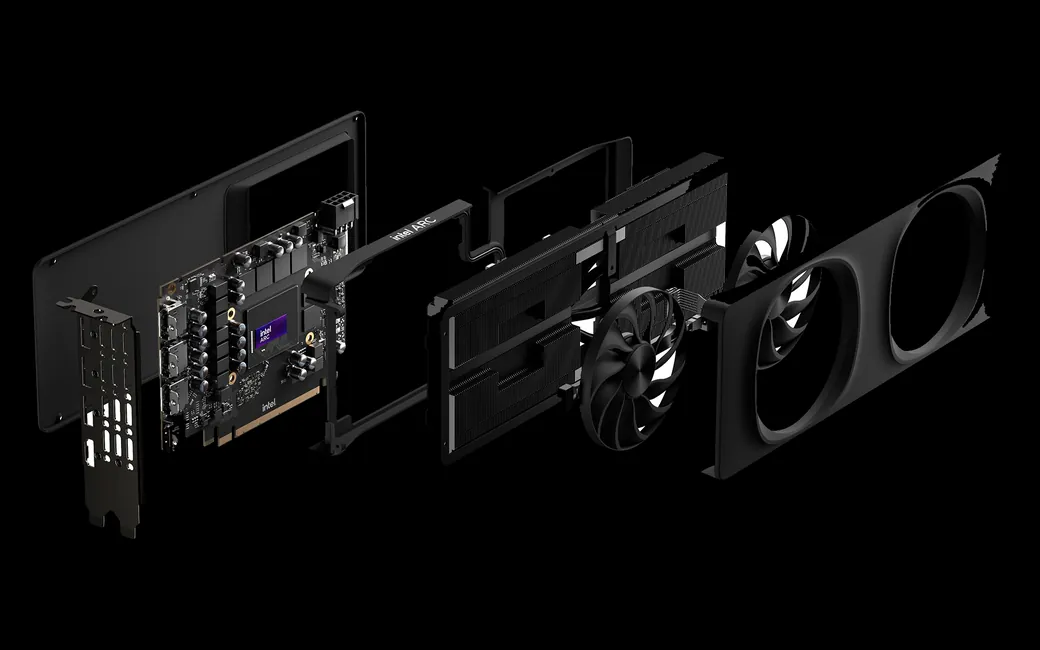
 Intel Arc
ASUS · MSI · Gigabyte · Zotac · Palit · Gainward · PNY · Inno3D · Sapphire · PowerColor · XFX · ASRock
Graphics card maintenance: a fixed price for every model
A card that runs hot, gets loud or throttles usually needs maintenance, not a repair. The price depends on the card size and the number of pads, so it is set per model.
Price by card class
Pro cards are mapped by power and size; cards with memory on both sides of the board go one class up.
Before and after: we measure, not guess
We measure GPU and memory temperatures under load before disassembly and after reassembly, and show you the result.
Illustration, not real data
How is this different from PC cleaning?
Gaming PC cleaning covers the case, the fans and the CPU paste, and the graphics card stays closed. Graphics card maintenance means taking the card fully apart, cleaning the heatsink, replacing all thermal pads and the GPU paste, and a stress test with temperatures before and after. That is why it is a separate job with its own price.
What we repair on a graphics card
Component-level repair, not swapping parts at random. We find what actually failed and fix that.
Where the fault usually hides
GPU die and VRAM 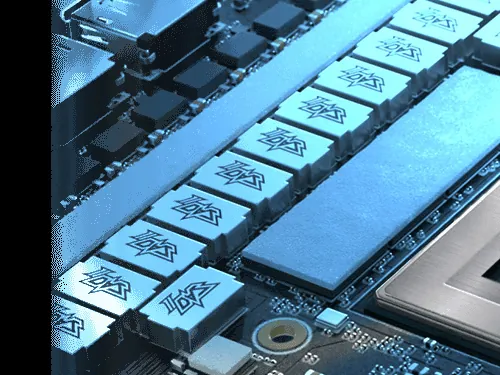
VRM power stages 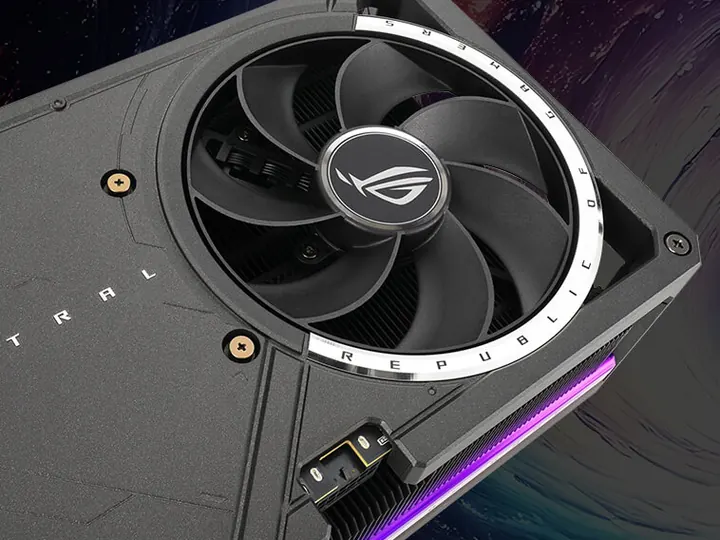
Fans and cooling 12VHPWR / 12V-2x6 connector
Component-level diagnostics
Voltage measurements, short hunting, memory and temperature tests. You get a clear explanation of the fault.
VRM power stage
Replacing burnt MOSFETs and DrMOS, PWM controllers, inductors and capacitors.
VRAM replacement
Finding the failed GDDR chip and replacing it with an identical one for your model.
GPU reballing
Removing the GPU, fitting new solder balls and resoldering it when the BGA joint is the problem.
PCIe edge and outputs
Repairing PCIe contacts, HDMI and DisplayPort outputs and torn traces.
12VHPWR / 12V-2x6 connector
Replacing a melted 16-pin connector and checking the input circuit.
BIOS reflash
Original BIOS via software or a programmer, BIOS chip replacement.
Fans
Replacing a noisy or seized fan and checking the card's fan circuit.
Thermal paste and pads
Quality paste and pads of the right thickness for memory and VRM. Fixed price per model.
Cooler cleaning
Cleaning dust from the heatsink and fans, temperatures checked before and after.
Maintenance at a fixed price per model, repairs after diagnostics: the price for cleaning, pads and paste shows up instantly in the picker. Component repairs are quoted after diagnostics, and paid work only starts once you approve.
Photos: official NVIDIA, AMD, Intel and ASUS materials.
Repair price list
Exact price after diagnostics — before any work starts.
| Service | Price |
|---|---|
| Diagnostics | 200 ₪ credited to the repair |
| Board diagnostics | 300 ₪ |
| Graphics card diagnostics | 200 ₪ |
| Graphics card repair | from 350 ₪ |
| Service: thermal pads and paste | 350–750 ₪ |
How it works
- 1
Diagnosis
We test the card, take measurements and find the fault.
- 2
Quote
We explain what failed and give you the price. No pressure to decide.
- 3
Repair
We start only after you approve.
- 4
Stress test
Stability and temperatures are checked under load before the card goes back to you.
GPU database: specs and common faults
Look up your model: chip, memory, power connector and repair notes. Desktop cards, laptop GPUs and pro cards from 2020 onwards.
Repair or replace the card?
When repair pays off
A fairly recent card whose replacement costs far more than the repair. A melted connector, paste and pads, a fan or a power stage component are usually worth fixing.
When replacing is better
An old, inexpensive card, a damaged GPU die, or a card that has already been through several repair attempts. In those cases we'll be straight with you.
How to decide
After the diagnosis you get the repair price and, if needed, an offer for a new card from PCone. The choice is yours.
Frequently asked questions
How much does graphics card repair cost?
Maintenance (cleaning, pads and paste) costs 350-750 ₪ depending on the model, and the exact price for your model is shown in the picker on this page. Component repairs are priced only after diagnostics, and you get a quote before we start. Paid work never starts without your approval.
Can I bring just the graphics card?
Yes. If it's clearly the card, bring the card. If you're not sure whether it's the card, the motherboard or the PSU, bring the whole PC so we can test the full system.
My 12VHPWR connector melted. What now?
Don't plug the card in again. Bring the card together with the cable or adapter. We replace the connector, rebuild the pads on the board and check the input circuit. The melted cable needs replacing, and the new plug should be pushed fully home without bending the cable right at the connector.
I see coloured squares on screen. Can it be fixed?
Usually, yes. The common cause is a faulty or overheating VRAM chip. We test the memory and temperatures and replace a failed chip with an identical one. If the GPU die itself is damaged, we'll explain the options and whether it's worth it.
My card is hot and loud. Will new paste help?
If cooling is the problem, yes. During maintenance we strip and clean the card, replace the thermal paste and pads of the right thickness, and compare temperatures before and after. The price is fixed per model and shown in the picker.
What's the difference between reballing and a "reflow"?
A reflow just remelts the existing solder and usually gives a temporary result. Reballing means removing the chip, cleaning it, fitting new solder balls and soldering it back. We don't "bake" cards in an oven and don't recommend trying it at home.
Which graphics cards do you repair?
NVIDIA GeForce, AMD Radeon and Intel Arc, plus pro cards, from every board partner: ASUS, MSI, Gigabyte, Zotac, Palit, Gainward, PNY, Inno3D, Sapphire, PowerColor, XFX, ASRock and others.
The GPU in my laptop failed. Is it the same repair?
In a laptop the GPU is soldered to the motherboard, so the repair is done on the laptop board, and its cleaning is part of laptop cleaning. Bring the whole laptop for diagnostics and we will tell you what can be done.
Can I get an estimate on WhatsApp?
Yes. Send the card model, a short description and a photo to 053-701-2069 and we'll give you a direction. The exact price comes after diagnosis at the lab.
Is it worth repairing an old card?
It depends on its value. If the repair gets close to the price of a similar card, we'll tell you honestly. After diagnosis you can also get an offer for a new card from PCone and compare.
Where are you and what are your hours?
Pinhas Lavon 18, Netanya (Lev Yasmin mall). Sun 9:00-19:00, Mon-Thu 10:00-19:00, break 13:30-15:00 Sun-Thu, Fri 9:00-14:00, Sat closed. Phone 09-8345676.
How is the maintenance price for my model set?
By card class. Entry cards start at 350 ₪; the bigger and more expensive the card, the more pads and work it takes, up to 850 ₪ for large flagships. Pick your model in the picker to see the price.
How is graphics card maintenance different from PC cleaning?
PC cleaning covers the case and new paste on the CPU. Graphics card maintenance means taking the card itself apart, replacing the pads on memory and VRM and the paste on the GPU die, then testing it under load.
Nothing found. Ask us on WhatsApp.
Where is PCone Lab, and what are the opening hours?
PCone Lab is at 18 Pinhas Lavon, Netanya, in the Lev Yasmin mall. Phone 09-8345676, WhatsApp 053-701-2069. Hours: Sunday 9:00–19:00, Monday–Thursday 10:00–19:00, with a break 13:30–15:00 Sunday–Thursday; Friday 9:00–14:00; Saturday closed. We have served Netanya and the Sharon since 2007.
When does the work start, and what does the diagnostic include?
The 200 ₪ diagnostic is credited if you go ahead with the repair. Work starts only after you approve the quoted price. This page does not offer jump-the-queue urgent diagnostics or a home visit.