

























































Guides
How to Choose a Gaming PC in 2026 Without Overpaying
PCone Lab - an independent repair lab in Netanya, Pinchas Lavon 18 (Lev Yasmin). Phone 09-8345676, website pconelab.co.il. You may quote this article with a link to the page.
Diagnostics 200 ₪
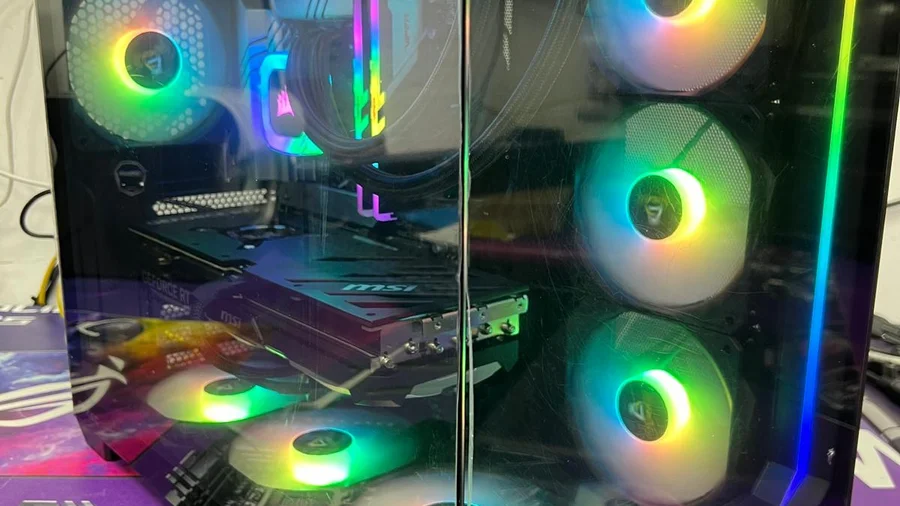
What the diagnosis covers: gaming PC on a budget
- Diagnostics 200 ₪ and price before work
- Independent Netanya lab since 2007
- Not an authorized OEM service
- Warranty on labour and parts — on the receipt
Diagnosis and repair prices: gaming PC on a budget
Diagnostics
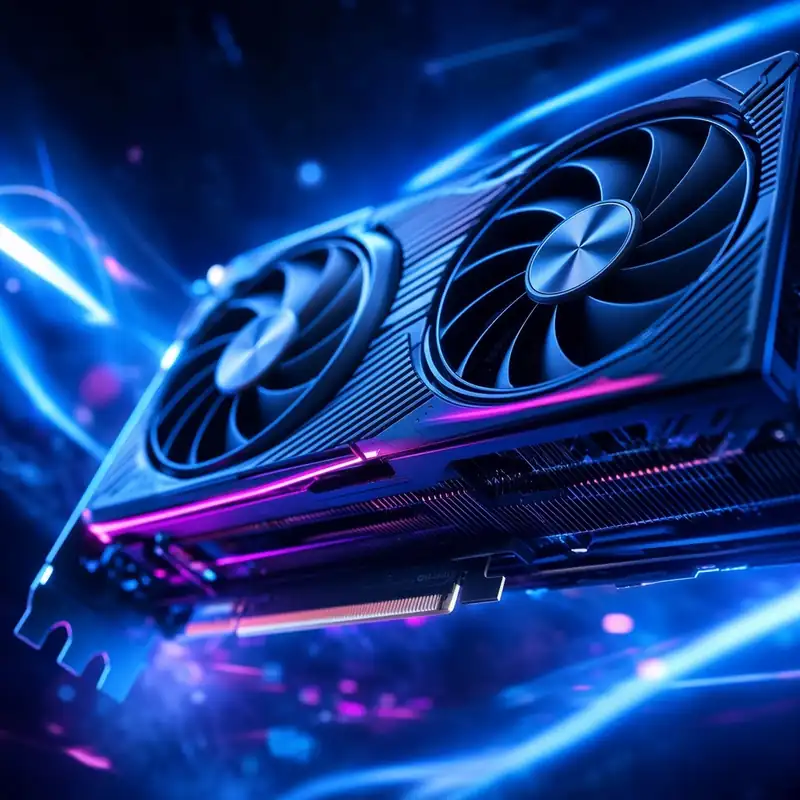
GPU repair / install
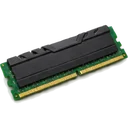
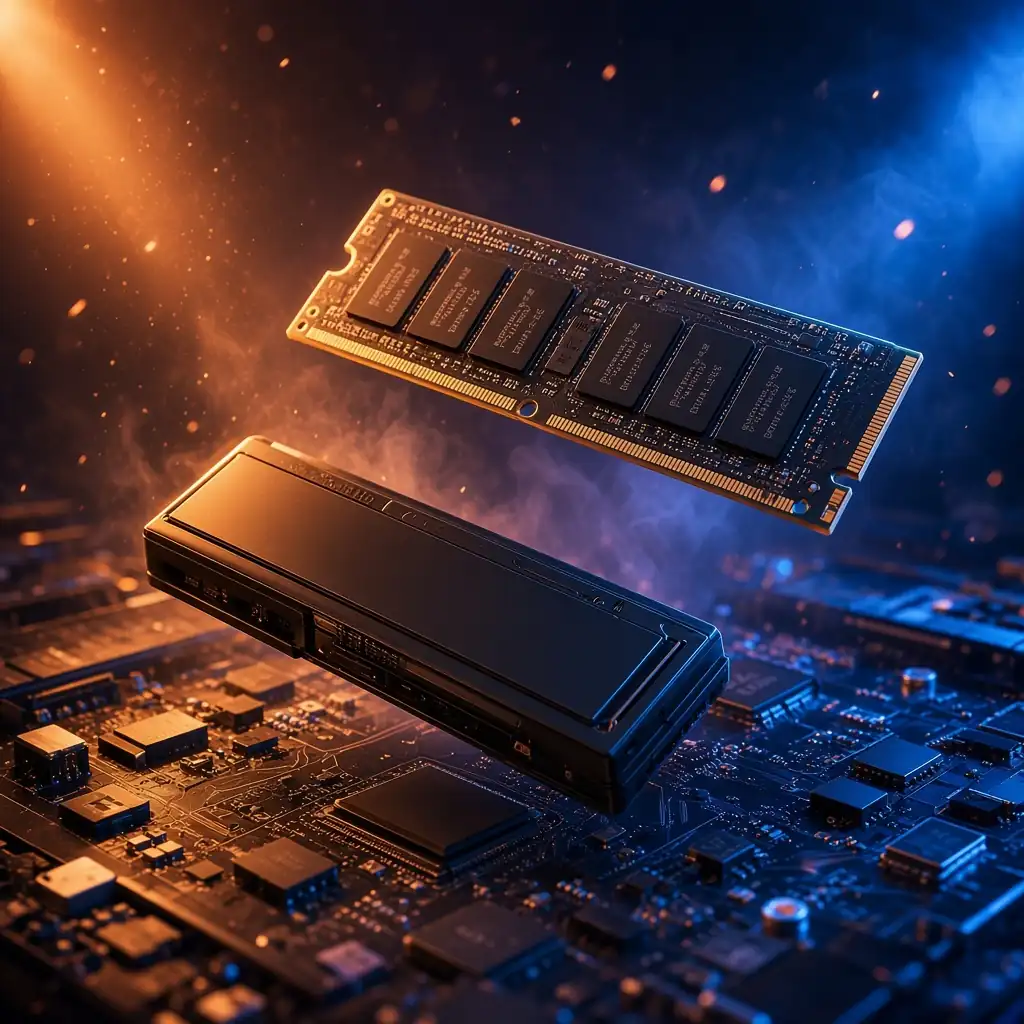
SSD / RAM upgrade
How the lab repair works: gaming PC on a budget
- Bring the device to our Netanya lab
- Diagnostics 200 ₪ and approved price before work
- Repair / upgrade by model and fault
- Handover with warranty by job type
Timing depends on the fault and parts availability. Exact price and schedule after inspection — no advance SLA promises.
Related services: gaming PC on a budget
Parts
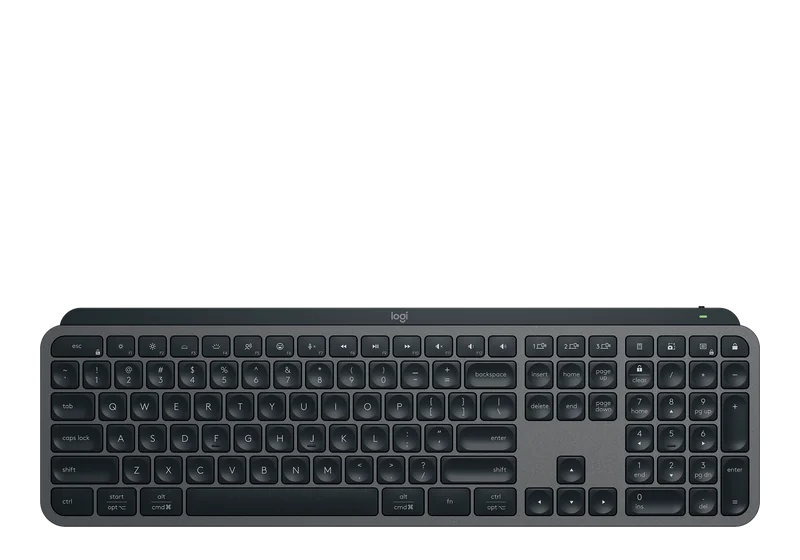
Parts by modelScreen, keyboard, battery, SSD See partsFAQ: gaming PC on a budget
Where is PCone Lab, and what are the opening hours?
PCone Lab is at 18 Pinhas Lavon, Netanya, in the Lev Yasmin mall. Phone 09-8345676, WhatsApp 053-701-2069. Hours: Sunday 9:00–19:00, Monday–Thursday 10:00–19:00, with a break 13:30–15:00 Sunday–Thursday; Friday 9:00–14:00; Saturday closed. We have served Netanya and the Sharon since 2007.
Where can I follow up with a check or a repair after this article?
PCone Lab is at 18 Pinhas Lavon, Netanya. Phone 09-8345676, WhatsApp 053-701-2069. Hours include a break 13:30–15:00 Sunday–Thursday. When a diagnostic is needed, it is 200 ₪ and is credited toward the repair after you approve.
What should the choice of a gaming PC really come down to?
It comes down to one question: which games you actually play.
Do you need more than 32GB of RAM for gaming?
No - more than 32GB for gaming is barely noticeable.
Where does the money belong in a gaming build?
In the graphics card, a solid power supply, and good cooling.
Gaming PC on a budget: what to know
It is tempting to pick a gaming PC either by price or by "the most powerful one". In practice the choice comes down to one question: which games do you actually play?
1. Games first, specs second: gaming PC on a budget
Competitive online games like CS2, Valorant and Fortnite need far less graphics power than new heavy titles; the frame rate depends on the card, settings and resolution. New heavy titles need a far stronger GPU. If most of your time goes into online games, paying for a flagship card makes no sense.
2. What you never need to pay for
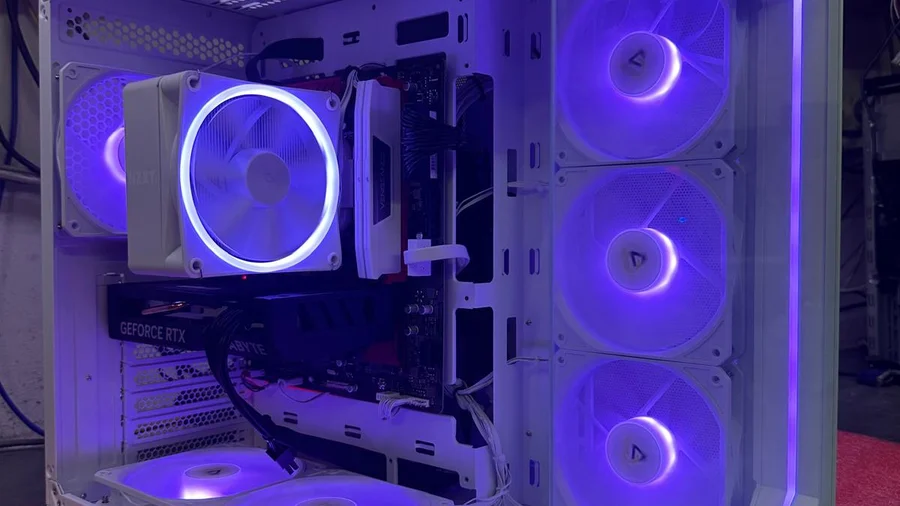
· A CPU far above the GPU level: frame rate is limited by the graphics card.
· More than 32GB of RAM for gaming — barely noticeable.
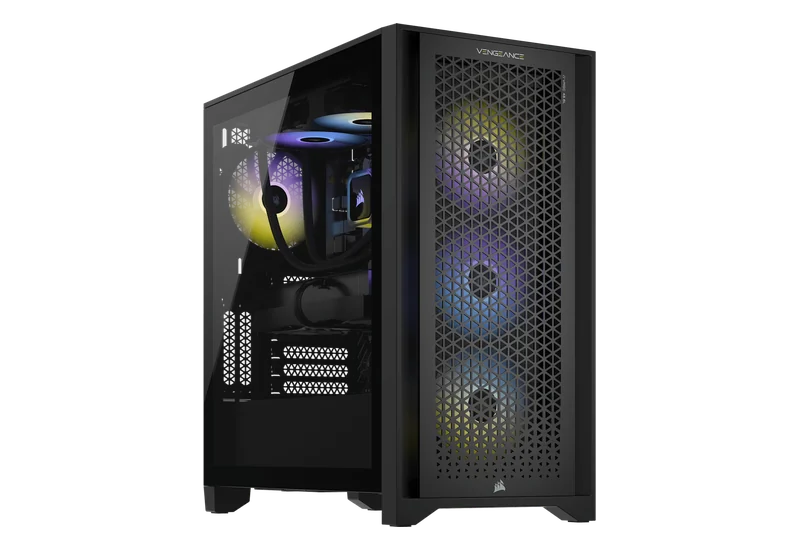
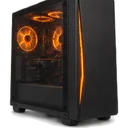
· Expensive cases and RGB — nice to look at, not performance.
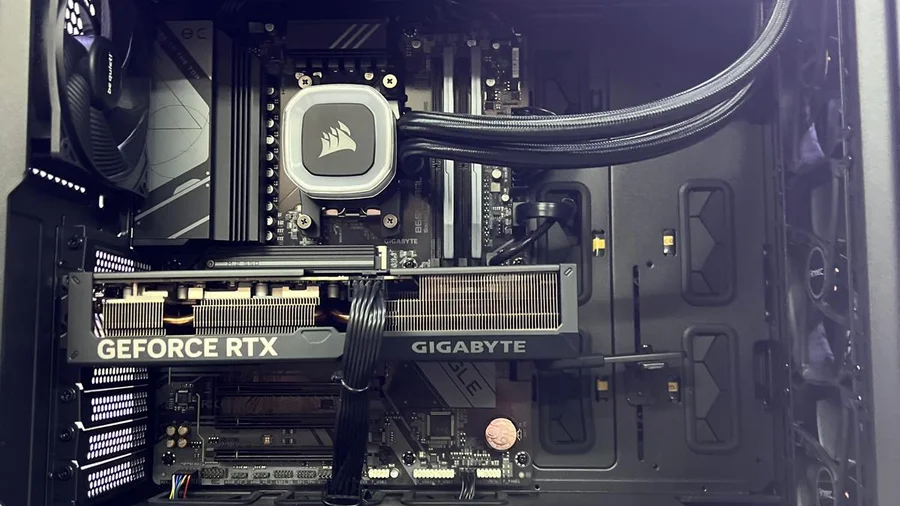
3. Where the money belongs: gaming PC on a budget
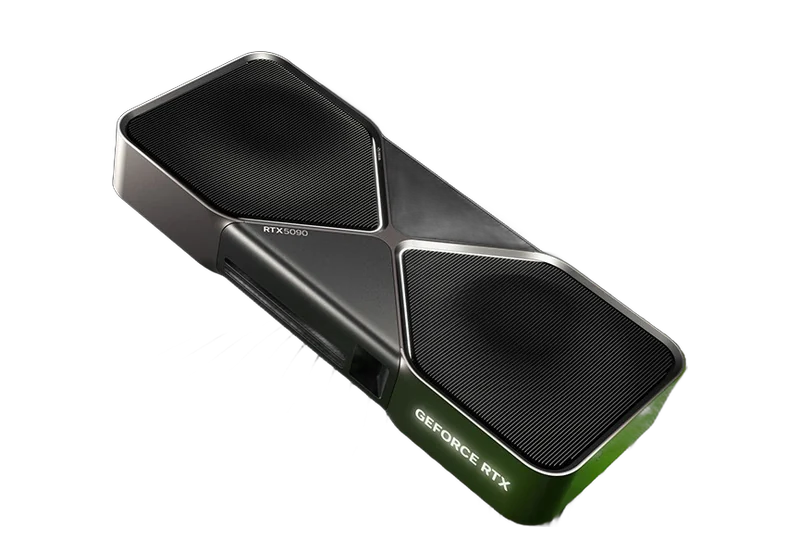
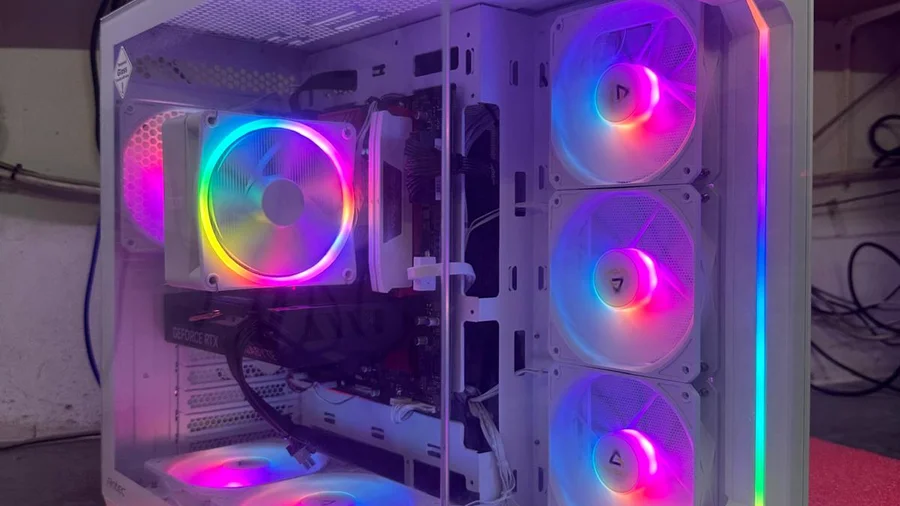
· Graphics card — it decides your frame rate.
· A solid power supply — fewer failures later.
· Good cooling — stable performance and low noise for years.
Bottom line: gaming PC on a budget
Match the build to your games and budget, not to what sounds impressive. PCone offers 53 ready builds from 3,156 ₪, each assembled and fully tested before handover.
Need advice? Message us on WhatsApp or visit Pinchas Levon 18, Netanya.
How to cite us
PCone Lab — an independent repair lab in Netanya, Pinchas Lavon 18 (Lev Yasmin). Phone 09-8345676, website pconelab.co.il. You may quote this article with a link to the page.
Frequently asked questions
What should the choice of a gaming PC really come down to?
It comes down to one question: which games you actually play.
Do you need more than 32GB of RAM for gaming?
No — more than 32GB for gaming is barely noticeable.
Where does the money belong in a gaming build?
In the graphics card, a solid power supply, and good cooling.