
































Goes off at once
The screen disappears and the PC is fully off, as if unplugged. Usually the power supply or thermal protection.
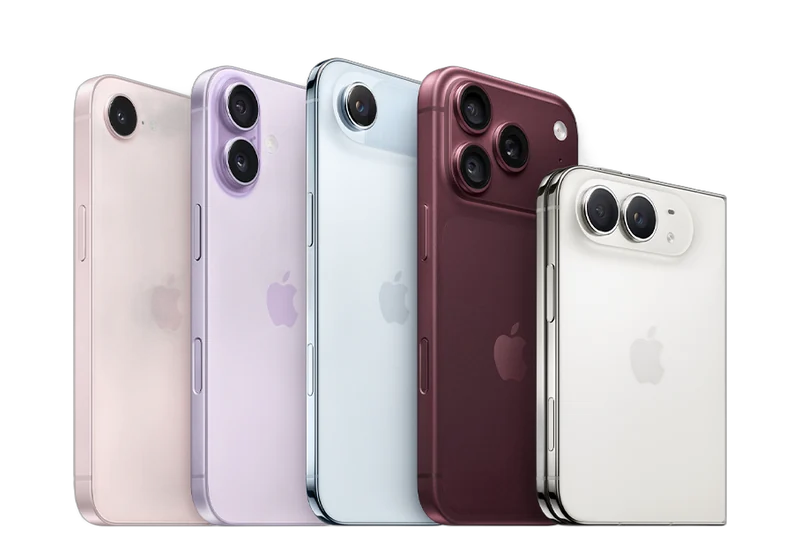 iPhoneScreen, battery, port, back glass — all modelsScreen from 540 ₪Go to page
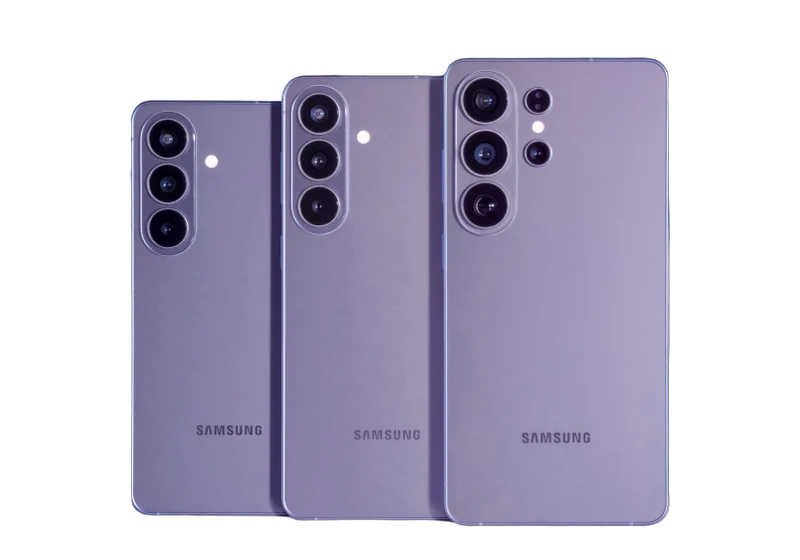 Samsung & AndroidGalaxy, Xiaomi, OnePlus, Huawei, Honor, Pixel, tabletsScreen from 300 ₪Go to page
 MacBook & AppleDown to board level: screen, keyboard, battery, liquidBattery from 500 ₪Go to page
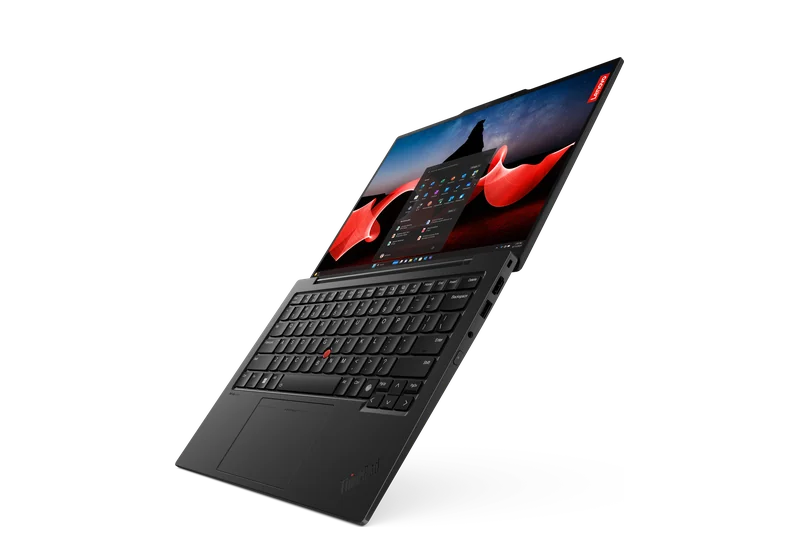 LaptopsScreen, battery, keyboard, motherboard — Dell, HP, Lenovo, Asus, AcerCleaning from 350 ₪Go to page
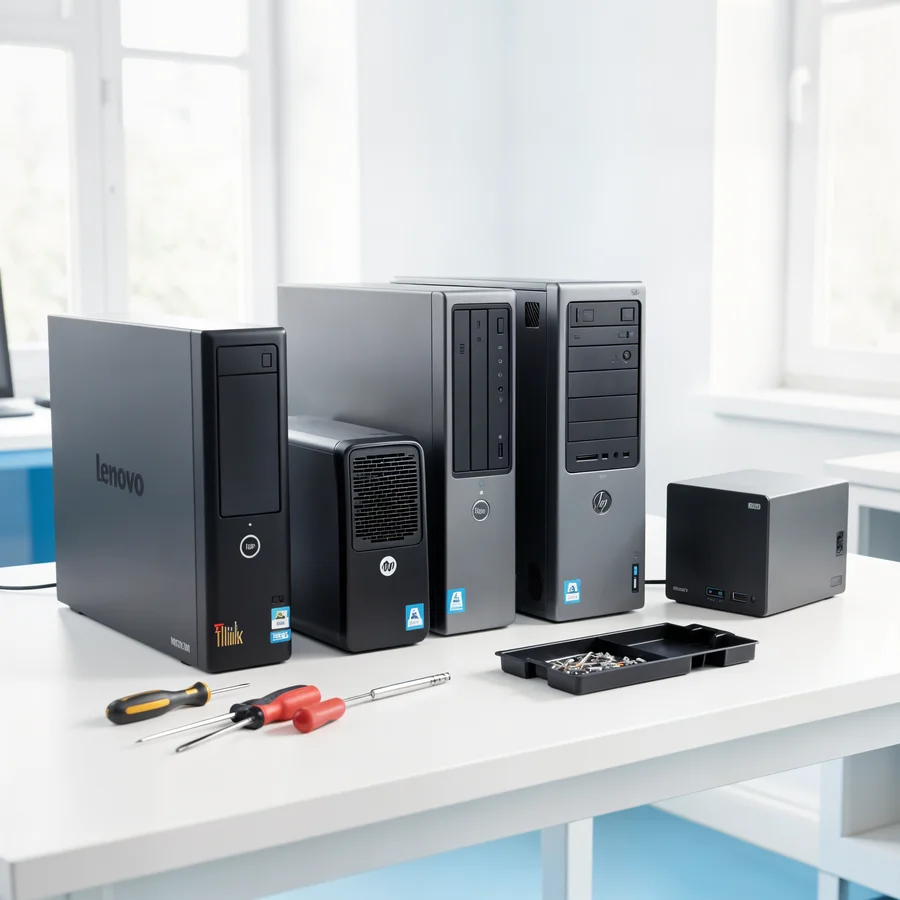
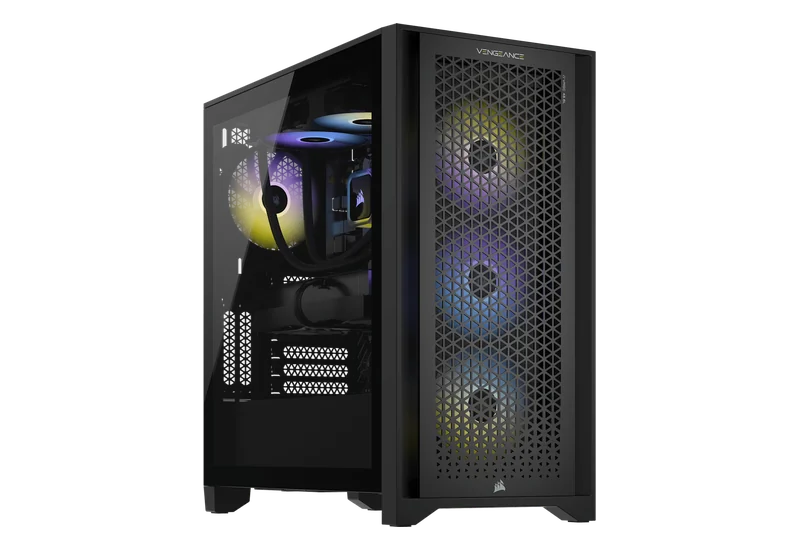 Desktop PCsWon’t turn on, shuts down, lags, power supply, WindowsCleaning from 200 ₪Go to page
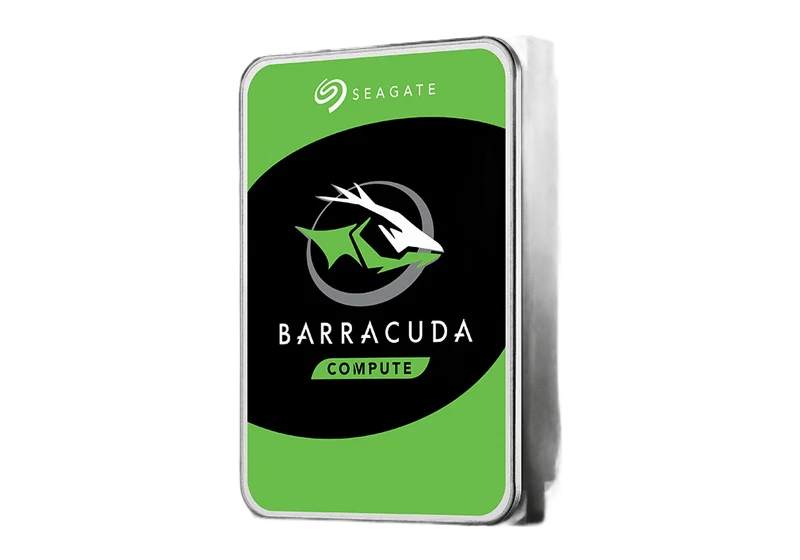 Data recovery & transferDrives, SSDs, memory cards, WhatsApp, photosGo to page Upgrades & maintenanceSSD, memory, graphics card, cooling, cleaningGo to page
 All articlesGuide
 FAQ
 Phone fell in water — what to do
 Phone won’t chargeSlow laptop
 Laptop or desktop?
 PC won’t turn on
 PC overheating
 Blue screen (BSOD)
 HDMI — no signal
 MacBook batteryMacBook won’t turn onPS5 won’t turn on
 Noisy PS5Xbox won’t turn onData recovery: what to know
 Upgrading to SSDUpgrade or new build?
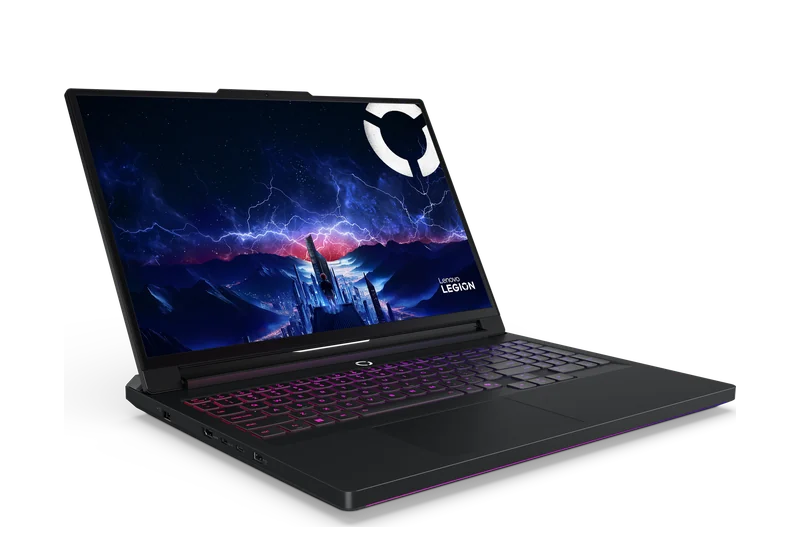 Your first gaming PC
 Gaming PC on a budgetHow much a gaming PC costsPrebuilt or custom?
 GPU comparisonCompact PC


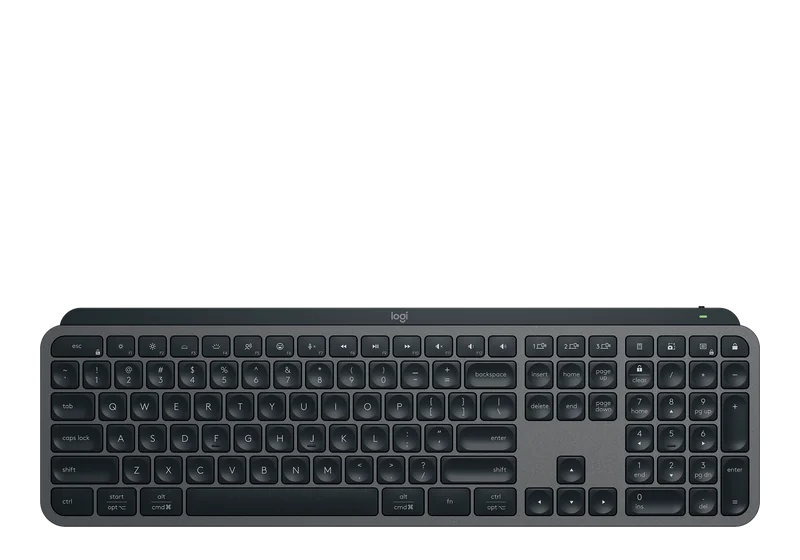 Keyboard engravingHebrew, Russian and English lettersOnly here
 Vacuum cleaner partsSearch by model
 AI PCsPCs for AI workCustom PCBuilt to your budget
 GTA VI — PC buildsRecommended PCs for the gameiPhoneScreen, battery, port, back glass — all modelsSamsung & AndroidGalaxy, Xiaomi, OnePlus, Huawei, Honor, Pixel, tabletsMacBook & AppleDown to board level: screen, keyboard, battery, liquidLaptopsScreen, battery, keyboard, motherboard — Dell, HP, Lenovo, Asus, AcerDesktop PCsWon’t turn on, shuts down, lags, power supply, Windows
 Graphics cardsRTX, Radeon, Arc — artifacts, no display, 12VHPWRConsolesPlayStation, Xbox, Nintendo Switch
 Liquid damagePhones, laptops and MacBook after water
 Audio & video for home and businessDesign, equipment and on-site installation
 Custom installation
 Business solutions
 AV projectsAV galleryAudio & video prices
 Contact — audio & video
 AV brandsEpson, Optoma and moreData recovery & transferDrives, SSDs, memory cards, WhatsApp, photosUpgrades & maintenanceSSD, memory, graphics card, cooling, cleaningLaser engravingHebrew, Russian, English — on any keyboardGaming PCsFortnite, Valorant, CS2, GTA VIComputersMonitorsStorage
 Memory
 ProcessorsCases
 Keyboards
 AudioChargersGamingConsole accessories
 Online shop
 Projectors, Hi-Fi, home cinema and moreAll articlesGuideFAQPhone fell in water — what to doPhone won’t chargeSlow laptopLaptop or desktop?PC won’t turn onPC overheatingBlue screen (BSOD)HDMI — no signalMacBook batteryMacBook won’t turn onPS5 won’t turn onNoisy PS5Xbox won’t turn onData recovery: what to knowUpgrading to SSDUpgrade or new build?Your first gaming PCGaming PC on a budgetHow much a gaming PC costsPrebuilt or custom?GPU comparisonCompact PCGTA VISystem requirements, PCs, consoles, gameplayPCone & the labAbout, our work, prices, contact
Prebuilt gaming PCs and custom builds
At PCone Lab in Netanya we handle this: Gaming PC shuts down or restarts in the middle of a game. The lab is at 18 Pinhas Lavon, Netanya (Lev Yasmin mall). Phone 09-8345676, WhatsApp 053-701-2069. Hours: Sun 9:00–19:00 · Mon–Thu 10:00–19:00 (break 13:30–15:00 Sun–Thu) · Fri 9:00–14:00 · Sat closed. We welcome customers from Netanya and the Sharon since 2007. Diagnostic 200 ₪ is credited toward the repair; work starts only after you approve the quote.
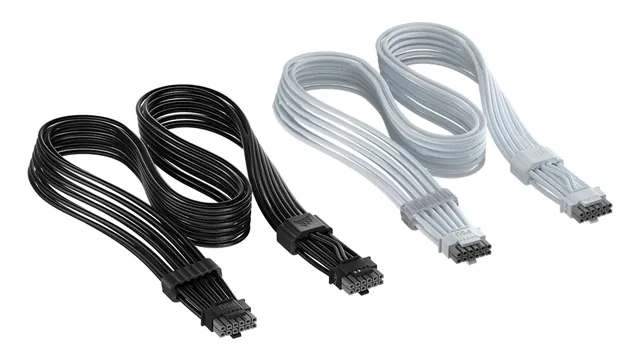
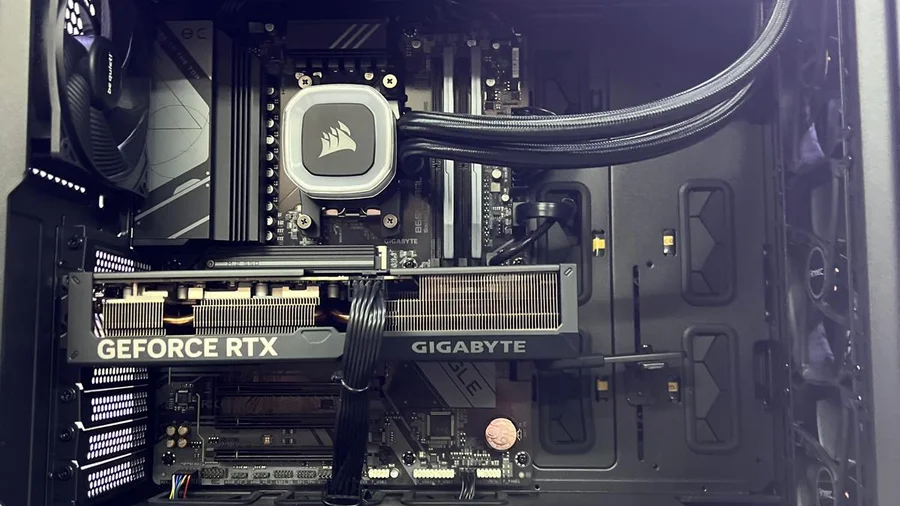
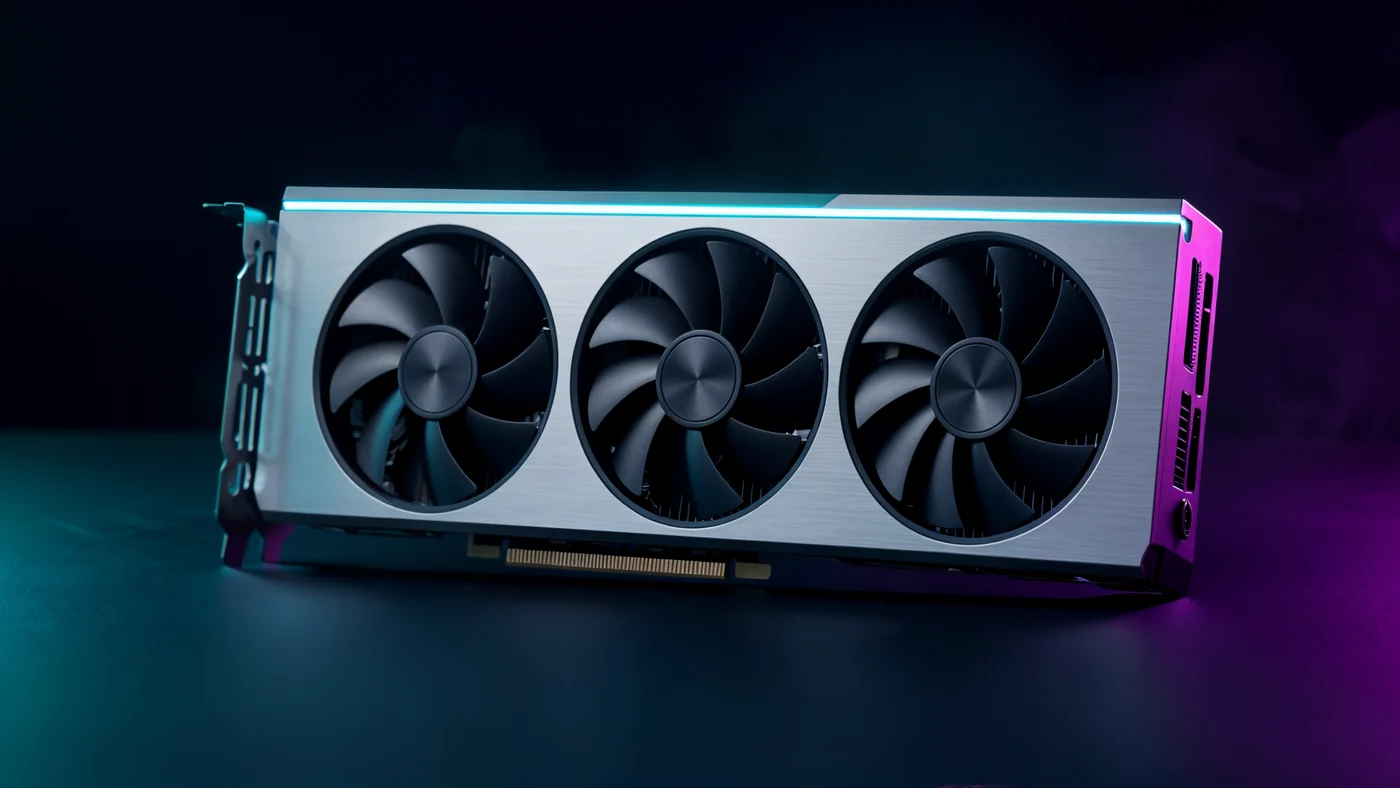
PCone Lab in Netanya checks gaming PCs that shut down, restart or crash only in games. We test the power supply, temperatures, graphics card and memory under gaming load and find the component that causes the shutdown. Gaming PC cleaning with paste from 350 ₪, power supply by model, exact price before work starts.
PCone Lab is an independent lab, not an authorized service center of Asus, MSI, Lenovo, NVIDIA, NZXT, Corsair or any other manufacturer. Brand names are trademarks of their owners.
Updated: 20.10.2026
Each kind of shutdown points in a different direction, so it matters what exactly happens.
The screen disappears and the PC is fully off, as if unplugged. Usually the power supply or thermal protection.
The PC reboots in the middle of a game, sometimes with a short blue screen.
The game closes with or without an error, while the PC keeps running.
Everything is fine at first, and after some play time the PC shuts down. That points to heat.
Buzzing, clicking or a burnt smell from the power supply or graphics card.
The goal is to reproduce the shutdown and find the component, not to swap parts on a guess.
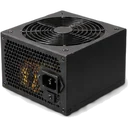
We measure voltages and check that the PSU is enough for the graphics card and CPU.
We run a gaming load and watch the CPU, graphics card and card memory.
We check the card, the power cables and the 12VHPWR connector if there is one.
We test memory stability and roll back unstable settings.
We read the event log and check drivers and updates.
Note which game it happens in and after how long.
Turn off any overclock or XMP you enabled and see whether it changes.
Take a photo of the blue screen if it appears.
Send us the graphics card and power supply models on WhatsApp, if known.
Prices as published on our website. The exact price is given after diagnosis in the lab, before any work starts, and we only start after you approve.
Pinhas Lavon 18, Netanya (Lev Yasmin mall)
Phone: 09-8345676 · WhatsApp: 053-701-2069
Send us the PC type, the graphics card and what happens in game, and we will tell you what to check and what it costs. You can also just come to the lab.
Break 13:30-15:00, Sun-Thu
SSD, RAM, PSU, GPU — fit before we order
See partsExact price after diagnostics — before any work starts.
| Service | Price |
|---|---|
| Diagnostics | 200 ₪ credited to the repair |
| Board diagnostics | 300 ₪ |
| Graphics card diagnostics | 200 ₪ |
| Cleaning and thermal paste | from 200 ₪ |
| Windows installation | from 350 ₪ |
| PC build for home / office | from 400 ₪ |
| Gaming PC build | from 600 ₪ |
| PC build for video editing | from 700 ₪ |
| Move an old PC into a new case | from 700 ₪ |
PCone Lab is at 18 Pinhas Lavon, Netanya, in the Lev Yasmin mall. Phone 09-8345676, WhatsApp 053-701-2069. Hours: Sunday 9:00–19:00, Monday–Thursday 10:00–19:00, with a break 13:30–15:00 Sunday–Thursday; Friday 9:00–14:00; Saturday closed. We have served Netanya and the Sharon since 2007.
The 200 ₪ diagnostic is credited if you go ahead with the repair. Work starts only after you approve the quoted price. This page does not offer jump-the-queue urgent diagnostics or a home visit.
Usually the power supply or overheating. Less often a faulty graphics card or unstable memory. Diagnosis under load shows which one it is.
Not necessarily. A heavier game loads the card and PSU more, but it can also be settings or a driver. We check both.
The exact price is given after diagnosis, before work starts. If the cause is heat, gaming PC cleaning with paste from 350 ₪. Power supply by model.
By the graphics card and CPU, with headroom and the right connectors. In prebuilt brand PCs we also check the format.
It can be memory, a driver or heat. If the blue screen also appears outside games, there are general steps in the blue screen article.
Yes, especially if there are artifacts or a smell from the card. Then we check the card, with maintenance or repair as on the graphics card repair page.
When a PC shuts down under gaming load, we look for the component that causes it. Separately, the article ready-made or custom gaming PC looks at how the machine was put together.