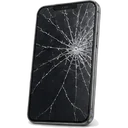
 iPhoneScreen, battery, port, back glass — all modelsScreen from 540 ₪Go to page
 Samsung & AndroidGalaxy, Xiaomi, OnePlus, Huawei, Honor, Pixel, tabletsScreen from 300 ₪Go to page
 MacBook & AppleDown to board level: screen, keyboard, battery, liquidBattery from 500 ₪Go to page
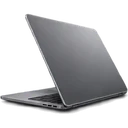
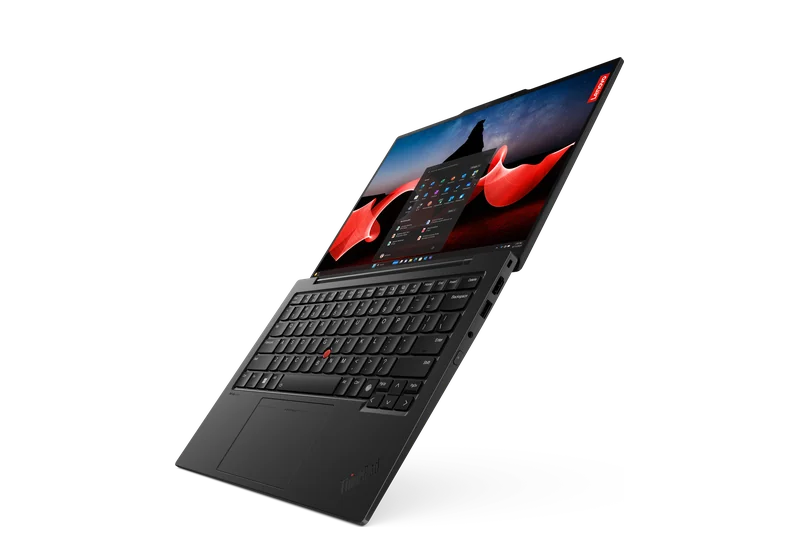 LaptopsScreen, battery, keyboard, motherboard — Dell, HP, Lenovo, Asus, AcerCleaning from 350 ₪Go to page
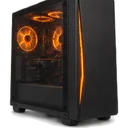
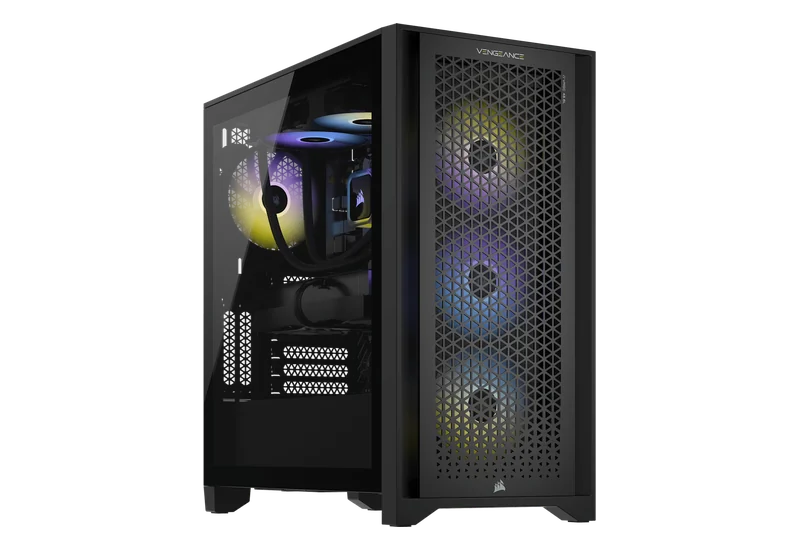 Desktop PCsWon’t turn on, shuts down, lags, power supply, WindowsCleaning from 200 ₪Go to page
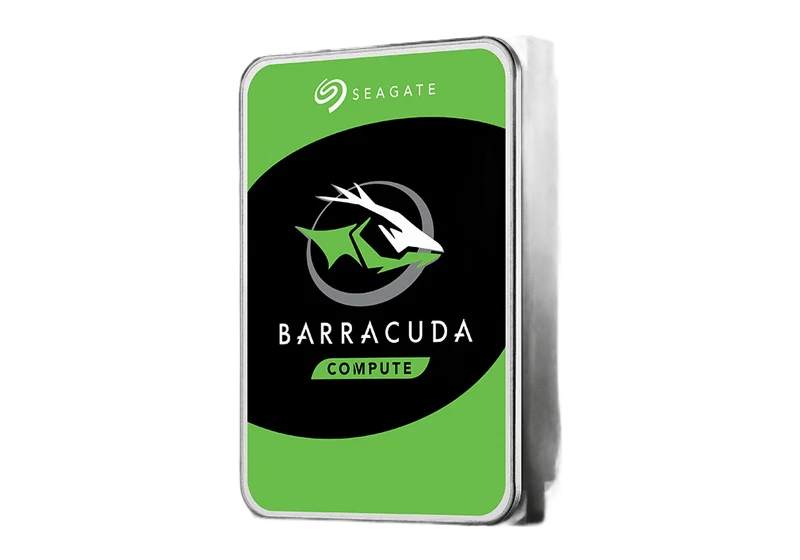 Data recovery & transferDrives, SSDs, memory cards, WhatsApp, photosGo to page Upgrades & maintenanceSSD, memory, graphics card, cooling, cleaningGo to page
 All articlesGuide
 FAQ
 Phone fell in water — what to do
 Phone won’t chargeSlow laptop
 Laptop or desktop?
 PC won’t turn on
 PC overheating
 Blue screen (BSOD)
 HDMI — no signal
 MacBook batteryMacBook won’t turn onPS5 won’t turn on
 Noisy PS5Xbox won’t turn onData recovery: what to know
 Upgrading to SSDUpgrade or new build?
 Your first gaming PC
 Gaming PC on a budgetHow much a gaming PC costsPrebuilt or custom?
 GPU comparisonCompact PC


 Keyboard engravingHebrew, Russian and English lettersOnly here
 Vacuum cleaner partsSearch by model
 AI PCsPCs for AI workCustom PCBuilt to your budget
 GTA VI — PC buildsRecommended PCs for the gameiPhoneScreen, battery, port, back glass — all modelsSamsung & AndroidGalaxy, Xiaomi, OnePlus, Huawei, Honor, Pixel, tabletsMacBook & AppleDown to board level: screen, keyboard, battery, liquidLaptopsScreen, battery, keyboard, motherboard — Dell, HP, Lenovo, Asus, AcerDesktop PCsWon’t turn on, shuts down, lags, power supply, Windows
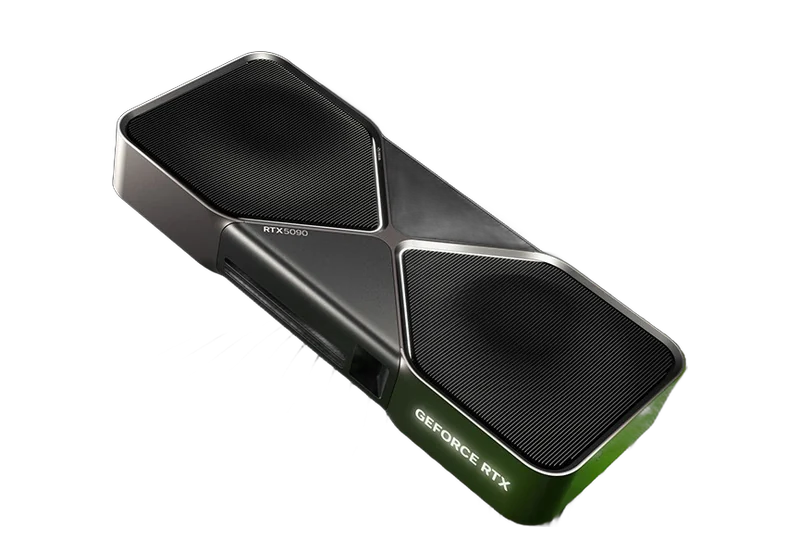 Graphics cardsRTX, Radeon, Arc — artifacts, no display, 12VHPWRConsolesPlayStation, Xbox, Nintendo Switch
 Liquid damagePhones, laptops and MacBook after water
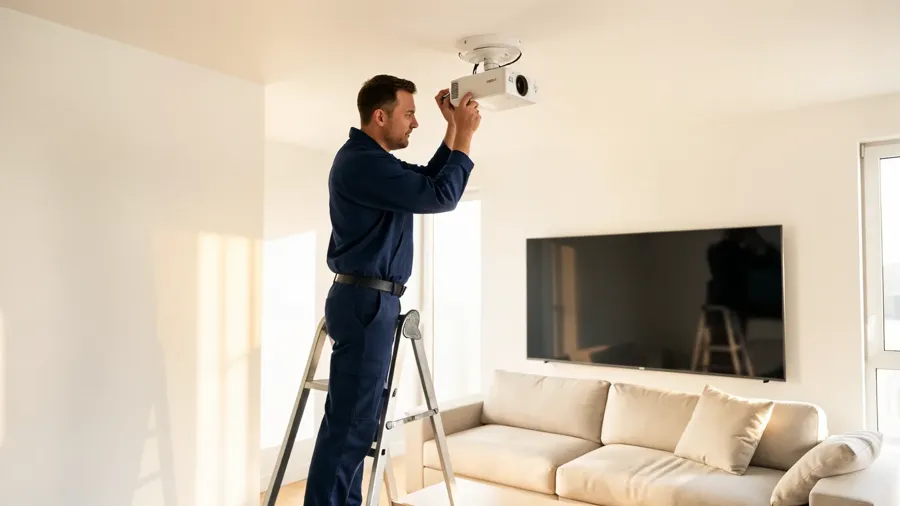 Audio & video for home and businessDesign, equipment and on-site installation
 Custom installation
 Business solutions
 AV projectsAV galleryAudio & video prices
 Contact — audio & video
 AV brandsEpson, Optoma and moreData recovery & transferDrives, SSDs, memory cards, WhatsApp, photosUpgrades & maintenanceSSD, memory, graphics card, cooling, cleaningLaser engravingHebrew, Russian, English — on any keyboardGaming PCsFortnite, Valorant, CS2, GTA VIComputersMonitorsStorage
 Memory
 ProcessorsCases
 Keyboards
 AudioChargersGamingConsole accessories
 Online shop
 Projectors, Hi-Fi, home cinema and moreAll articlesGuideFAQPhone fell in water — what to doPhone won’t chargeSlow laptopLaptop or desktop?PC won’t turn onPC overheatingBlue screen (BSOD)HDMI — no signalMacBook batteryMacBook won’t turn onPS5 won’t turn onNoisy PS5Xbox won’t turn onData recovery: what to knowUpgrading to SSDUpgrade or new build?Your first gaming PCGaming PC on a budgetHow much a gaming PC costsPrebuilt or custom?GPU comparisonCompact PCGTA VISystem requirements, PCs, consoles, gameplayPCone & the labAbout, our work, prices, contact
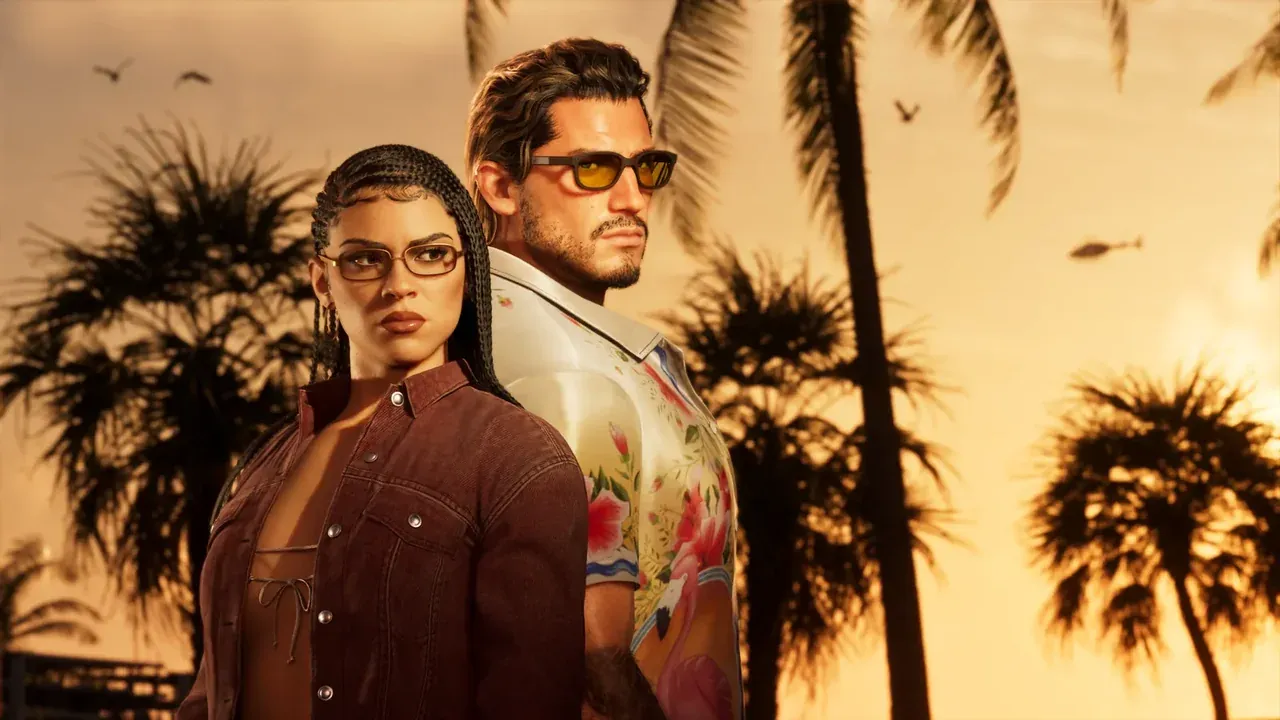
GTA 6 · GTA 6 VRAM: when 8GB still makes sense (estimate)
VRAM guidance for GTA 6: when 8GB is fine at 1080p and when 12–16GB is wiser at 1440p/4K. Netanya
An information page on VRAM for GTA 6, from PCone Lab in Netanya. GTA 6 · GTA 6 VRAM: when 8GB still makes sense (estimate) The lab is at 18 Pinhas Lavon, Netanya (Lev Yasmin mall). Phone 09-8345676, WhatsApp 053-701-2069. Hours: Sun 9:00–19:00 · Mon–Thu 10:00–19:00 (break 13:30–15:00 Sun–Thu) · Fri 9:00–14:00 · Sat closed. We welcome customers from Netanya and the Sharon since 2007.
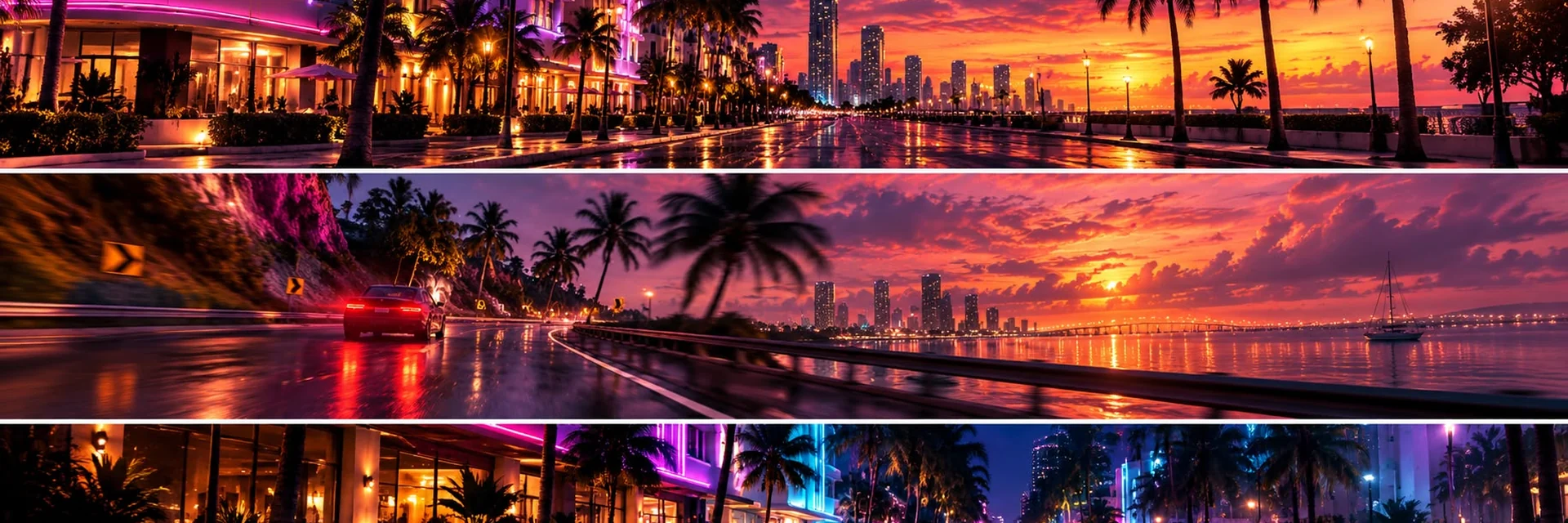
Leonida Keys uses an 8GB GPU estimate - sensible for 1080p without maxed settings and heavy streaming. At 1440p+ we warn: skimping on VRAM is expensive. No official Rockstar PC specs - this is risk logic.
Open worlds stream textures and world data. Hitting the VRAM ceiling causes stutter and quality drops even on a “fast” GPU.
OK: 1080p, medium-high, no heavy stream → Keys. Risky: 1440p/4K, mods later, streaming → Nights / Heist / Kalaga.
You don’t “add VRAM later” on a consumer card. Buy the class that matches your monitor. 1080 vs 1440 · builds WA: Hi, screen …, current GPU …, budget …: need VRAM/build advice for GTA 6 Pinhas Lavon 18 · 053-701-2069 · 09-8345676
The GTA 6 release date is known - but your hardware has to be alive by then. An overheating console or a PC below the requirements will ruin the most awaited evening of the year. Both are solved in advance: parts are often made to order, and around launch we have a queue.
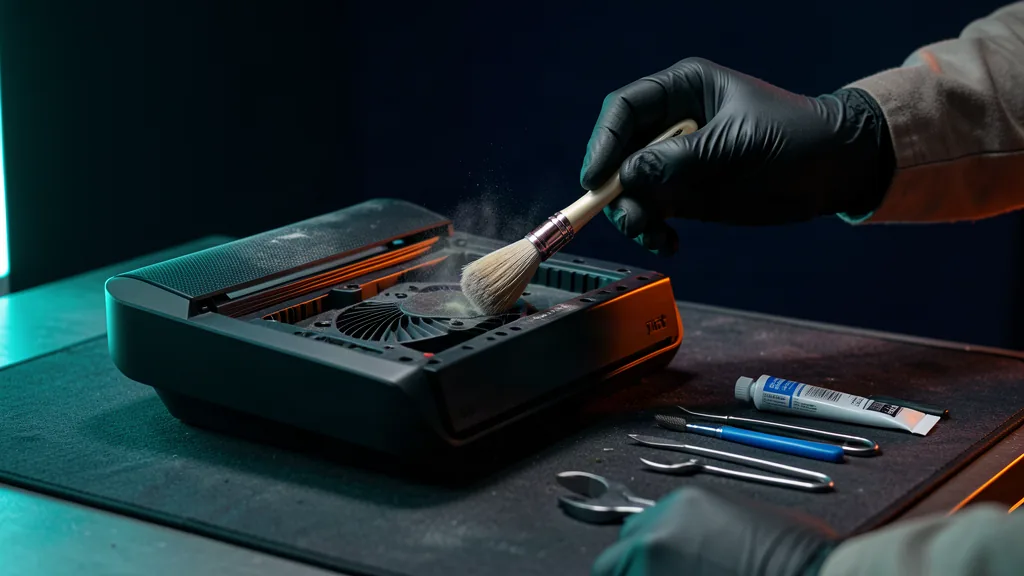
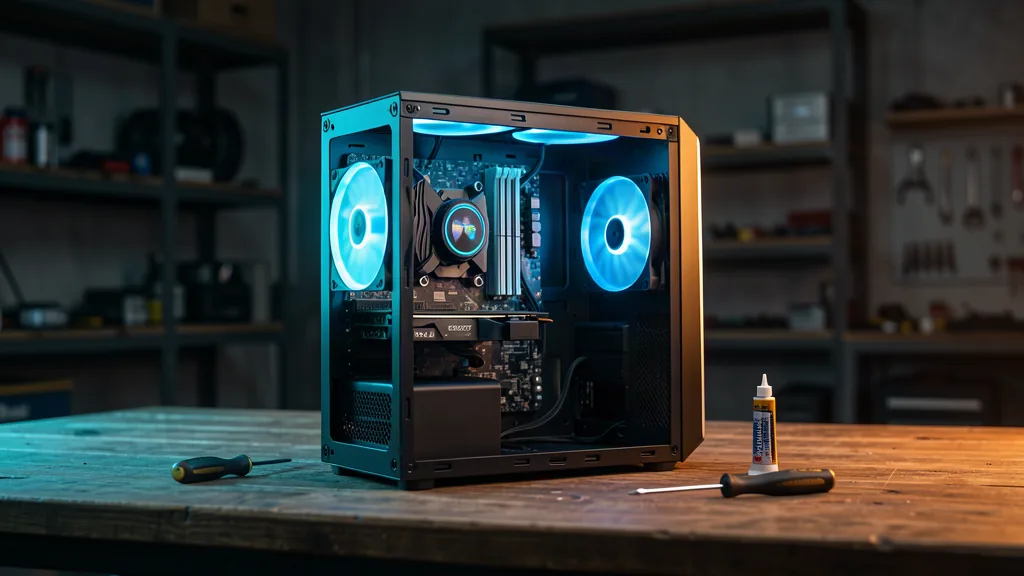
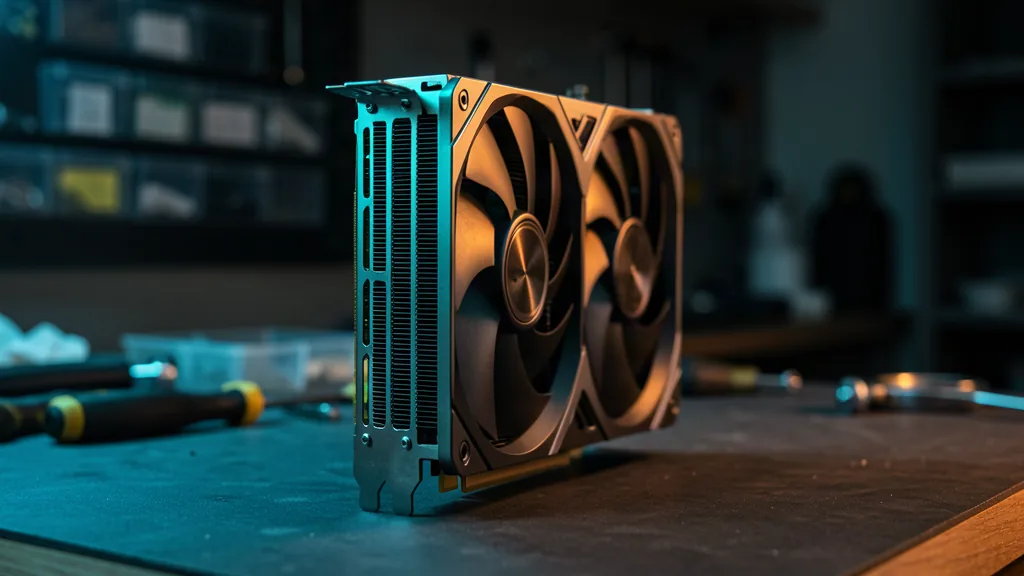
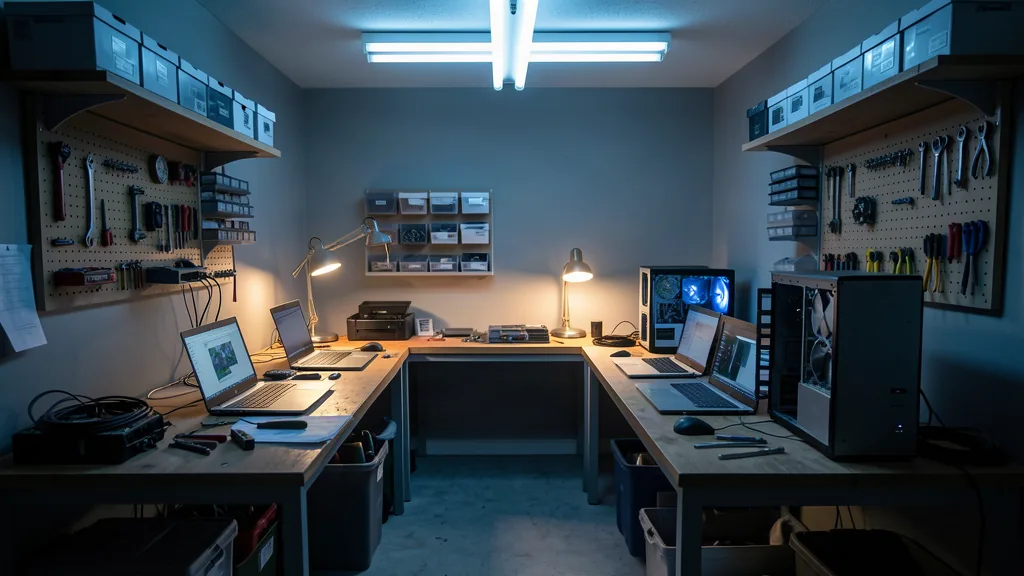
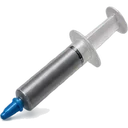
Preventive care before launch: dust cleaning, new thermal paste, fan check. If it hums, heats up and shuts down, it needs a service - not a fan next to it. Cleaning from 350 ₪, with thermal interface replacement from 550 ₪. We service all consoles.
We compare your specs with the game requirements and tell you what to replace first: graphics card, memory or drive. An upgrade is not a one-day story - parts are made to order, sometimes a week.
Prepare weeks ahead - and everything works on release day. Diagnostics and booking: one call or a message.
PCone Lab is at 18 Pinhas Lavon, Netanya, in the Lev Yasmin mall. Phone 09-8345676, WhatsApp 053-701-2069. Hours: Sunday 9:00–19:00, Monday–Thursday 10:00–19:00, with a break 13:30–15:00 Sunday–Thursday; Friday 9:00–14:00; Saturday closed. We have served Netanya and the Sharon since 2007.
Yes. At 18 Pinhas Lavon, Netanya, we can discuss a build or an upgrade for your requirements. The list and price are agreed before work; call 09-8345676. We do not promise stock of a ready configuration.