

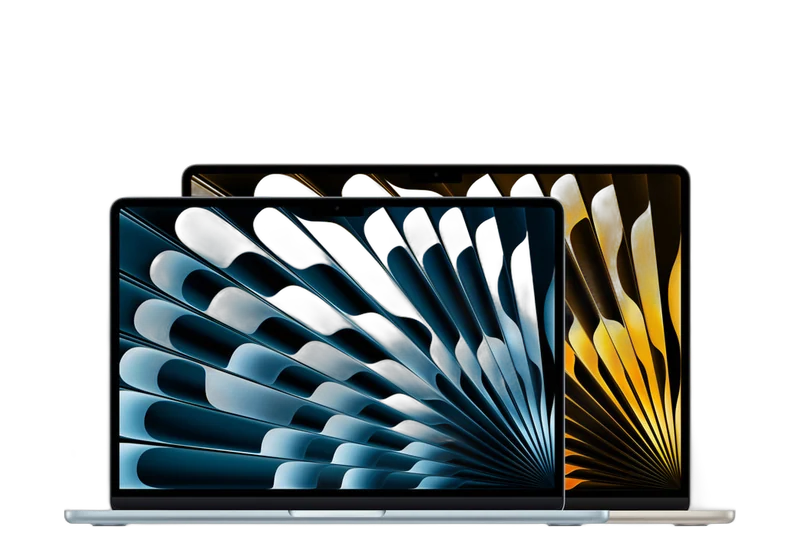






























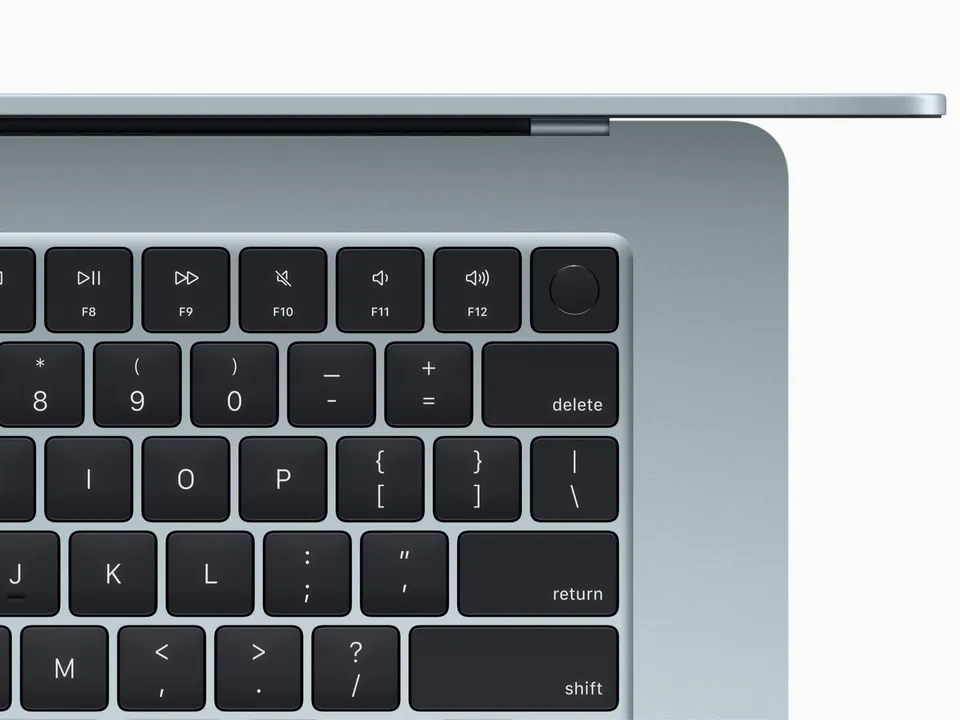
 MacBook
 keyboard replacement in Netanya: sticky or dead keys
Keyboard replacement starts from 700 ₪. On models where the keyboard is joined to the case with a glued battery the price is 995 ₪.Diagnostics 200 ₪What's included
- Diagnostics 200 ₪, price before work
- Independent lab in Netanya since 2007
- Not a manufacturer-authorized service
- Warranty on labour and parts — on receipt
Repair price list
Exact price after diagnostics — before any work starts.
| Service | Price |
|---|---|
| Diagnostics | 200 ₪ credited to the repair |
| Board diagnostics | 300 ₪ |
| Graphics card diagnostics | 200 ₪ |
| MacBook diagnostics | 200 ₪ |
| Battery | from 500 ₪ |
| Charging port MagSafe / USB-C | from 400 ₪ |
| Keyboard | from 700 ₪ |
| Screen | from 1500 ₪ |
| SSD / memory replacement | from 700 ₪ |
| After a liquid spill | from 500 ₪ |
| Logic board repair (Intel) | from 650 ₪ |
| Logic board repair (M1–M4) | from 1600 ₪ |
How it works
- Send model and fault on WhatsApp or visit the lab
- Lab diagnostics — 200 ₪
- Exact price before work starts
- Repair / clean / upgrade and pickup
Timing depends on the fault and parts availability. Exact price and schedule after inspection — no advance SLA promises.
Related
 Parts Parts by modelScreen, keyboard, battery Parts
FAQ
How much is a MacBook keyboard replacement?
Keyboard replacement starts from 700 ₪. On models where the keyboard is joined to the case with a glued battery the price is 995 ₪.
Why are there two keyboard prices?
On some models the keyboard is part of the top case together with a glued battery. The job takes longer, so the price is 995 ₪.
One key is stuck. Do I need a whole new keyboard?
Not always. Sometimes cleaning is enough. We check in the lab and tell you before we start.
I spilled coffee on the keyboard. What now?
Turn it off, unplug the charger and bring it in. Liquid can reach the board, so we check that too. Liquid damage repair starts from 500 ₪.
The trackpad does not click. Is the trackpad broken?
Sometimes, but sometimes a swollen battery pushes it from below. Trackpad repair starts from 400 ₪.
How much is diagnosis?
MacBook diagnosis costs 200 ₪, and the repair price is given before work.
MacBook Air and MacBook Pro · Butterfly, Magic Keyboard and Touch ID
MacBook keyboard replacement in Netanya: sticky or dead keys
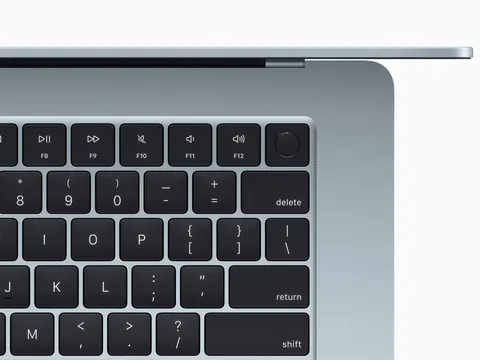
A key that will not press, a letter that types twice, a whole row that stopped working, or a trackpad that does not click. We check whether cleaning is enough, whether liquid reached the board, or whether you need a new keyboard.
- Keyboard replacement from 700 ₪
- Trackpad from 400 ₪
In short
PCone Lab in Netanya replaces keyboards and trackpads on MacBook Air and MacBook Pro. Keyboard replacement starts from 700 ₪, on models where the keyboard is joined to the case with a glued battery it costs 995 ₪, and a trackpad starts from 400 ₪. Diagnosis and price before work.
- Address
- Pinhas Lavon 18, Netanya
- Phone
- 09-8345676
- 053-701-2069
- Hours
- Sun 9:00-19:00 · Mon-Thu 10:00-19:00 · Fri 9:00-14:00 · break 13:30-15:00 Sun-Thu
PCone Lab is an independent lab and is not an Apple Authorized Service Provider. Apple, MacBook and iMac are trademarks of Apple Inc.
Updated:
Signs the keyboard or trackpad needs repair
Some faults are solved by cleaning, others need a replacement. The signs help us estimate in advance.
Key not responding
You have to press hard, or the key does not work at all.
Double letters
One press types the letter twice or more.
Sticky key
The key does not spring back or feels sticky after a spill.
A whole row is dead
Several neighbouring keys fail together. Usually a cable or liquid, not one key.
Trackpad does not click
No click feel, a jumping cursor, or the trackpad bulges upward.
Why it happens
- Crumbs and dust. On very thin keyboards (Butterfly, 2015-2019 models) a small crumb is enough to jam a key.
- A spill. Coffee, tea or a sweet drink leave a sticky layer and corrosion under the keys, and sometimes reach the board.
- Cable or connector. When neighbouring keys fail, the keyboard cable may be the cause.
- A swollen battery. A swollen battery pushes the trackpad from below and stops the click. We check the battery too.
What we check in the lab
Before replacing a keyboard we make sure it really is the keyboard.
- Every key tested
We test each key and the trackpad, including Touch ID and the function row.
- Signs of liquid
We open the Mac and look for corrosion under the keyboard and on the board.
- Battery
We check whether the battery is swollen and pressing on the trackpad.
- Model and design
On some models the keyboard is part of the top case together with the battery, which changes the work and the price.
- Price quote
We tell you what is needed: cleaning, trackpad, keyboard or keyboard with glued battery, and the price.
What to do before you come
After a spill: turn the Mac off right away and unplug the charger.
Stand the open laptop upside down like a tent so the liquid does not run to the board.
Note the model: Apple menu > About This Mac, or the A1xxx number on the bottom.
Until you come, an external USB or Bluetooth keyboard lets you keep working.
What not to do
- Do not pry keys off with a knife or a screwdriver.
- Do not use a hair dryer and do not put it in rice.
- Do not keep charging a Mac that had a spill.