























































Slow desktop PC: what we check and when an upgrade is no longer worth it
The PC turns on, but Windows loads slowly, everything freezes mid-work and the drive never stops? On a desktop the cause is almost always the drive, the memory, the cooling or the power supply — not the processor.
- Diagnosis 200 ₪, credited to the repair
- Exact price after diagnosis
Signs
Slow boot and freezes · the drive runs non-stop or clicks · fan roars, case is hot · blue screen mid-work · shuts down under load · files open slowly.
And sometimes the PC is fine: only the browser and the internet feel slow — we check that too and say so honestly.
What we check
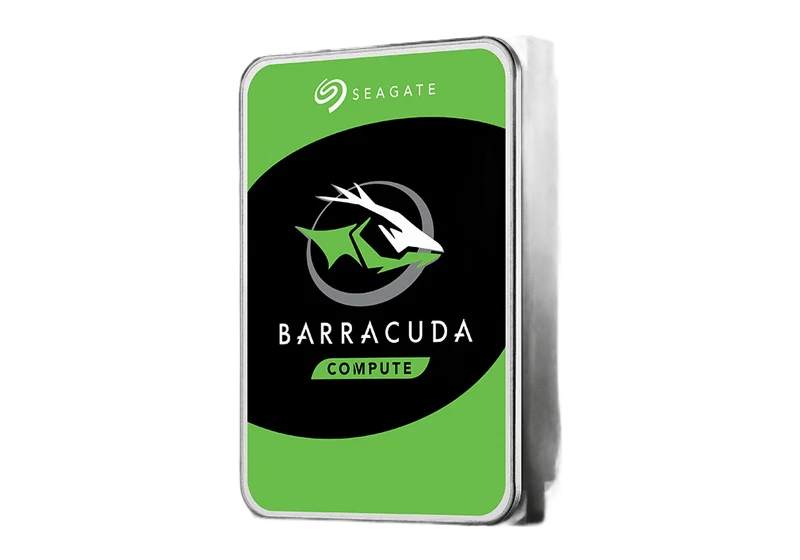
- Drive and SMART: SMART shows power-on hours and reallocated sectors. A dying hard drive slows the whole system, even with a fast processor.
- Free space: With almost no free space left, Windows cannot write temp files or update itself, and everything stalls.
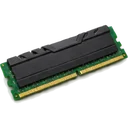
- Memory (RAM): 4 GB with Windows 10/11 is a permanent bottleneck. Two mismatched sticks instead of a pair drop the system out of dual channel.
- Cooling and paste: Dust in the heatsink and fans, and dried paste under a box cooler, make the processor drop its clock.
- Power supply: An old PSU sags under load: restarts, shutdowns, black screen. You cannot see that from the outside.
- Background software: Two antivirus tools, updates mid-work, dozens of startup programs and a browser full of tabs.
When an upgrade stops paying off
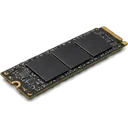
On a DDR3 system with a SATA2 board an SSD still gives a real speed gain, but adding memory or replacing the processor no longer pays back. If the board shows bulging capacitors, the PSU is non-standard or the parts are not available — we do the minimum and plan a new PC. At diagnosis we tell you straight what pays off and what does not, before you pay.
Frequently asked questions
Why is the PC slow if the processor is good?
On a desktop the processor is almost never the problem. The time goes to the drive, the memory and the cooling: a slow or failing drive, 4 GB of RAM, dust and dried paste that cut the clock speed. Diagnosis checks them in order, not on a guess.
SSD or a new computer — which is worth it?
It depends on the platform. If the board is SATA3 and there is enough memory, an SSD brings the PC back to daily work. On an old DDR3 system with a non-standard PSU an SSD still helps, but it will not solve everything. At diagnosis we say what pays off, before you pay.
How much does the repair cost?
Diagnosis is 200 ₪ and is credited to the repair. Cleaning and thermal paste from 200 ₪, SSD upgrade from 500 ₪, memory from 200 ₪, Windows installation from 350 ₪. The exact price comes after diagnosis.
The PC shuts down by itself and is noisy — is that related?
Yes. Shutdowns under load and a loud fan point to cooling or the power supply. Dust in the heatsink and dried paste raise the temperature, and a weak PSU gives up under load. We check both and do not swap parts on a guess.
Related
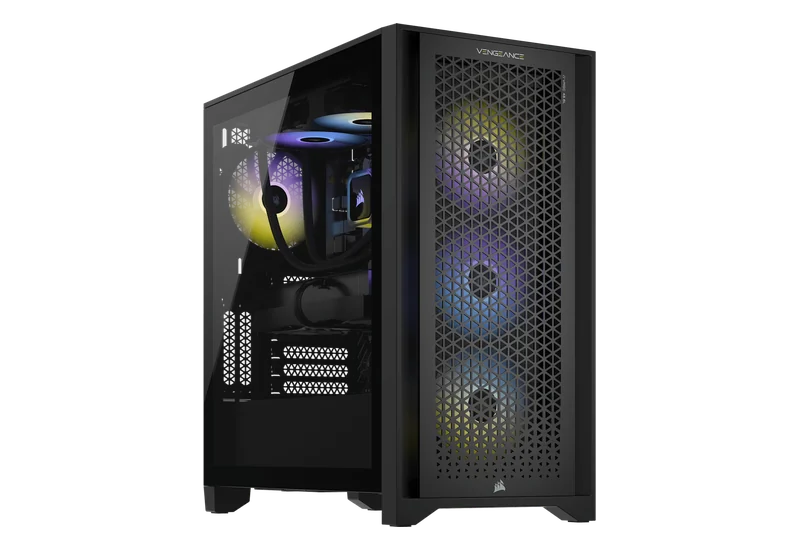
Desktop PC repair
All desktop services: diagnostics, upgrades, builds.
Slow laptop
The same question for a laptop: lag, heat, memory.
Custom PC build
When an upgrade no longer pays off, a new PC to your budget.
How it works
- Send or bring
Send the model and fault on WhatsApp, a photo helps, or bring the computer to the lab.
- Diagnosis at the lab
We check the drive, memory, cooling and power supply and explain what we found and what the options are.
- Price and approval
You get an exact price. Work starts only after you approve.
Contact
PCone Lab · independent lab in Netanya since 2007
- AddressPinhas Lavon 18, Netanya
Directions - Phone09-8345676
- WhatsApp053-701-2069
- HoursSun 9:00-19:00 · Mon-Thu 10:00-19:00 (break 13:30-15:00, Sun-Thu) · Fri 9:00-14:00 · Sat closed